




AI Image ToolsAI Image ToolsCommon AI Image
Ribbet.ai
Free multi-functional AI image processing toolbox
标签:AI Image Tools Common AI ImageAI image illustration generation Common AI Image Tools Common AI toolsWhat is Ribbet.ai?
Ribbet.ai is a free, comprehensive, and multifunctional AI image processing toolkit. It can quickly remove image backgrounds, convert photos to a cartoon style, colorize black and white photos, enlarge images in high definition, detect faces, remove objects, add stylized effects, and generate deep, dreamlike images. These functions are easy to use, requiring no complex skills, and are suitable for various scenarios such as social media sharing and old photo restoration. With a clean and user-friendly interface, it’s a great helper for image processing.
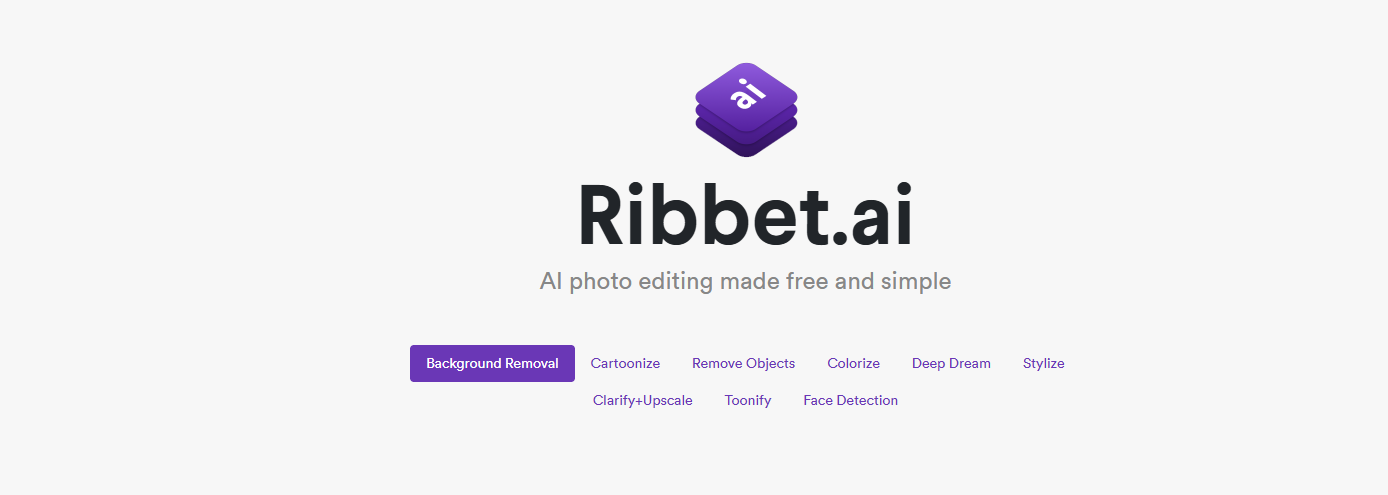
Ribbet.ai’s main functions
-
Background Removal : Quickly removes image backgrounds. Users can upload images or select from their gallery. AI completes the processing in seconds, making it convenient and fast.
-
Cartoonize photos : Transform photos into a cartoon style, perfect for sharing on social media or creative projects, adding a touch of fun.
-
Colorize Black and White Photos : Add color to black and white photos, restore old photos, and bring back the old days.
-
High-definition image magnification : Intelligently magnifies images while maintaining high quality and detail to meet high-definition requirements.
-
Face detection : Accurately identifies facial features in photos and can be applied to various image processing scenarios.
-
Object Removal : Paint over the part you want to remove, and AI will automatically erase it, easily removing unwanted elements from photos.
-
Stylization : Applying classic painting styles to images to give them an artistic feel.
-
Deep Dream Effect : Automatically detects and exaggerates photo patterns to generate a psychedelic dream style, suitable for creative designs.
How to use Ribbet.ai
-
Visit the official website : Enter https://ribbet.ai/ in your browser to access the official Ribbet.ai website.
-
Select Function : Choose the corresponding function according to your needs, such as background removal, photo cartoonization, etc.
-
Upload image : Click the upload button, select a local image or choose a photo from the free image library.
-
Waiting for processing : After uploading, the AI will automatically process the image, which usually only takes a few seconds.
-
View Results : After processing, check the results. If you are not satisfied, you can readjust.
-
Download and save : Once satisfied, click the download button to save the high-resolution image to your local device.
Application scenarios of Ribbet.ai
-
Social media sharing : Features such as background removal, cartoonization, or stylization allow users to quickly create more attractive images and increase their visibility on social media.
-
Old photo restoration : Use the black and white photo colorization function to add color to old photos and make precious memories more vivid.
-
Creative Design : Add unique visual effects to design projects and inspire creative ideas by using deep dream effects or stylization features.
-
Image optimization : Use the high-definition zoom function to improve image resolution and meet the high-quality requirements for printing or display.
-
Personal projects : Create images that fit the theme by removing objects or changing the background in personal blogs, websites, or handicraft productions.
-
Commercial Use : Quickly process images to meet different business needs and improve work efficiency in e-commerce product displays, advertising design, or corporate promotion.
相关导航





ai-navhub:The official website of the AI Toolset includes hundreds of AI tools from both domestic and international sources, as well as commonly used websites, frameworks, and models for AI learning and development, helping you join the wave of artificial intelligence and complete tasks efficiently and automatically!