




AI Image ToolsAI Image ToolsCommon AI Image
Kacha AI
Professional AI portrait tool, comparable to professional photography.
标签:AI Image Tools Common AI ImageCommon AI Image Tools Common AI toolsWhat is Kacha AI?
Kacha AI is a professional AI-powered portrait tool that uses AI technology to transform ordinary photos into artistic images with professional-looking results. Users can easily upload snapshots and choose from various styles, such as professional portraits, cartoon avatars, or travel photos, to quickly obtain personalized images. Kacha AI also features AI skin tone matching to ensure that skin tones appear optimal in various scenarios. Kacha AI supports social media theme creation, providing users with a variety of fun and engaging options.
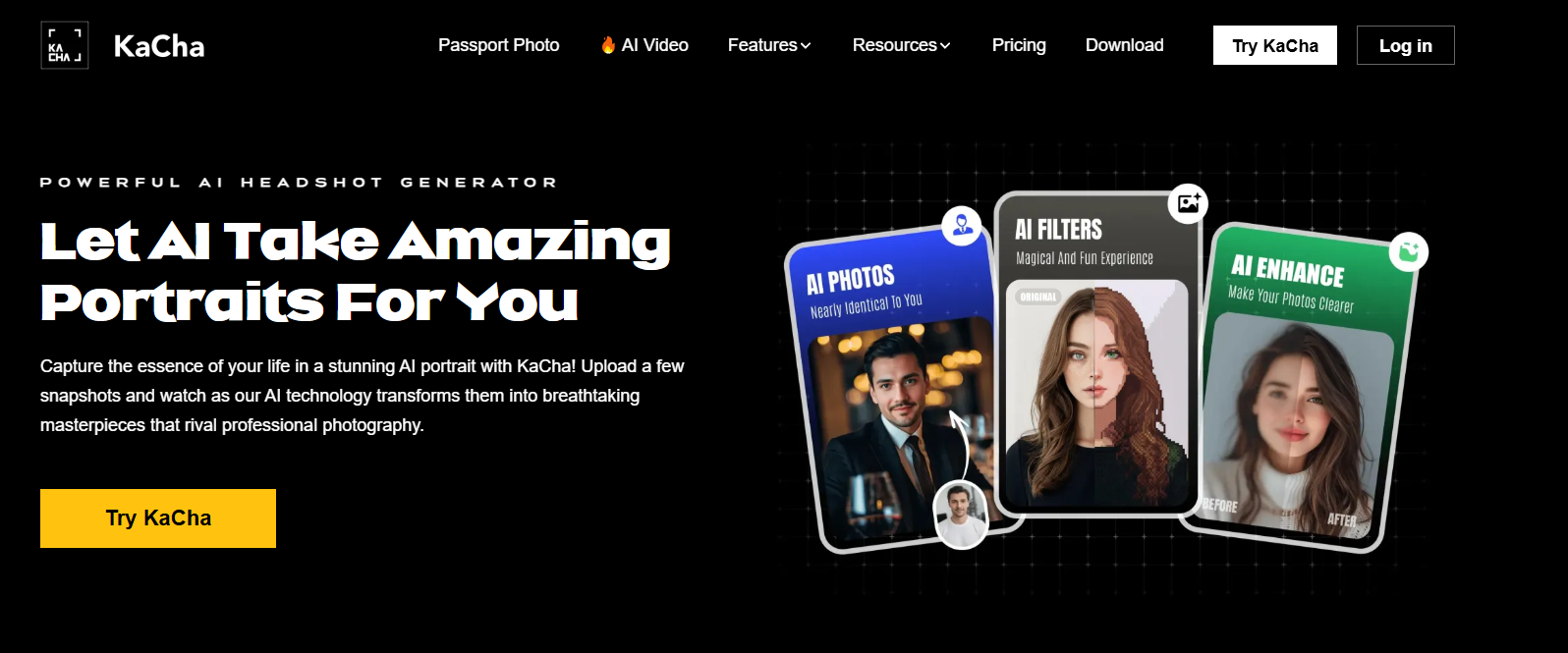
Kacha AI’s main functions
- AI-powered portrait technology : offers portraits in a variety of professional and creative styles to meet the needs of different industries.
- AI Cartoon Avatars : Quickly transform user photos into personalized cartoon characters.
- AI travel photography : allows users to place photos in dream scenes, such as famous landmarks or scenic spots.
- AI Skin Tone Matching : Kacha AI supports skin tone matching to ensure that skin tones are presented in the best possible way in avatar creation and photo editing.
- Social Media Theme Creation : Kacha AI offers a variety of themes to help users create images that fit social media themes and attract followers.
How to use Kacha AI
- Registration/Login : Visit the Kacha AI official website ( kacha.ai ), register an account and log in.
- Select Functions : After logging in, you can select different functions as needed, such as AI professional portraits, AI cartoon avatars, AI travel portraits, etc.
- Upload photos : Select the photos you want to process, upload them from your phone’s photo album, or take photos directly using the app.
- Choose a style : Select a style or effect based on the chosen function, and Kacha AI will display a preview of the effect.
- Adjustments and editing : If necessary, you can make further adjustments and edits to the photo to ensure the final result meets your expectations.
- Applying AI technology : Kacha AI uses its AI technology to process your photos and generate high-quality artwork.
- Save and share : Once processed, you can save the photos to your device or share them directly to social media through the app.
Application Scenarios of Kacha AI
- Profile and Avatar : Use Kacha AI to transform your personal photos into professional or creatively styled avatars for social media, forums, or personal blogs.
- Professional Image Building : Providing professional-style portraits to help professionals cultivate a professional image, suitable for resumes, business cards, or professional social networking platforms.
- Creative Content Creation : Content creators can use Kacha AI to create unique images for blogs, videos, or any media that requires visual appeal.
- Social media marketing : Businesses and brands can leverage Kacha AI to create compelling visual content for social media advertising or promotional campaigns.
- Personalized gifts : Transform photos of friends and family into cartoon avatars or other styles as personalized gifts.
相关导航




ai-navhub:The official website of the AI Toolset includes hundreds of AI tools from both domestic and international sources, as well as commonly used websites, frameworks, and models for AI learning and development, helping you join the wave of artificial intelligence and complete tasks efficiently and automatically!