




AI Image ToolsAI Image ToolsBackground Removal
Photon AI image cutout
Photon AI's AI Image Background Removal Tool
标签:AI Image Tools Background RemovalAI image background removalWhat is Photon AI Image Cutout?
Photon AI Background Removal is an AI-powered image background removal tool launched by Photon AI . When creating commercial photographs, users can easily separate products from their original backgrounds using this feature, enabling quick background replacement. Suitable for product displays on e-commerce platforms, it helps merchants quickly generate product images that meet diverse display needs, enhancing the visual appeal and attractiveness of their products.
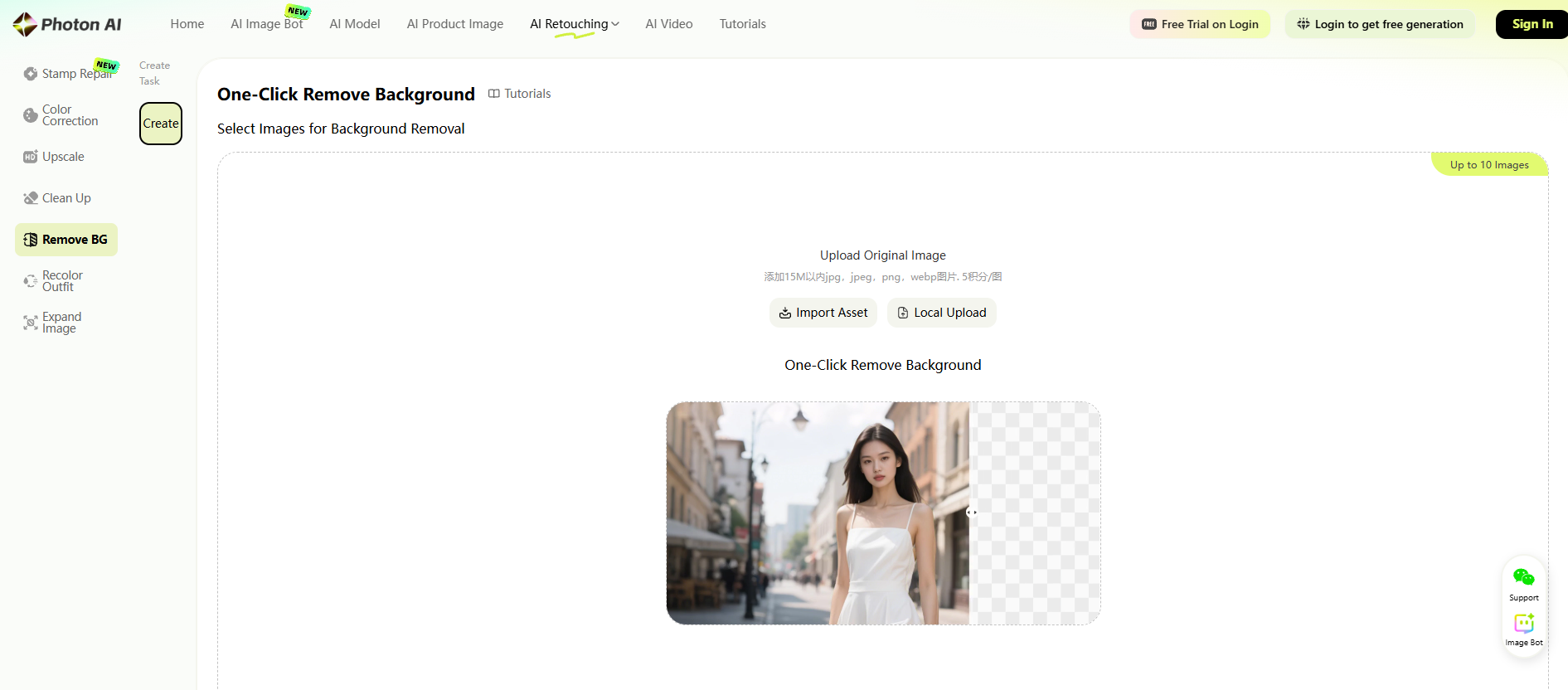
The main functions of Photon AI image cutout
-
One-click background removal : It can quickly and accurately separate products from the original background without complicated operations and long waiting times, thus improving work efficiency.
-
Supports multiple background replacements : provides preset scenes such as solid color, street photography, home, and natural scenery, and also allows users to upload custom background images to meet the product display needs of different scenarios.
-
Precisely identify product outlines : When removing the background, the product outlines can be accurately identified, preserving the integrity and details of the product and avoiding blurry or missing edges.
-
Synergizes with image editing functions : After background removal, it can be combined with other image editing functions, such as detail repair, color difference adjustment, and high-definition magnification, to further optimize the quality of product images.
How to use Photon AI for image matting
-
Access and Registration : Visit the official website of Photonaiclub AI Cutout at https://www.photonaiclub.com/workspace/cutout and register/login an account.
-
Select the function module : On the main interface, select the “AI Photo Editing” function module and then select the background removal tool.
-
Upload the original image : Upload the image whose background needs to be removed. Note that the image format and size must meet the platform requirements.
-
Preview and Edit : After removing the background, users can preview the result and make further edits, such as fixing details and adjusting color differences.
-
Save and download : After editing, users can save and download the processed image.
Application scenarios of photon AI image matting
-
Cross-border e-commerce adaptation : Quickly change product backgrounds and models according to the market promotion needs of different countries and regions to adapt to the display requirements of different e-commerce platforms.
-
Advertising Design : Quickly extract design materials to create unique and creative advertising posters, meeting the needs for background replacement and creative display in advertising design.
-
ID photo creation : Quickly remove the background and place the portrait on a standard ID photo background, improving the efficiency and quality of ID photo creation.
-
Social media sharing : Meet the social media sharing needs of ordinary users and create eye-catching content, such as changing photo backgrounds and adding creative elements.
相关导航




ai-navhub:The official website of the AI Toolset includes hundreds of AI tools from both domestic and international sources, as well as commonly used websites, frameworks, and models for AI learning and development, helping you join the wave of artificial intelligence and complete tasks efficiently and automatically!