




AI Image ToolsAI Image ToolsBackground Removal
Pic Copilot
Pic Copilot's AI-powered image cutout tool supports batch image cutout.
标签:AI Image Tools Background RemovalAI image background removalWhat is Pic Copilot AI image cutout?
Pic Copilot AI Background Removal is an AI background removal tool designed specifically for e-commerce sellers , supporting batch background removal. It can quickly extract desired elements from images, remove cluttered backgrounds, and retain the main product, facilitating secondary editing. Based on advanced AI algorithms and extensive data training, it achieves one-click background removal, improving the efficiency and accuracy of image processing. Users can easily generate images focused on the main product, optimizing e-commerce marketing results.
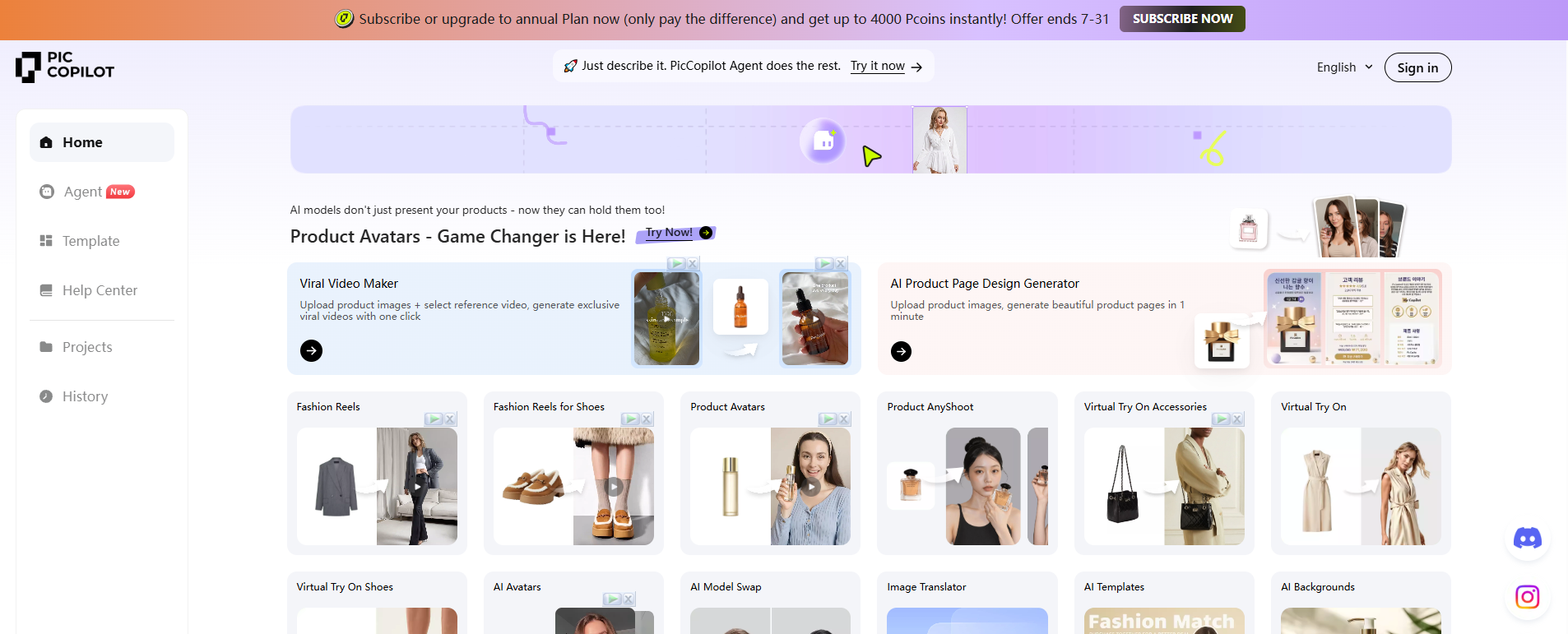
Pic Copilot AI image cutout main functions
- AI One-Click Background Removal : After users upload product images, AI technology can intelligently remove backgrounds, preserving the main product and eliminating cluttered backgrounds, making secondary editing convenient.
- Batch background removal : Supports uploading multiple images at once for batch background removal processing, improving efficiency.
- Changing the background color of an image : E-commerce platforms have specific requirements for product main images. Pic Copilot can quickly remove the background of an image and replace it with a product main image with a different background color to meet the platform’s requirements.
- Intelligent recognition and processing : Even with cluttered backgrounds and complex subjects, Pic Copilot’s AI background removal tool can achieve precise background removal, making it particularly suitable for scenarios that require rapid processing of large numbers of images.
- Edge and detail processing : Pic Copilot’s cutout tool can handle images with complex edges and details, making it suitable for scenarios requiring precise cutout.
- Background image generation : Used in conjunction with the “one-click background removal” tool, it removes cluttered backgrounds and integrates the product into a new and fitting scene.
How to use Pic Copilot AI for image cutout
- Visit the official website : Visit the official website of Pic Copilot and register or log in to an account.
- Select Tools : On the Tools page, find the “Background/White Background” function and click to use it.
- Upload Image : Upload the product image that needs to be cut out. The image size should not exceed 10MB. You can see the previously uploaded product images at the bottom of the upload page.
- Choose your background removal method : After uploading your product image, you will enter the product background removal interface. You can choose “Use AI-optimized transparent background” to intelligently remove the product image, or “Use unprocessed original image” to retain more of the original product details. If the product structure is complex, it is recommended to use the unprocessed original image to avoid losing edge details.
- To remove watermarks or manually cut out images : You can use the “Watermark Removal Pen” tool to remove unwanted elements from the image, or use the “Manual Cutout” tool to manually cut out unwanted parts of the product image.
- Change background color : If needed, you can select “Replace Color” to replace the background of the main object. The basic colors support transparent, white, and black, and there are more advanced colors to choose from.
- Download Image : After selecting the background color, click “Download” to complete the background cutout/white background image generation.
- Detailed instructions : Click to view detailed illustrated instructions.
Pic Copilot AI image cutout product pricing
- Free version : 25 credits; basic marketing styles and templates; AI-generated marketing ad images; AI intelligent background removal; multilingual image translation.
- Personal Pro : $3.99 per month; 2400 credits (200 credits/month/issued monthly/expiring); basic marketing styles and templates; Pro-exclusive marketing styles and templates; AI-generated marketing ad images; AI intelligent background removal; multilingual image translation; use of batch image processing tools & new feature lab.
- Premium Pro : $8.99 per month; 12,000 credits (1,000 credits/month/issued monthly/expiring); basic marketing styles and templates; Pro-exclusive marketing styles and templates; AI-generated marketing ad images; AI-powered background removal; multilingual image translation; use of batch image processing tools & new feature lab.
Application scenarios of Pic Copilot AI image matting
- E-commerce product display : E-commerce sellers can use Pic Copilot’s AI background removal function to create product images without backgrounds, or generate attractive product display images for online stores or social media marketing.
- Ad creation : Marketing teams can use AI image cutout technology to create eye-catching ad images, remove unwanted elements, or adjust images to fit different ad sizes and formats.
- Social media content : Social media managers or individual users can use AI-powered image cutout technology to enhance the visual appeal of posts, including adjusting image colors, applying filters, and cropping sizes to suit different social media platforms.
- Brand promotional materials : Businesses can use AI image cutout to design and edit brand brochures, posters and other marketing materials to ensure the professionalism and attractiveness of the images.
- Post-processing : Photographers can use AI cutout technology to remove distracting elements from photos or place the subject in a more attractive background.
相关导航




ai-navhub:The official website of the AI Toolset includes hundreds of AI tools from both domestic and international sources, as well as commonly used websites, frameworks, and models for AI learning and development, helping you join the wave of artificial intelligence and complete tasks efficiently and automatically!