




What is Magic Eraser?
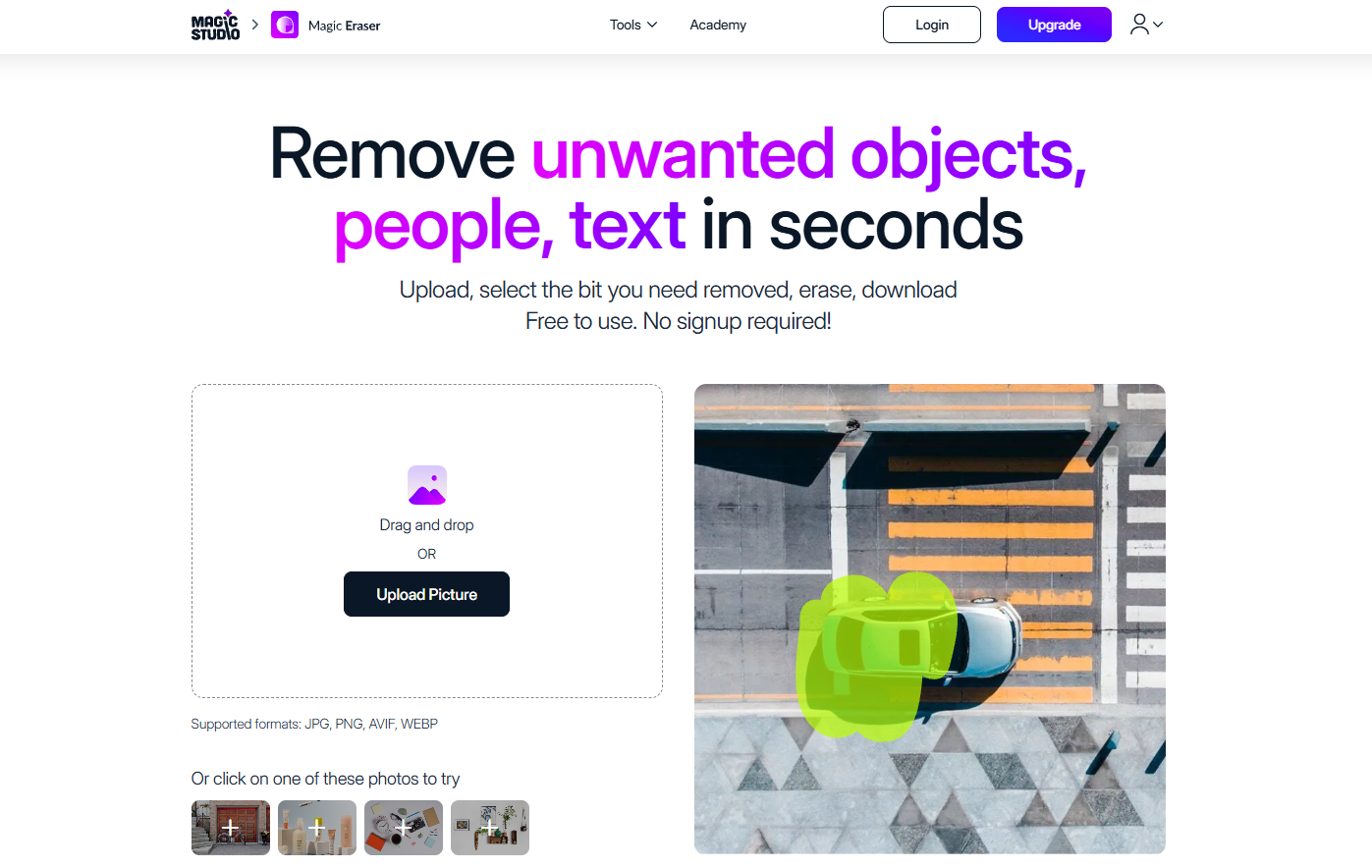
Magic Eraser, an AI image editing tool developed by Magic Studio, can quickly remove image backgrounds and save them as PNG or JPG files. Users can intelligently cut out backgrounds using simple outlines, and the software also includes a rich library of background images for selection. Magic Eraser also provides basic image editing functions such as filters, lighting effects, cropping, and rotation, as well as advanced features like removing video watermarks and creating collages or videos, meeting diverse image editing needs.
Magic Eraser Features
- Intelligent background removal : Users only need to simply outline the part they want to remove, and Magic Eraser can automatically recognize and complete the background removal operation.
- Background replacement : Magic Eraser offers hundreds of high-quality background images, allowing users to easily change or add custom backgrounds.
- Basic Image Enhancement : Integrates various enhancement functions such as filters, lighting effects, cropping, rotation, scenes, frames, highlighter, watermark, and blurring.
- Video editing : Magic Eraser allows you to add text, icons, stickers, and music to your videos, enhancing their expressiveness.
- Material forwarding : Magic Eraser allows users to quickly forward materials to team members, improving work efficiency.
How to use Magic Eraser
- Upload Images : Visit the Magic Eraser website ( magiceraser ) and upload the images you want to edit by dragging and dropping or clicking. Supported image formats include JPG, JPEG, PNG, HEIC, WEBP, TIFF, etc., and there are no restrictions on the resolution of uploaded images.
- Select the area to erase : Use the brush tool to select the part of the image that you want to erase. Adjust the brush size by sliding it to fit different sized areas.
- Adjusting details : Use the website’s zoom function to adjust the image and more precisely select the areas to erase.
- To perform the erase operation : After selecting the area to erase, click the “Erase” button. AI technology will help you remove the selected area.
- Evaluation Results : View the erasure results. If you are not satisfied with the results, you can reselect the area and try erasing again. The AI will optimize based on the previous results, and it may take several attempts to achieve the best effect.
- Download Image : Once you are satisfied with the editing results, click the download button to save the edited image to your device.
Application scenarios of Magic Eraser
- Product photography : Remove the background from product images to make the product stand out more, making it easier to use on e-commerce websites or in advertisements.
- Creative Design : Designers can use the Magic Eraser cutout function to place image elements into different design templates to create unique visual works.
- Social media : Users can quickly remove cluttered backgrounds from photos to make them look more professional.
- ID photo creation : Quickly change the background color of ID photos to meet the requirements of different documents or visas.
相关导航




ai-navhub:The official website of the AI Toolset includes hundreds of AI tools from both domestic and international sources, as well as commonly used websites, frameworks, and models for AI learning and development, helping you join the wave of artificial intelligence and complete tasks efficiently and automatically!