




AI Image ToolsAI Image ToolsLossless Enlargement
Upscayl
Free and open-source AI image lossless upscaling tool
标签:AI Image Tools Lossless EnlargementAI image lossless upscalingUpscayl is a beautifully designed, free, and open-source AI-powered image upscaling tool that supports desktop systems such as Windows, Mac, and Linux, and is used by over a million users. Leveraging state-of-the-art artificial intelligence, Upscayl helps you convert low-resolution images to high-resolution ones.
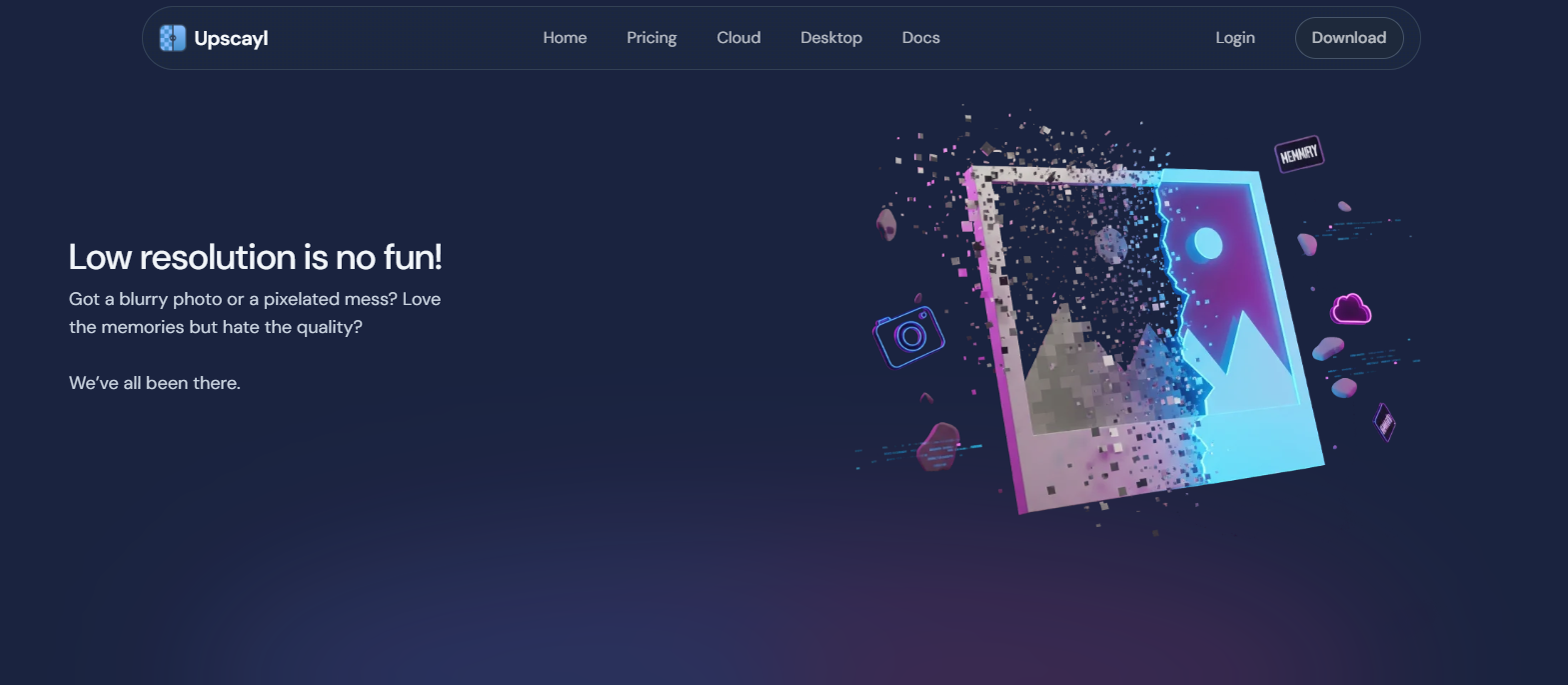
Main functions of Upscayl
- AI-driven image upscaling: Utilizing cutting-edge artificial intelligence technology to enhance image resolution while preserving the original details.
- User-friendly and intuitive interface: Enjoy a seamless user experience with simple controls and intuitive navigation; anyone can get started quickly.
- Supports batch image magnification: efficiently process multiple images at once, saving time and effort while maintaining the best magnification quality.
- Add custom models: Integrate and utilize custom AI models to provide users with the flexibility to leverage specific algorithms to meet their personalized scaling needs.
- Side-by-side comparison view: The convenient side-by-side comparison view visualizes the effect before and after magnification, allowing users to accurately evaluate the magnification results.
How to use Upscayl
- Visit Upscayl’s official website and click the Download button in the upper right corner to download the installation package for your operating system.
- After installation, open the software and click “Select Image” to add and select the image you want to enlarge.
- Select the image zoom-in model and choose the folder where the images are exported.
- Finally, click the Upscayl button to start zooming in.
Frequently Asked Questions
How does Upscayl work?
Upscayl uses an AI model to enhance images by guessing details; the tool achieves this by leveraging the Real-ESRGAN image super-resolution model.
Which platforms does Upscayl support?
Upscayl supports cross-platform desktop system operation, including Windows, Mac, Linux and other operating systems, and cloud-based online operation is coming soon.
What is the maximum magnification Upscayl supports for images?
Upscayl supports magnifying images by 2 to 4 times, with a default maximum resolution magnification of 4 times. However, it also offers Double Upscayl for multiple magnifications, theoretically achieving a magnification effect of up to 16 times.
相关导航




ai-navhub:The official website of the AI Toolset includes hundreds of AI tools from both domestic and international sources, as well as commonly used websites, frameworks, and models for AI learning and development, helping you join the wave of artificial intelligence and complete tasks efficiently and automatically!