




What is Decktopus AI?
Decktopus AI is a powerful AI-powered presentation generation tool . Users input an outline or prompts, and the tool quickly generates professional presentations. Decktopus AI features a drag-and-drop editor, AI presentation coach, custom layouts, organization panels, and design modes, significantly improving production efficiency and saving time. Decktopus AI can convert PDFs into interactive presentations, supporting dynamic Q&A sessions to help users better interact with their audience.
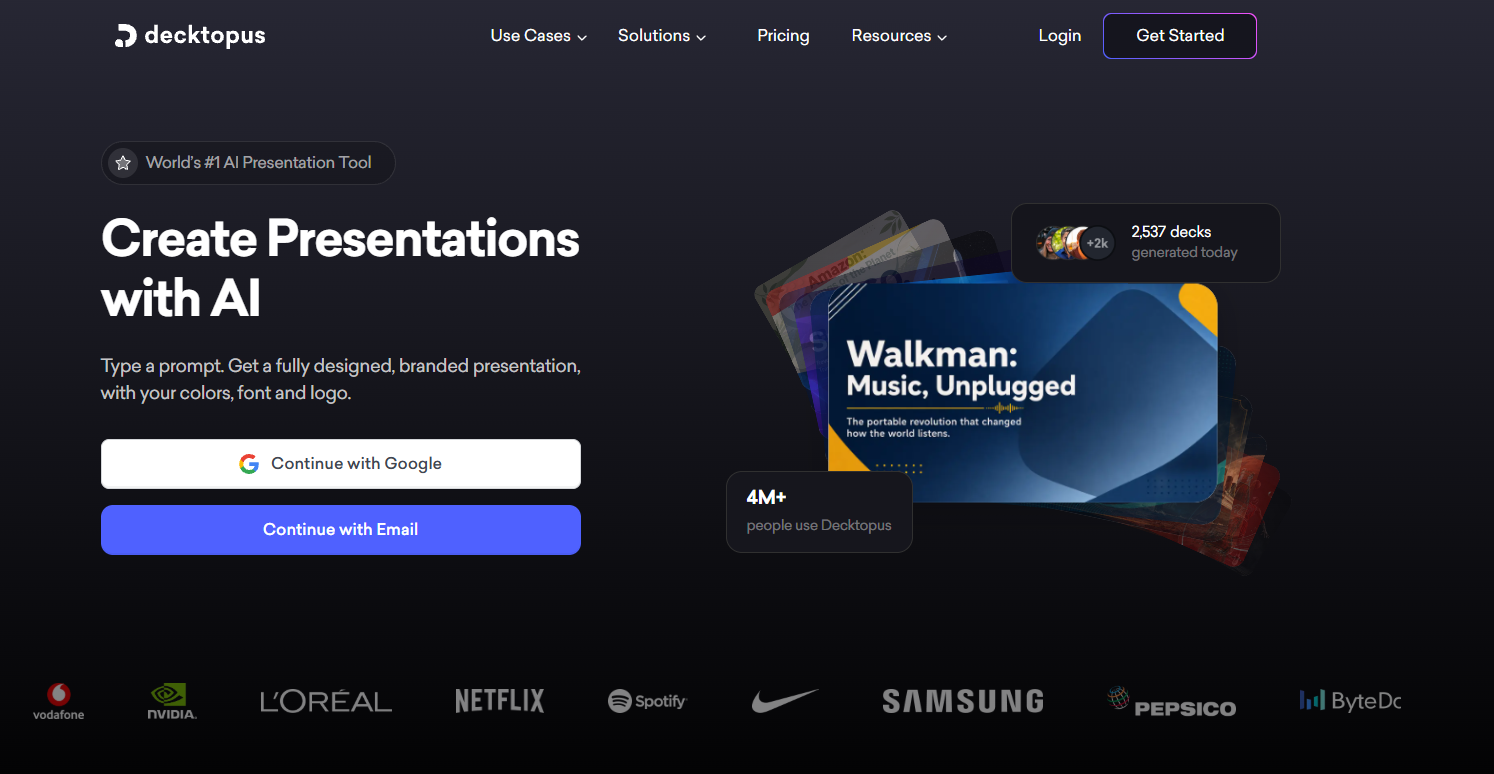
Main functions of Decktopus AI
- AI-generated presentations : Users input an outline or prompts, and AI quickly generates a complete presentation.
- Drag-and-drop editor : Easily edit presentations using drag-and-drop functionality, and support the creation and sharing of company templates.
- AI speech coach : Provides speaking skills and advice to help overcome stage fright.
- Custom layout : Upload a brand template to ensure brand consistency.
- Organization panel : Manage presentations, categorize by department, and monitor team collaboration.
- Interactive features : Supports dynamic Q&A sessions to enhance audience interaction.
- PDF Conversion : Quickly convert static PDFs into dynamic presentations.
How to use Decktopus AI
- Register/Login : Visit the Decktopus AI website, register an account, and log in.
- Enter prompt words : Click the “Generate My Slides” button and enter a presentation outline or descriptive prompt words in the pop-up window.
- Choose a template : Upload your brand template, or directly select the default template recommended by the system.
- Generate presentation : Click the “Generate” button, and Decktopus AI will quickly generate a presentation based on your input.
- Edit and customize : Use the drag-and-drop editor to adjust the generated presentation, modifying text, layout, and design elements.
- Speech Coach : Get advice on speaking skills and Q&A sessions using the built-in AI speech coach feature.
- Save and share : After you have finished editing, click the “Save” button to save the presentation or share it with others.
- Export and use : Export the presentation as a PPT or PDF file for easy editing in other tools or direct use in presentations.
Application Scenarios of Decktopus AI
- Business Presentations : Quickly generate presentations for product launches, sales meetings, and internal training to improve business communication efficiency.
- In the education sector : We create teaching materials for teachers’ lectures, student reports, and online courses, facilitating the digitalization of education.
- Marketing : Create presentations for brand promotion, event planning, and market research to enhance market influence.
- Personal presentations : Prepare presentations for public speaking, job interviews, and social events to improve your personal communication skills.
- Creative Design : Quickly generate presentations for design concepts, project proposals, and art exhibitions to inspire creative ideas.
相关导航







ai-navhub:The official website of the AI Toolset includes hundreds of AI tools from both domestic and international sources, as well as commonly used websites, frameworks, and models for AI learning and development, helping you join the wave of artificial intelligence and complete tasks efficiently and automatically!