




AI Office ToolsAI Office ToolsEfficiency Improvement
Timely
AI time management and tracking software
标签:AI Office Tools Efficiency ImprovementAI efficiency improvementWhat is Timely?
Timely is an AI-powered time management and tracking tool designed for consulting firms, agencies, and SaaS companies. The tool automatically captures work activities in the background, eliminating the need for manual input and ensuring accurate and real-time data without disrupting workflows. Timely’s AI capabilities quickly generate timesheets, providing comprehensive reports and team transparency, helping managers understand team performance and project progress in real time. Timely prioritizes privacy; users’ time records belong to them and cannot be viewed by managers unless actively shared by the user.
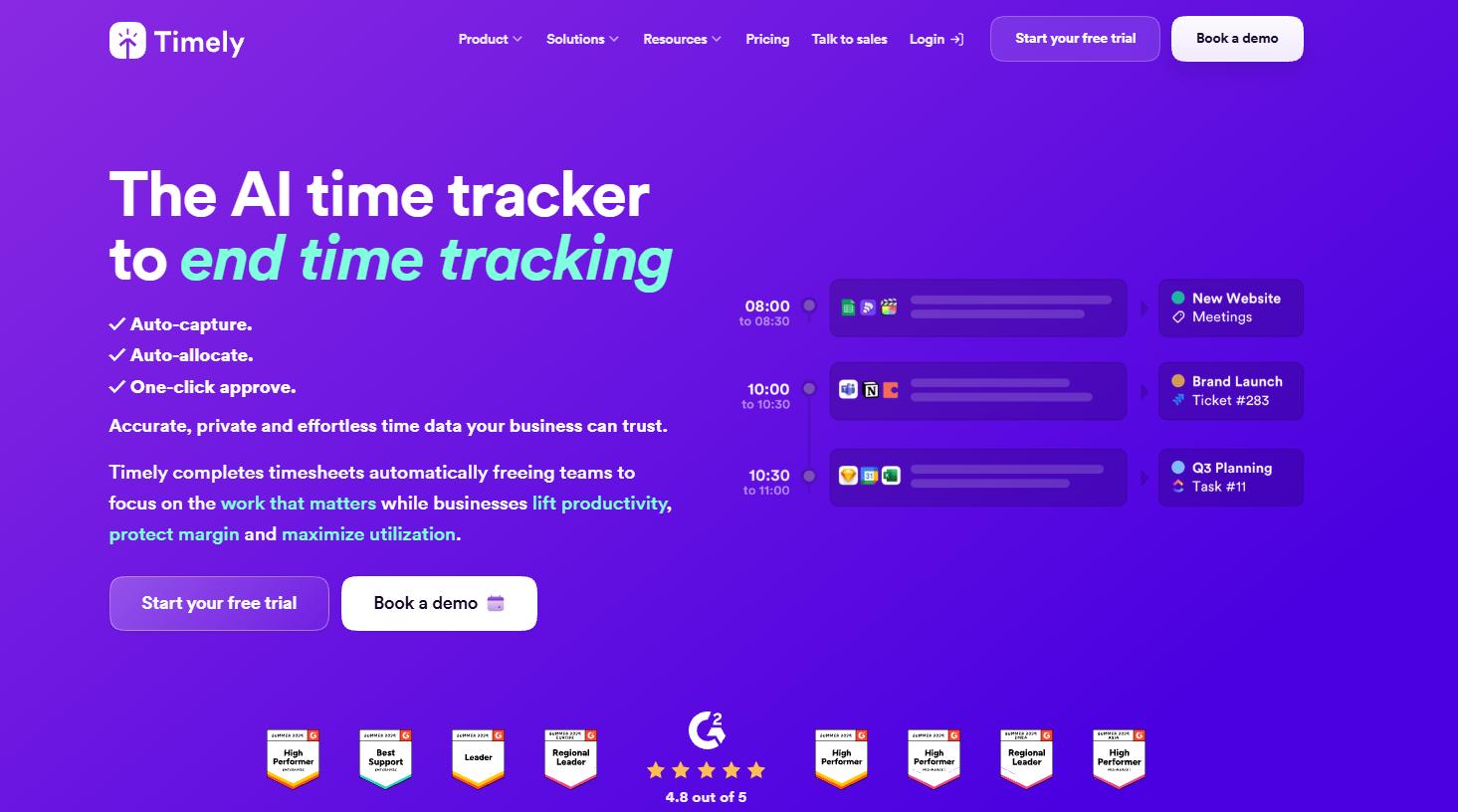
Timely’s main functions
- Automatic time tracking : Work activities are automatically recorded in the background, eliminating the need for manual input and ensuring accurate and real-time data.
- AI-generated timesheets : Based on previous recording patterns, quickly generate accurate timesheets to avoid forgetting or guessing work content.
- Comprehensive reporting capabilities : Provides clear, actionable reports that are easy to generate and customize for use in billing, project management, and performance evaluation.
- Team Transparency : Through a centralized dashboard, managers can view team performance, resource allocation, and project progress in real time.
- Privacy protection : Users’ time records belong to the users themselves and cannot be viewed by administrators unless the users actively share them.
- Task Management : Provides task management features to enhance team collaboration.
- Project Dashboard : Provide real-time insights into project health and deliverables.
- Billing rate optimization : Helps optimize team billing rates and improve business profitability.
How to use Timely
- Registration and Login : Visit the Timely official website to use it online. Follow the prompts to complete registration and log in to your account. For the client application, download and install the Timely application according to your operating system, and ensure it is running in the background.
- Set up the work environment : Add projects and tasks, configure time tracking rules and work hours.
- Start automatic time tracking : Timely automatically records work activities without requiring manual input.
- Generate timesheets : Quickly generate timesheets using AI features, and manually adjust them to ensure accuracy.
- Generate reports : Generate project, team, and individual reports to view time utilization.
- Team collaboration and management : Add team members, view the team dashboard, and assign tasks.
Timely’s application scenarios
- Consulting firms : Providing project consulting services to clients requires precise time recording for accurate billing and optimized project management.
- Advertising and creative agencies : Manage creative projects, ensuring the team uses its time efficiently and delivers high-quality results on time.
- Software development company : Track development progress, optimize resource allocation, and ensure projects are launched on time.
- Freelancers and remote workers : Effectively manage personal time, ensure work-life balance, and improve work efficiency.
- Project management team : Monitor project progress in real time, optimize team resource allocation, and ensure timely project delivery.
相关导航




ai-navhub:The official website of the AI Toolset includes hundreds of AI tools from both domestic and international sources, as well as commonly used websites, frameworks, and models for AI learning and development, helping you join the wave of artificial intelligence and complete tasks efficiently and automatically!