What is Kiro?
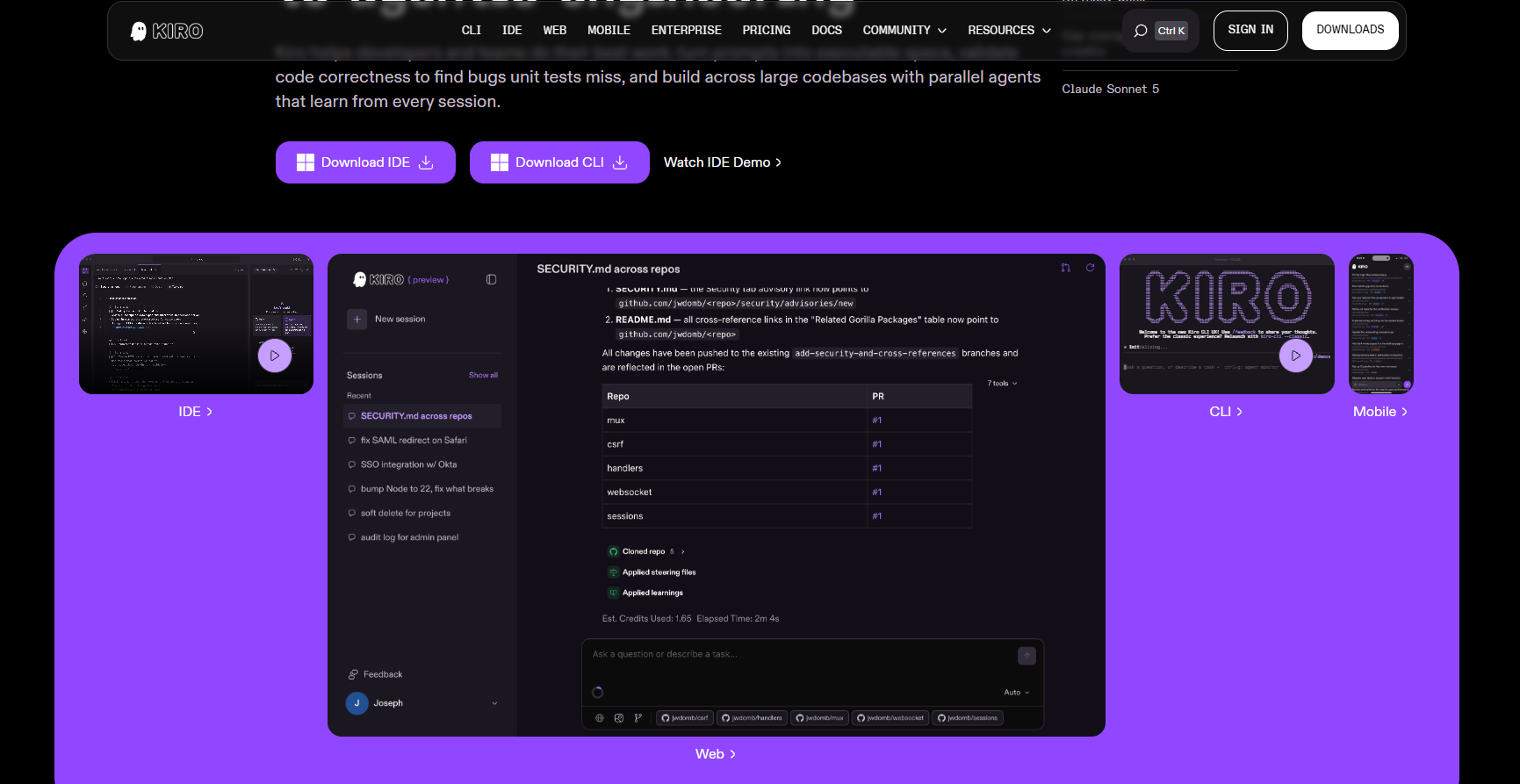
Kiro, an AI IDE from Amazon , helps developers efficiently deliver from concept to development. Kiro simplifies the development process through two core modes: Specs (Specifications) and Hooks (automation triggers). Kiro Specs, by first discussing and then building, breaks down requirements into user stories, design documents, and technical tasks, making development goals clear and traceable. Kiro Hooks, by first planning and then building, prioritizes the creation of necessary documents and designs, and through event-driven automation, automates repetitive tasks such as test updates and document refreshes, improving development efficiency and reducing errors. Kiro supports multiple programming languages and plugins, is compatible with VS Code settings, and provides a complete AI programming experience. Kiro is currently in preview and completely free; users can use the Claude-Sonnet-4 and Claude-Opus-4 models for free.
Kiro’s main functions
-
Requirements Management (Specs) : Break down vague requirements into specific user requirements, add boundary conditions, generate development guidelines, and keep requirements and code in sync.
-
Automated development (Hooks) : Automatically update test files, refresh documentation, scan for security issues, and verify code style.
- Integration and Extension : Supports Model Context Protocol (MCP) connectivity for professional tools, providing bootstrapping rules and agent chat functionality to meet diverse development needs.
- Compatibility and User Experience : Built on Code OSS, retaining VS Code settings and plugins, supporting multiple platforms and mainstream programming languages, and seamlessly integrating into existing development environments.
-
Preview code modifications : When executing a task, the Follow button allows you to preview code modifications, giving the user the choice.
- Instant undo changes : If you notice something is wrong, click the Revert button immediately to undo the changes and avoid mistakes.
- Agentic Chat : Context-aware programming tasks.
How to use Kiro
- Visit the official website and download : Visit the Kiro official website kiro.dev and download the Kiro installation package suitable for your operating system.
- To install Kiro : Run the downloaded installer and follow the prompts to complete the installation.
- Registration and Login : Open Kiro IDE, select a login method (such as Google or GitHub account), and complete the registration or login process.
- Create or import projects : Create new projects or import existing codebases in Kiro IDE.
- Using Kiro’s core features :
- Specs : Enter a description of your requirements, and Kiro will automatically generate user stories, design documents, and tasks.
- Hooks : Set up automated triggers so Kiro can automatically perform tasks, such as updating test files or documents, when saving files.
- Start Development : Use Kiro’s code editor and AI features to develop and complete the task step by step.
- Submit code : Submit code using Kiro’s Git integration features, with automated triggers performing security and specification checks automatically.
Kiro’s application scenarios
- Rapid prototyping : Quickly turn concepts into working prototypes, suitable for startup teams or individual developers to quickly validate ideas.
- Complex system development : Helping teams from requirements analysis to design, implementation, and deployment, ensuring a clear and efficient development process for complex systems.
- Secure application development : Rapidly develop secure applications, such as encrypted file-sharing systems, using Kiro’s automated triggers and best practices.
- Game Development : For developers who are not skilled in game development, quickly build game logic and functionality.
- Team Collaborative Development : By using specifications and automated triggers, we ensure that team members follow the same code standards and development processes, thereby improving collaboration efficiency.
相关导航