AI Development Platform

LangChain

Framework for developing language model-driven applications

标签:

What is LangChain?

LangChain is a framework for developing applications powered by Large Language Models (LLMs). It helps developers quickly build intelligent agents and applications by simplifying the development, production, and deployment of LLM applications. LangChain’s core features include a quick-start development experience, robust production support, and flexible deployment options. The framework consists of several open-source libraries, such as LangSmith langchain-core, LangGraph, langchainand LangGraph langgraph, providing comprehensive support from basic abstractions to complex application orchestration. LangChain integrates LangSmith and LangGraph for application evaluation and production-level orchestration, respectively, helping developers seamlessly transition from prototyping to production.
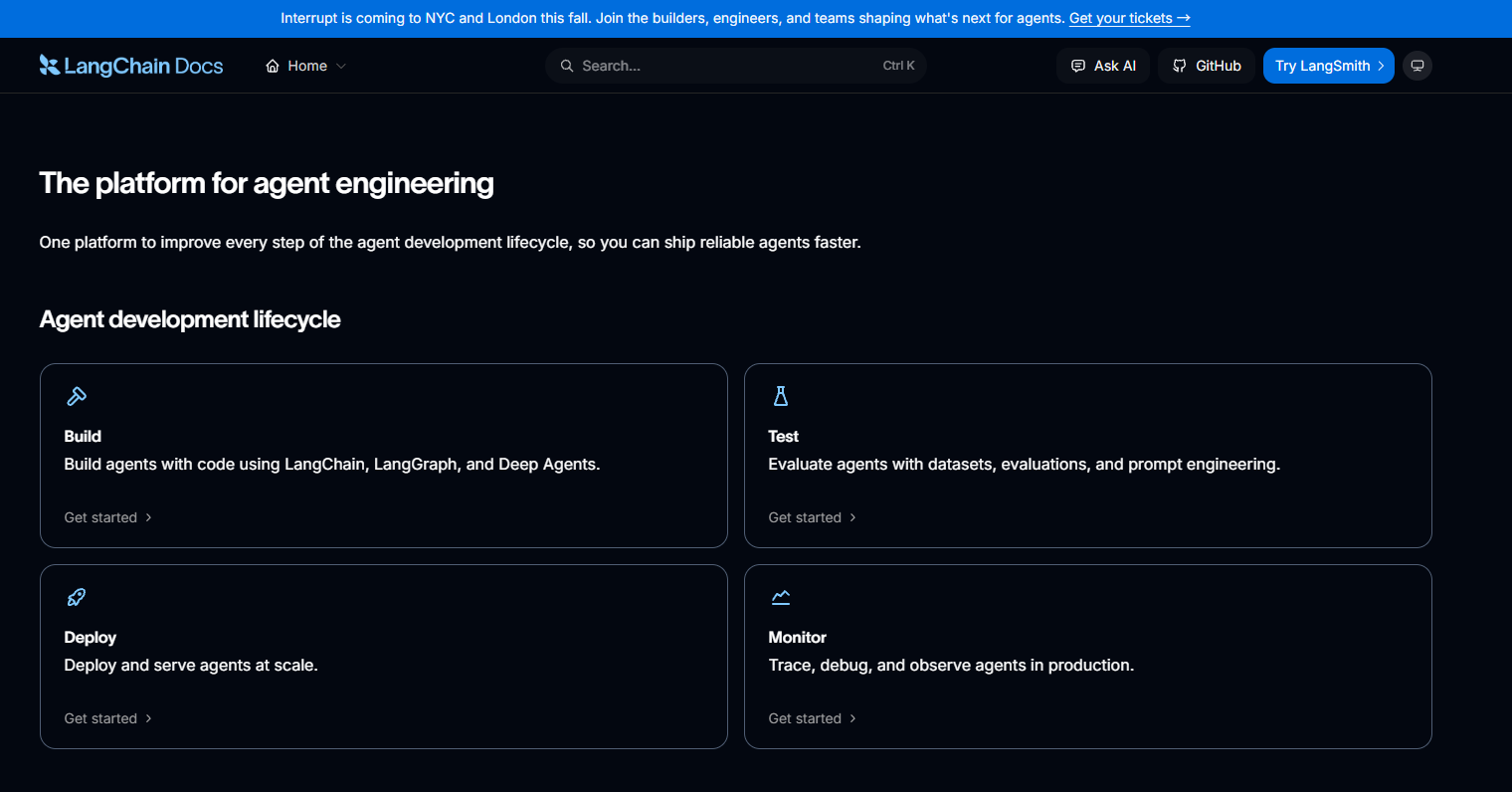
LangChain

Main functions of LangChain

  • Development : LangChain provides a wealth of open-source components and third-party integrations to help developers quickly build applications based on large language models (LLM).
  • Production : Through LangSmith, LangChain supports the evaluation, monitoring, and optimization of applications, ensuring their performance and stability in production environments.
  • Deployment : Supports transforming applications into production-grade APIs and intelligent agents, supports high-concurrency processing and persistent execution, and meets enterprise-level deployment requirements.
  • Integration : LangChain supports integration with various LLM models and a wealth of third-party tools, greatly expanding the functionality and applicability of applications.
  • Community and Extensions : LangChain has an active community where members jointly maintain third-party integrations, and users can easily add custom tools and models to meet specific needs.

How to use LangChain

  • Installing LangChain : The LangChain ecosystem is divided into different packages, allowing you to select and install the required functional modules.
    • Install the main langchainpackages :
pip < span class = “token function” > install < /span > langchain
    • Install specific integration packages :
      • If you need to use OpenAI’s models, install langchain-openaithe following package:
pip < span class = “token function” > install < /span > langchain-openai
      • If you need to use Anthropic’s models, install langchain-anthropicthe following packages:
pip < span class = “token function” > install < /span > langchain-anthropic
    • Install other tool packages : If you need to use other tools, install langchain-communitythe following packages:
pip < span class = “token function” > install < /span > langchain-community
  • Configure environment variables : Ensure the API key is configured in the environment variables. For example, if using OpenAI, set it like this:
< span class = “token builtin class-name” > export < /span > < span class = “token assign-left variable” > OPENAI_API_KEY < /span >< span class = “token operator” > = < /span > your_openai_api_key
  • Writing code : The following is a simple LangChain application example demonstrating how to create a chatbot based on OpenAI.
< span class = “token keyword” > from < /span > langchain < span class = “token punctuation” > . < /span > chat_models < span class = “token keyword” > import < /span > ChatOpenAI
< span class = “token keyword” > from < /span > langchain < span class = “token punctuation” > . < /span > prompts < span class = “token keyword” > import < /span > ChatPromptTemplate
< span class = “token keyword” > from < /span > langchain < span class = “token punctuation” > . < /span > chains < span class = “token keyword” > import < /span > LLMChain
< span class = “token comment” ># Initialize the chat model</span>
model < span class = “token operator” > = < /span > ChatOpenAI < span class = “token punctuation” >(< /span > model_name < span class = “token operator” > = < /span >< span class = “token string” > “gpt-3.5-turbo” < /span >< span class = “token punctuation” >)< /span >
< span class = “token comment” ># Define chat prompt template</span>
prompt_template < span class = “token operator” > = < /span > ChatPromptTemplate < span class = “token punctuation” > . < /span > from_template < span class = “token punctuation” >(< /span >
< span class = “token string” > “You are a helpful assistant. Answer the user’s question: {question}” < /span >
< span class = “token punctuation” >)< /span >
< span class = “token comment” ># Creating an LLM chain</span>
chain < span class = “token operator” > = < /span > LLMChain < span class = “token punctuation” >(< /span > llm < span class = “token operator” > = < /span > model < span class = “token punctuation” > , < /span > prompt < span class = “token operator” > = < /span > prompt_template < span class = “token punctuation” >)< /span >
< span class = “token comment” ># Running Chain</span>
response < span class = “token operator” > = < /span > chain < span class = “token punctuation” > . < /span > invoke < span class = “token punctuation” >(< /span >< span class = “token punctuation” >{< /span >< span class = “token string” > “question” < /span >< span class = “token punctuation” > : < /span > < span class = “token string” > “What is the capital of France?” < /span >< span class = “token punctuation” >}< /span >< span class = “token punctuation” >)< /span >
< span class = “token keyword” > print < /span >< span class = “token punctuation” >(< /span > response < span class = “token punctuation” >)< /span >
  • Build more complex applications with LangChain : LangChain supports building more complex applications such as smart agents and workflows. Below is an example of building a smart agent using LangChain.
< span class = “token keyword” > from < /span > langchain < span class = “token punctuation” > . < /span > agents < span class = “token keyword” > import < /span > create_agent
< span class = “token keyword” > from < /span > langchain < span class = “token punctuation” > . < /span > tools < span class = “token keyword” > import < /span > Tool
< span class = “token comment” ># Define a simple utility function</span>
< span class = “token keyword” > def < /span > < span class = “token function” > get_weather < /span >< span class = “token punctuation” >(< /span > city < span class = “token punctuation” > : < /span > < span class = “token builtin” > str < /span >< span class = “token punctuation” >)< /span > < span class = “token operator” > < /span >< span class = “token operator” >>< /span > < span class = “token builtin” > str < /span >< span class = “token punctuation” > : < /span >
< span class = “token triple-quoted-string string” > “” “Get weather for a given city.” “” < /span >
< span class = “token keyword” > return < / /span > < span class = “token string-interpolation” >< span class = “token string” > f “It’s always sunny in </span><span class=” token interpolation “><span class=” token punctuation “>{</span>city<span class=” token punctuation “>}</span></span><span class=” token string “>!” < /span >< /span >
< span class = “token comment” ># Create a smart proxy</span>
agent < span class = “token operator” > = < /span > create_agent < span class = “token punctuation” >(< /span >
model < span class = “token operator” > = < /span >< span class = “token string” > “gpt-3.5-turbo” < /span >< span class = “token punctuation” > , < /span >
tools < span class = “token operator” > = < /span >< span class = “token punctuation” >[< /span > Tool < span class = “token punctuation” >(< /span > name < span class = “token operator” > = < /span >< span class = “token string” > “get_weather” < /span >< span class = “token punctuation” > , < /span > func < span class = “token operator” > = < / /span > get_weather < span class = “token punctuation” > , < /span > description < span class = “token operator” > = < /span >< span class = “token string” > “Get weather for a given city” < /span >< span class = “token punctuation” >)< /span >< span class = “token punctuation” >]< /span >< span class = “token punctuation” > , </span>
prompt < span class = “token operator” > = < /span >< span class = “token string” > “You are a helpful assistant that can get weather information.” < /span >
< span class = “token punctuation” >)< /span >
# Run the smart agent
response < span class = “token operator” > = < /span > agent < span class = “token punctuation” > . < /span > invoke < span class = “token punctuation” >(< /span >< span class = “token punctuation” >{< /span >< span class = “token string” > “messages” < /span >< span class = “token punctuation” > : < /span > < span class = “token punctuation” >[< /span >< span class = “token punctuation” >{< /span >< span class = “token string” > “role” < /span >< span class = “token punctuation” > : < /span > < span class = “token string” > “user” < /span >< span class = “token punctuation” > , < /span > < span class = “token string” > “content” </ /span >< span class = “token punctuation” > :< /span > < span class = “token string” > “What is the weather in Paris?” < /span >< span class = “token punctuation” >}< /span >< span class = “token punctuation” >]< /span >< span class = “token punctuation” >}< /span >< span class = “token punctuation” >)< /span >
< span class = “token keyword” > print < /span >< span class = “token punctuation” >(< /span > response < span class = “token punctuation” >)< /span >
  • Use LangSmith for application evaluation and optimization : LangSmith is a tool for evaluating and optimizing LangChain applications. LangSmith allows you to track application performance, monitor its operation, and perform optimizations.
< span class = “token keyword” > from < /span > langchain < span class = “token punctuation” > . < /span > smith < span class = “token keyword” > import < /span > LangSmith
< span class = “token comment” ># Initialize LangSmith</span>
langsmith < span class = “token operator” > = < /span > LangSmith < span class = “token punctuation” >(< /span >< span class = “token punctuation” >)< /span >
< span class = “token comment” ># Evaluate Application</span>
evaluation_result < span class = “token operator” > = < /span > langsmith < span class = “token punctuation” > . < /span > evaluate < span class = “token punctuation” >(< /span > chain < span class = “token punctuation” > , < /span > < span class = “token builtin” > input < /span >< span class = “token operator” > = < /span >< span class = “token punctuation” >{< /span >< span class = “token string” > “question” < /span >< span class = “token punctuation” > : < /span > < span class = “token string” > “What is the capital of France?” < /span >< span class = “token punctuation” >}< /span >< span class = “token punctuation” >)< /span >
< span class = “token keyword” > print < /span >< span class = “token punctuation” >(< /span > evaluation_result < span class = “token punctuation” >)< /span >
  • Deploying LangChain applications : LangChain supports deploying applications as production-grade APIs or smart proxies. Use LangGraph to transform applications into production-grade services.
< span class = “token keyword” > from < /span > langchain < span class = “token punctuation” > . < /span > graph < span class = “token keyword” > import < /span > LangGraph
< span class = “token comment” ># Initialize LangGraph</span>
graph < span class = “token operator” > = < /span > LangGraph < span class = “token punctuation” >(< /span >< span class = “token punctuation” >)< /span >
# Add the application to LangGraph
graph < span class = “token punctuation” > . < /span > add_chain < span class = “token punctuation” >(< /span > chain < span class = “token punctuation” >)< /span >
< span class = “token comment” ># Deploy as API</span>
api < span class = “token operator” > = < /span > graph < span class = “token punctuation” > . < /span > deploy_as_api < span class = “token punctuation” >(< /span >< span class = “token punctuation” >)< /span >
< span class = “token keyword” > print < /span >< span class = “token punctuation” >(< /span > api < span class = “token punctuation” > . < /span > url < span class = “token punctuation” >)< /span >
  •  Use LangChain’s community resources : LangChain has an active community. Visit LangChain’s GitHub repository, documentation, and community forums for more resources and help.

Application scenarios of LangChain

  • Natural Language Processing (NLP) : Used for tasks such as text generation, text classification, and text summarization, helping developers build efficient language processing applications.
  • AI Assistants : Create intelligent chatbots and virtual assistants to provide users with personalized services and interactive experiences.
  • Enterprise Automation : Supports automated workflows for enterprises, simplifying complex tasks and improving work efficiency through intelligent agents.
  • Educational technology : used to develop personalized learning tools and intelligent tutoring systems to improve the quality of education and learning outcomes.
  • Healthcare : Providing medical consultation services and data analysis to support medical decision-making and improve patient care.

相关导航