CREAO
A zero-code AI application development platform with built-in AI agents.
标签:AI Development PlatformAI development platformWhat is CREAO?
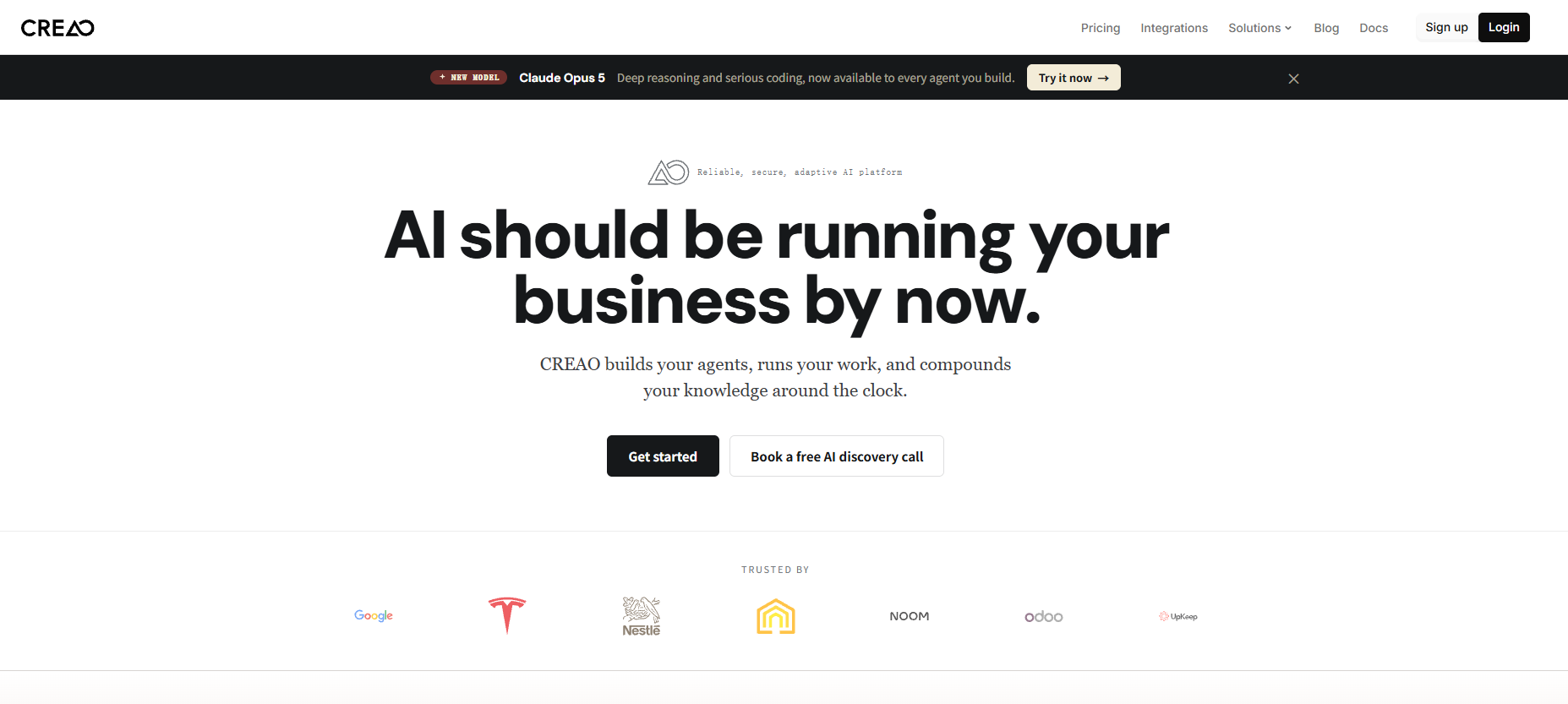
CREAO is an innovative no-code AI application development platform that allows users to build complete applications through simple descriptions. Users only need to describe their requirements, and CREAO’s AI will automatically handle complex infrastructure such as backends, databases, and hosting, without requiring any programming. It provides a rich integration library, supports popular tools and applications, and allows users to connect to custom tools via API or MCP servers to create powerful AI workflows. Each application has a built-in powerful AI agent to assist users in completing tasks. CREAO sets a new standard for AI-native applications, providing AI assistants with full application context, built-in backends and databases, and fully functional applications capable of handling complex workflows.
CREAO’s main functions
-
Build applications by describing them : Users only need to describe their requirements, and CREAO’s AI will handle the complex infrastructure such as backend, database, and hosting, allowing users to build complete applications without coding.
-
One-click integration tools : Provides a rich integration library, supports popular tools and applications, and allows users to connect to custom tools via API or MCP server to create powerful AI-driven workflows.
-
Built-in AI assistant : Each app has a powerful built-in AI assistant with intelligent proxy capabilities to help users complete tasks.
-
AI-native application standard : Provides AI assistants with full application context, built-in backend and database, and full-featured applications capable of handling complex workflows.
-
Mermaid Chart Visualization : A small tool developed by CREAO that can render Mermaid code into dynamic charts with paper-textured cards, bold material colors, click ripple effects, smooth transitions, and micro-interactions.
-
Real-time demo and testing : Users can put Mermaid code in their replies to test the tool’s performance.
How to use CREAO
- Access Platform : Visit the CREAO official website: https://creao.ai/, register or log in.
-
Describe your needs : Users tell CREAO what tool they want through simple text descriptions. For example, you could say, “Create a dashboard to track my Twitter interactions and export the results to a CSV file.”
-
Automated Application Building : CREAO’s AI understands user intent and automatically builds the corresponding tools, connecting to the user-specified API. The moment a user submits an idea, AOS automatically completes the synchronous building and deployment of the front-end interactive interface, back-end database architecture, server logic, and even the core Creao Agent.
-
Integration tools : Users can use CREAO’s rich integration library to connect popular tools and applications, or connect custom tools via API or MCP server to create powerful AI-driven workflows.
-
Use the built-in AI assistant : Each app has a powerful built-in AI assistant with intelligent proxy capabilities to help users complete tasks.
CREAO’s product pricing
- Free version : 30 credits per month.
- No credit card required to start using
- You can build complete native AI applications from simple languages.
- Frictionless integration with official API and MCP
- Use the native Copilot application to automate complex tasks (beta version)
- No credit card or coding experience required
- Pro version : $12.50 per month (provides 250 credits per month)
-
Includes all features of the free version
-
Provides advanced code proxy for complex builds
-
Custom API and MCP integration
-
Source code and database visibility
-
Access to advanced features in advance
-
CREAO is suitable for the following people
-
Senior programmers : They are involved in the maintenance of complex systems and require AI to quickly understand the project architecture and requirements, and to iterate modules and troubleshoot problems.
-
Vibe Coder : Needs to quickly validate ideas from scratch and wants to get a complete product to find target users.
-
Enterprise users : need to create customized intelligent agents to solve business problems, seek intelligent customer service solutions, or want to use intelligent agents for brand marketing and user interaction.
-
Content creators : This includes educators who want to create knowledge-based intelligent agents and creators who need to create IP digital avatars.
-
Developer community : Developers interested in AI application development, low-code development enthusiasts who want to create applications visually, and product managers who need to quickly validate AI product concepts.
-
General users : Technology enthusiasts who are interested in AI technology and want to try it out, as well as professionals in specific fields who have certain expertise and want to create their own intelligent agents.
相关导航