






What is FakeYou?
FakeYou is an AI-powered text-to-speech platform where users input text, select their favorite cartoon character or celebrity voice, and the character can “speak” the desired content. The platform supports various functions including text-to-speech, speech conversion, and voice cloning , and offers zero-sample speech synthesis technology, generating realistic voices even without a large number of samples. FakeYou boasts a rich library of character voices, including Mickey Mouse, Rick, and Bill Gates, and is widely used in creative videos, audio production, and personal entertainment, enjoying immense popularity among users worldwide.
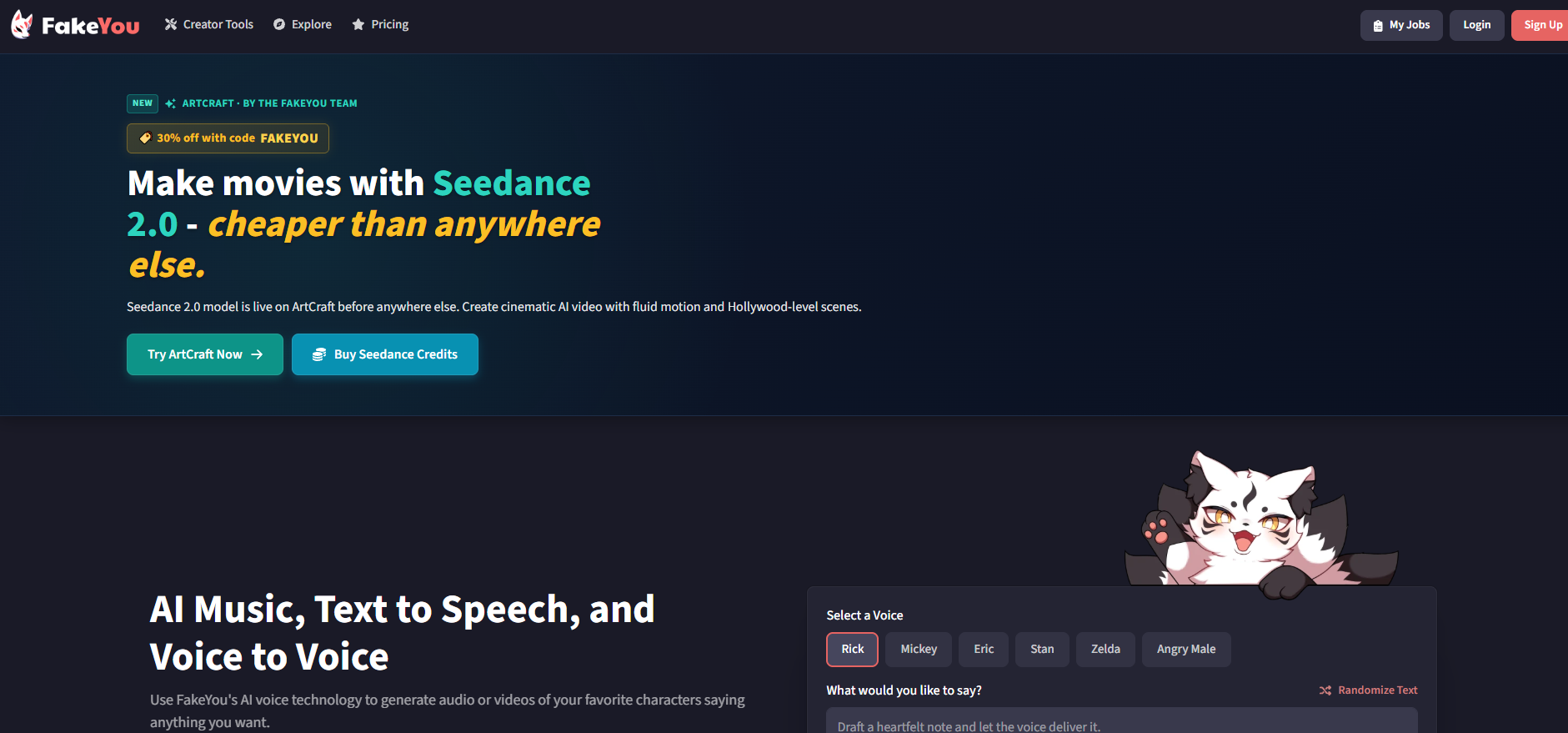
FakeYou’s main functions
- Text to Speech : Users input text content and select their preferred voice (including the voices of celebrities or cartoon characters), and the platform can convert the text into audio.
- Voice Conversion : Users can convert their own voice into other voices, such as making their voice sound like Mickey Mouse, Rick, or other celebrities.
- Voice Cloning : Users upload a voice sample of a specific person, and the platform can generate a voice clone of that person.
- Zero-shot voice cloning/conversion : It can generate realistic speech using advanced AI technology, even without a large number of sound samples.
- Voice Designer : Users can create their own AI voices, adjusting parameters such as pitch, speech rate, and timbre to generate a unique voice.
How to use FakeYou
- Register/Login : Visit the FakeYou official website to complete account registration and login.
- Select Function : After entering the homepage, select the desired function, such as “Text to Speech” or “Voice Conversion”.
- Enter text or upload voice : For text-to-speech, enter the text you want to convert; for voice conversion, upload the voice file.
- Choose a voice : Select your favorite voice from FakeYou’s extensive voice library, such as cartoon character or celebrity voices.
- Adjust settings (optional) : Adjust speech rate, pitch, volume, and other parameters as needed.
- Generate speech : Click the generate button, and FakeYou will generate a speech or audio file based on your input and settings.
- Download or share : The generated audio file can be downloaded locally or shared directly to social media or the FakeYou community.
Application scenarios of FakeYou
- Video creation : Creators generate voices of celebrities or cartoon characters to dub videos, adding fun and appeal.
- Audiobooks : Converting text content into speech to create audiobooks or audio stories suitable for children’s education or adults’ leisure reading.
- Ad Production : Generate engaging narration for ads, select specific voice styles, and enhance the ad’s appeal and professionalism.
- Language learning : Through speech synthesis, learners practice pronunciation and imitate the sounds of different languages, helping them to better master languages.
- Virtual Assistant : Create personalized voices for virtual assistants or chatbots to enhance the user experience.
相关导航



ai-navhub:The official website of the AI Toolset includes hundreds of AI tools from both domestic and international sources, as well as commonly used websites, frameworks, and models for AI learning and development, helping you join the wave of artificial intelligence and complete tasks efficiently and automatically!