






AI Learning Website
Reading Coach
Microsoft launches free personalized AI reading and learning coach
标签:AI Learning WebsiteAI learning websiteReading Coach is a free AI-powered reading coach launched by Microsoft, designed to help learners improve their reading skills through personalized and engaging reading exercises. This reading aid utilizes artificial intelligence technology and combines it with ReadWorks’ leveled reading material library to provide learners with a reading environment that matches their ability level. The launch of Reading Coach provides students and educators with a powerful tool that not only enhances reading skills but also stimulates learners’ interest and engagement through personalized learning experiences.
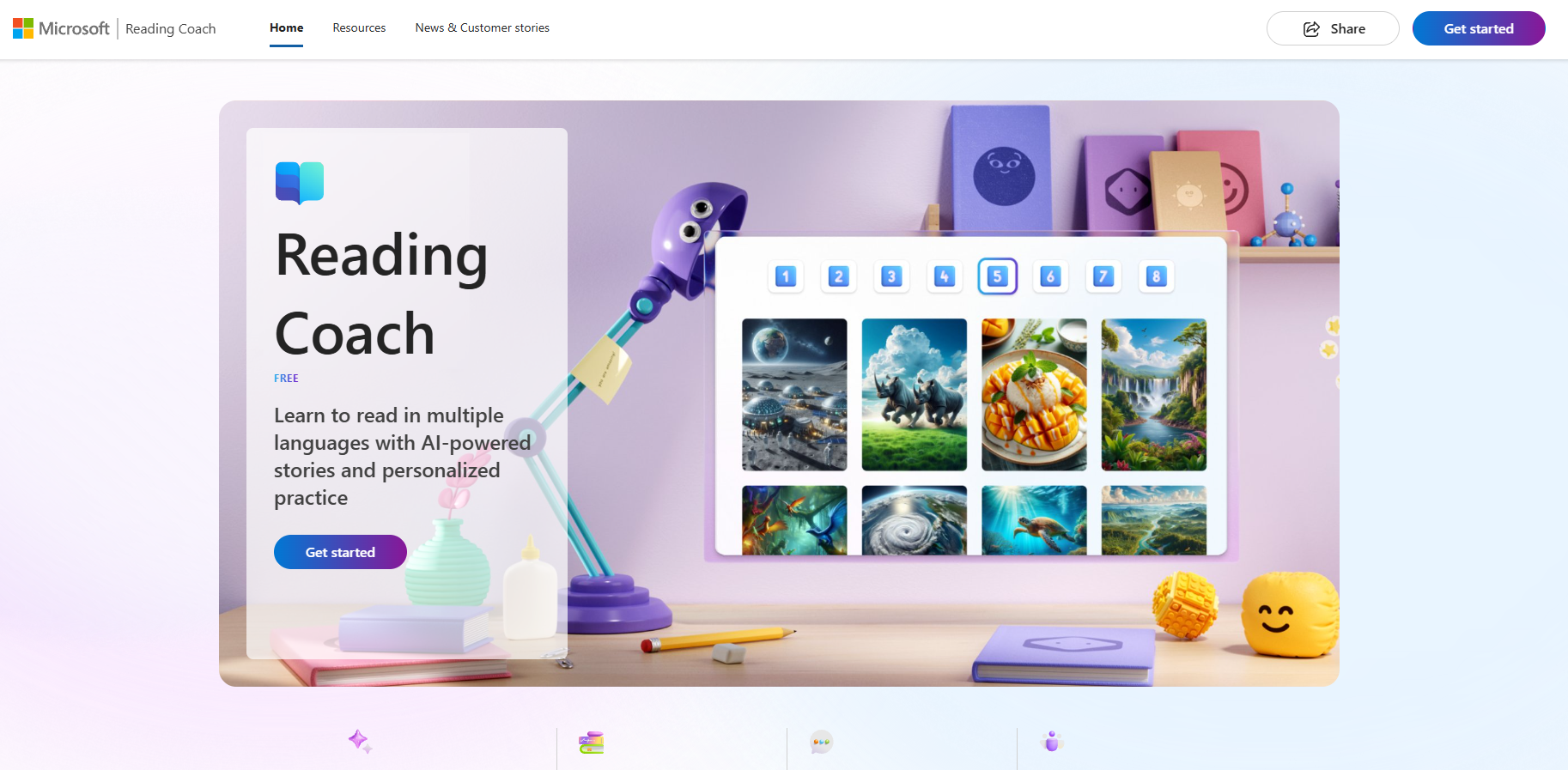
Reading Coach’s main functions
- Three reading modes : providing three modes to meet the needs of different learners: creating stories, reading from the library, and adding your own stories.
- Personalized story content : Learners can participate in the story creation process, choosing characters, backgrounds, and reading levels, making each story unique.
- Reading fluency analysis : Using AI technology to convert speech to text, this feature analyzes learners’ reading fluency, identifies challenging words, and records reading accuracy, speed, and time.
- Targeted practice : After each reading exercise, targeted vocabulary practice is provided to help learners overcome difficulties in reading.
- Achievement and Progress System : Learners can earn badge achievements through their efforts and unlock new characters and backgrounds, motivating them to continue reading.
- Inclusive design : The immersive reader is specially designed to support emerging readers with reading disabilities and help them build confidence in reading.
- Safe and Responsible AI : All generated story content is reviewed by Microsoft’s Responsible AI Guidelines to ensure the quality, safety, and age appropriateness of the content.
How to use Reading Coach
- Visit the Reading Coach website (coach.microsoft.com), log in to your Microsoft account, and click Get Started to begin using it.
- Select reading mode, and take creating a story as an example, click “Create a story”.
- Choose the main characters in the story, such as animals, fantasy, or science fiction characters.
- Then select the story’s location and reading level, and wait for the story to be generated.
- Grant microphone access and click Start Reading to begin reading.
- After reading, Reading Coach will display a reading results analysis.
Application scenarios of Reading Coach
- Classroom support : In a school setting, teachers can use Reading Coach to provide students with personalized reading materials to help them practice reading skills and improve their reading comprehension.
- Home Learning : Parents can use Reading Coach to tutor their children at home, stimulating their reading interest through fun stories and interactive exercises, while also tracking their learning progress.
- For learners with special needs : Reading Coach’s inclusive design and personalized exercises can help students with reading disabilities or learning difficulties overcome obstacles and gradually improve their reading skills.
- Second Language Learning : For learners of a second language, Reading Coach’s graded reading materials and fluency analysis features can help them better master the language and improve the accuracy and fluency of their language use.
- Educational Research : Educators and researchers can use Reading Coach to collect data to study the effectiveness of reading instruction methods and the application of artificial intelligence in education.
Frequently Asked Questions
Is Reading Coach free?
Reading Coach is currently in free public beta testing, and any user with a Microsoft account can use it for free.
Which languages does Reading Coach support?
Reading Coach is currently available in American English, with support for other languages and dialects planned for 2024.
Which platforms does Reading Coach support?
Reading Coach is available as an online web version and a Windows desktop application.
What is the underlying model that Reading Coach is based on?
Reading Coach is based on the GPT large model and is powered by Microsoft’s Azure OpenAI service.
相关导航


ai-navhub:The official website of the AI Toolset includes hundreds of AI tools from both domestic and international sources, as well as commonly used websites, frameworks, and models for AI learning and development, helping you join the wave of artificial intelligence and complete tasks efficiently and automatically!