






AI Training Model
Chatbox AI
an open-source AI client assistant that supports multiple mainstream AI models.
标签:AI Training ModelAI training modelWhat is Chatbox AI?
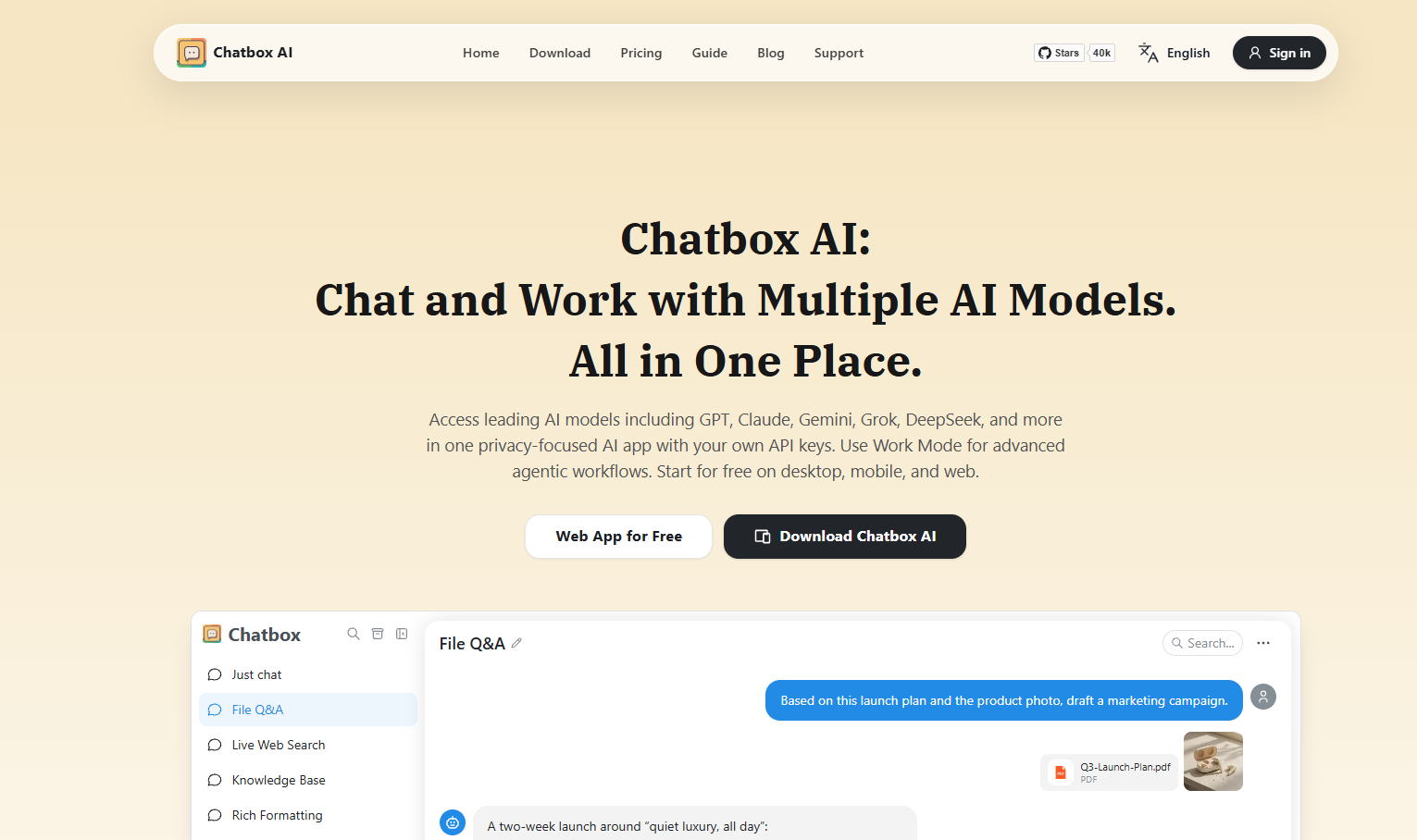
Chatbox AI is an open-source, cross-platform AI client application and intelligent assistant, supporting Windows, Mac, Linux, iOS, Android, and a web version. It integrates multiple advanced language models (such as ChatGPT, DeepSeek , Claude, and Google Gemini Pro) and supports local models (such as Llama2 and Mistral). Chatbox AI offers rich features, including local data storage, image generation (Dall-E-3), code highlighting, Markdown and LaTeX support, multilingual interaction, and team collaboration. Under the GPLv3 open-source license, Chatbox AI allows users to customize features and contribute to the community.
Chatbox AI’s main functions
- Multi-language model support : Compatible with a variety of mainstream AI models, such as ChatGPT, Claude, Google Gemini Pro, Ollam, etc., to meet the needs of different scenarios.
- Local data storage : All chat logs and data are stored on the local device, ensuring privacy and security and avoiding the risk of data leakage.
- Image generation : Integrated with Dall-E-3, it supports generating images based on text descriptions, turning creative ideas into visual works.
- Code assistance : Supports code generation, syntax highlighting, code review, optimization and other functions to help developers improve programming efficiency.
- Document interaction : Supports interaction with PDF, Word, Excel and other documents, extracts content and provides intelligent replies.
- Online Search : Real-time online search to get the latest information, supporting content summaries and fact-checking.
- Markdown and LaTeX support : suitable for academic writing and technical documents, supporting formatted text and complex formulas.
- Cross-platform compatibility : Supports Windows, Mac, Linux, iOS, Android, and web versions, allowing you to use it anytime, anywhere.
- Multilingual support : Supports multiple languages including English, Chinese, Japanese, Korean, French, German, and Russian.
- Team collaboration : Supports teams to share API resources, improving collaboration efficiency.
How to use Chatbox AI
- Download and Installation : Visit the Chatbox AI official website or GitHub repository , and select the appropriate version to download and install based on your device type.
- Configure API key :
- To use specific AI models (such as OpenAI’s GPT series), you need to configure an API key.
- Register and log in to the relevant AI service provider’s platform (such as OpenAI, Anthropic, etc.) to obtain the API key.
- In the settings, find the API key configuration option and enter the API key and interface address.
- Select a language model : Choose the language model to use (such as GPT-3.5, Claude, Google Gemini Pro, etc.) in the main interface or settings. Adjust the model parameters as needed (such as context length).
- Getting Started : Enter your question or command in the input box on the main interface, and the system will automatically generate a reply.
- Prompt Debugging : Use the Prompt management tool provided by Chatbox AI to save and reuse frequently used Prompts, and optimize Prompts based on the debugging tool to achieve better response results.
Chatbox AI’s unique advantages
- Open source and community support : Users can freely view, modify and extend the code. Users can not only get technical support, but also promote feature improvements and the development of new features based on community feedback.
- Local Deployment and Data Privacy : All chat logs and prompts are stored locally, ensuring user data privacy and security and avoiding the risk of data leakage due to network problems or third-party storage.
- Flexibility and scalability : Chatbox AI supports multiple large language models. Users can choose the most suitable model according to their needs and develop custom plugins to further expand the functionality of Chatbox and create their own AI assistant.
- Free and low-cost : Chatbox AI itself is free. Compared to the fixed fee of ChatGPT Plus, Chatbox charges based on usage, making it more affordable and suitable for individual users and small teams.
Application scenarios of Chatbox AI
- Improve office efficiency : Quickly generate and edit documents such as reports, emails, and meeting minutes, saving time.
- Learning aids : Help students answer academic questions, covering multiple disciplines, and improve learning efficiency.
- Code generation : Quickly generate code snippets, functions, or complete scripts, supporting multiple programming languages and improving development efficiency.
- Image generation : Generate high-quality images based on text descriptions to inspire creativity.
- Information Inquiry : Real-time online search to obtain the latest information and answer everyday questions.
相关导航


ai-navhub:The official website of the AI Toolset includes hundreds of AI tools from both domestic and international sources, as well as commonly used websites, frameworks, and models for AI learning and development, helping you join the wave of artificial intelligence and complete tasks efficiently and automatically!