






AI Prompts
AIPRM
AI-powered prompt word library and prompt word management tool
标签:AI PromptsAI prompts and instructionsWhat is AIPRM?
AIPRM is a prompt management tool and community-driven prompt library designed to provide prompts for AI models such as ChatGPT, Claude, Midjourney, and DALL-E 3. It helps users quickly complete tasks in marketing, sales, operations, productivity improvement, and customer support, reducing tasks that would otherwise take hours to minutes. AIPRM offers a rich set of preset prompt templates, supports team collaboration, and includes statistical functions to help users better manage their AI usage, making it a powerful tool for improving AI efficiency.
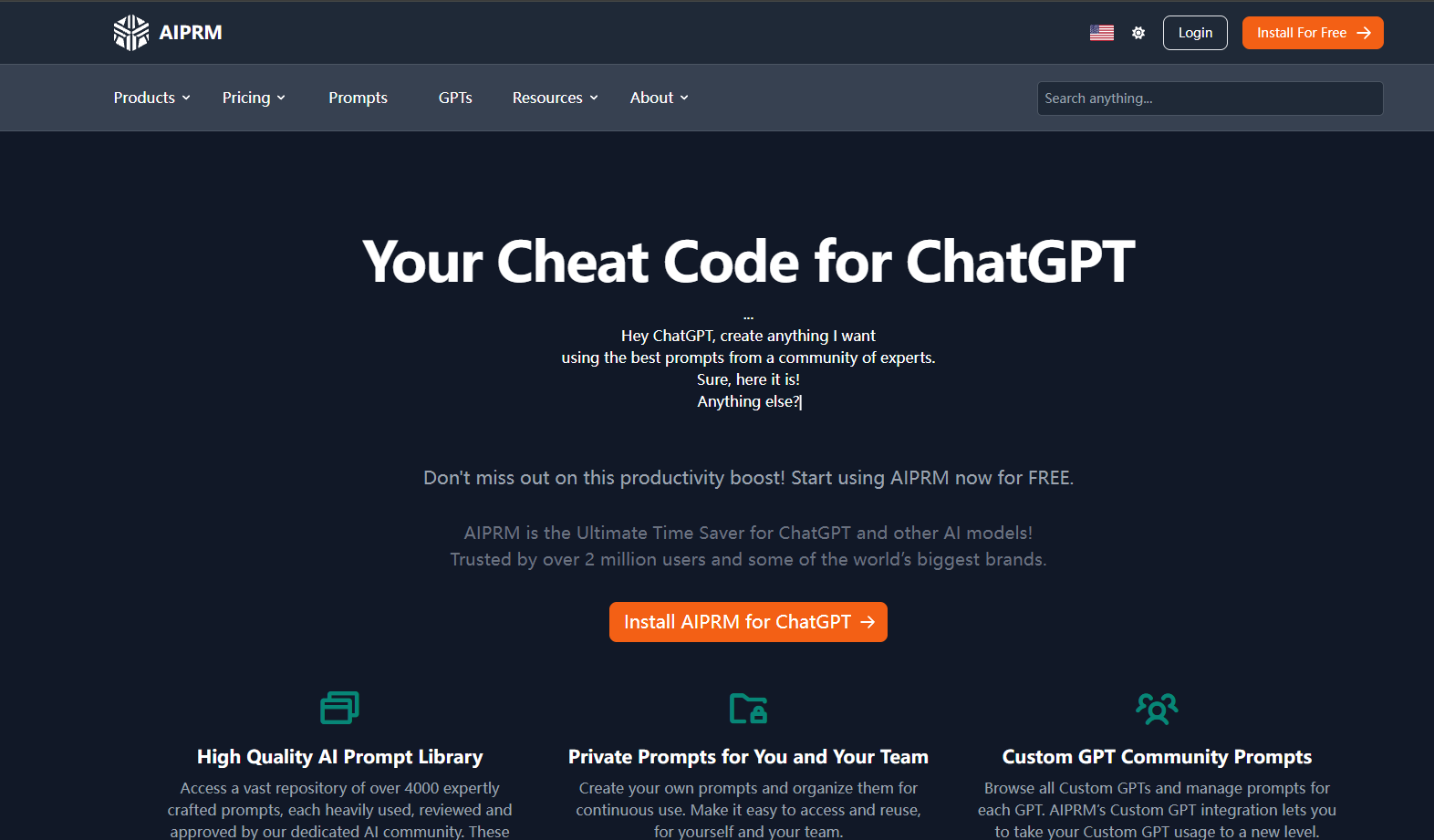
Main functions of AIPRM
- Extensive Keyword Library : AIPRM offers over 4,500 professional keyword templates covering multiple areas including marketing, sales, copywriting, SEO, productivity enhancement, and customer service. Users can directly use the templates and adjust and optimize them to suit their needs.
- Community-driven cue word sharing : AIPRM’s platform allows users to share and access custom cue words created by other professionals.
- Custom prompts and variables : Users can create their own prompt templates and add variables to them for reuse in different scenarios.
- Real-time data scraping : AIPRM’s “Live Crawling” feature allows users to extract content from specific URLs and embed it directly into prompts as text or HTML.
- Team collaboration features : AIPRM supports team use, allowing users to share prompt words and ensuring that team members can produce consistent output when working on the same task.
- Advanced search functionality : Users can quickly find the keywords they need based on various filtering criteria such as topic, activity, frequency of use, and popularity.
How to use AIPRM
- Registration and Installation : Visit the AIPRM website: https://www.aiprm.com/, click the login button, and register with your email or social media account.
- Install the extension : Visit the AIPRM download page: https://www.aiprm.com/zh/downloads/, and follow the prompts to install the AIPRM browser extension. AIPRM supports Google Chrome and Edge browsers. After installation, restart your browser to ensure the extension works correctly.
- Login and settings :
- Login account : Log in to AIPRM using your registered email address and password.
- Personalization : Customize your brand tone and writing style in your profile to ensure that the generated content aligns with your brand image.
- Create a team (optional) : If used by a team, create a team and assign user licenses to members, share tips and lists.
- Using the hint library :
- Access the Tip Library : After logging in, go to AIPRM’s Tip Library page to browse a large number of preset tips provided by the community and experts.
- Search suggestions : Suggestions for searching based on keywords, categories, or AI models.
- Usage Tips : Select the appropriate tip and click the “Use” button to send the tip directly to AI tools such as ChatGPT and Claude.
- Create custom hints :
- Create a new prompt : Click the “Create Prompt” button to start creating your own prompt.
- Add variables : Add dynamic variables to the prompts to make them more flexible and adaptable.
- Save Tips : Save the created tips to a private list or a team shared list for easy access later.
Application scenarios of AIPRM
- Content creation : Quickly generate high-quality copywriting, including blog posts, social media copy, video scripts, and advertising copy.
- Marketing and Sales : Efficiently write compelling marketing emails, detailed product descriptions, successful client case studies, and in-depth market research reports to improve the quality and efficiency of marketing and sales copy.
- Customer Service : Generate Frequently Asked Questions (FAQs), customer support email templates, and customer feedback summaries to optimize customer service processes and improve customer satisfaction and problem-solving efficiency.
- Creativity and Design : Sparking creative inspiration, conducting brainstorming sessions, writing design specifications, and polishing copy to enhance the appeal and professionalism of designs and copy.
- Team Collaboration : Generate team task assignment sheets, meeting minutes templates, and project summary reports to improve team collaboration efficiency and ensure consistency and efficiency among team members when using AI-generated content.
相关导航


ai-navhub:The official website of the AI Toolset includes hundreds of AI tools from both domestic and international sources, as well as commonly used websites, frameworks, and models for AI learning and development, helping you join the wave of artificial intelligence and complete tasks efficiently and automatically!