




AI Writing Tools
DeepL Write
What is DeepL Write?
DeepL Write is an intelligent writing assistant launched by the well-known AI translation tool DeepL . It automatically detects and corrects grammar, spelling, and punctuation errors, provides alternative expressions and rewriting suggestions, and helps users optimize their text. The tool supports multiple languages and writing styles, including simple, business, academic, and casual, and allows users to adjust the tone, such as enthusiastic, friendly, and confident. DeepL Write is available on web and desktop platforms, supports API integration, and provides users with an efficient and convenient writing experience, making writing clearer, more accurate, and more natural.
The main functions of DeepL Write
- Grammar, spelling, and punctuation checks : Automatically detects and corrects grammatical errors, spelling mistakes, and punctuation problems in text, ensuring accuracy and standardization.
- Text polishing and rewriting : Provides alternative expressions for words and sentences, optimizes sentence structure and wording, making the text more fluent and natural. Supports rewriting entire paragraphs.
- Writing style and tone adjustment : Users can choose different writing styles (such as simple, business, academic, casual) and tones (such as enthusiastic, friendly, confident, diplomatic) to adapt to different writing scenarios.
- Text shortening feature : Provides text shortening options to help users streamline content and retain key information.
- Terminology protection feature : Allows users to create a terminology list and specify certain words to remain unchanged during text optimization, ensuring the accuracy of technical terms or specific words.
- Multilingual support : Supports multiple languages, including Chinese, English (British and American), French, German, Italian, Japanese, Korean, Portuguese (Brazil and Europe), Spanish, etc.
- Platform compatibility : Supports web version, desktop version, etc., making it easy for developers to integrate it into other applications.
How to use DeepL Write
- Platform Selection : DeepL Write supports multiple platforms, including web and desktop versions. Users can choose the appropriate platform based on their needs.
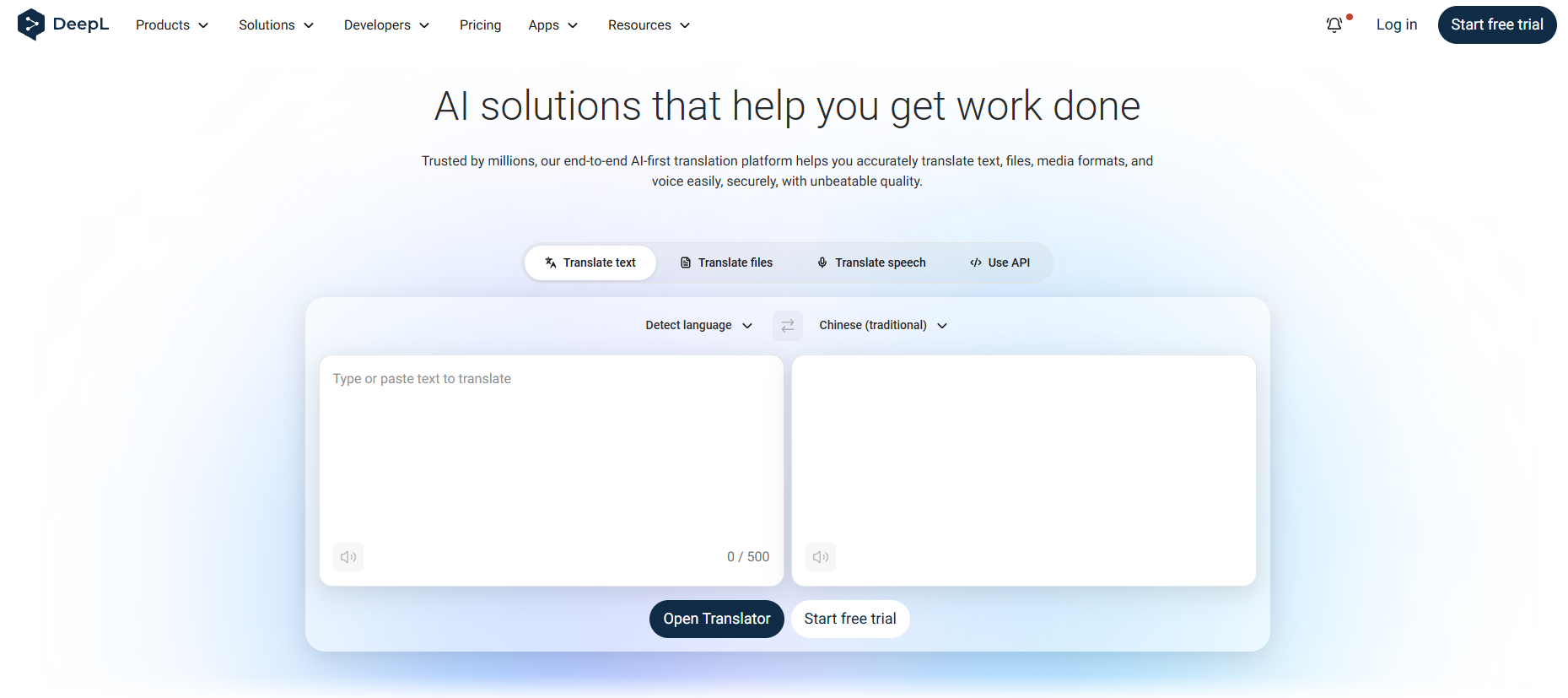
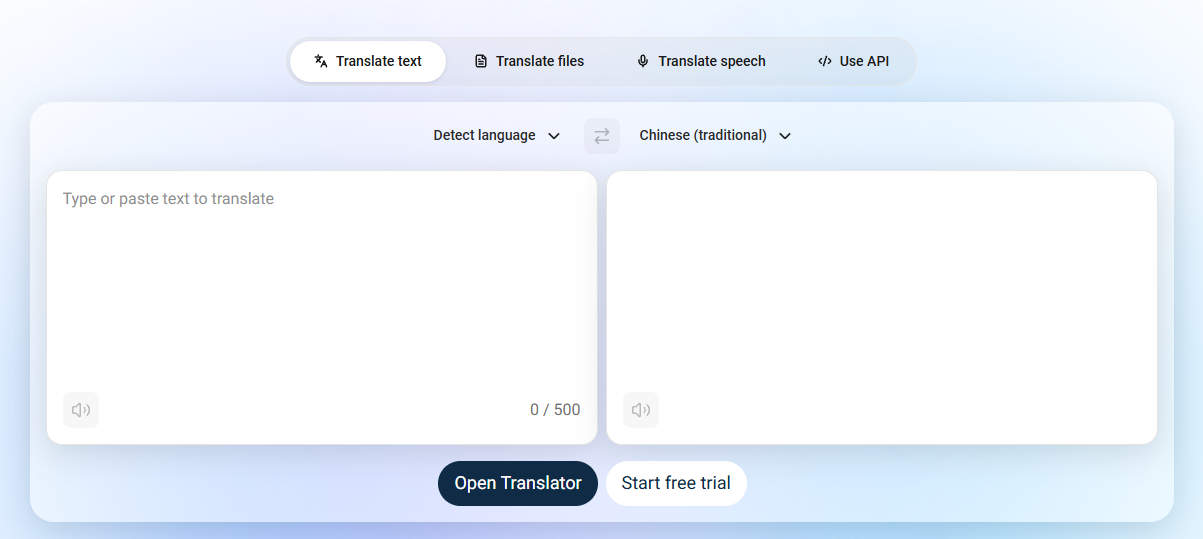
- Enter text : Enter or paste the text you want to optimize in the text box on the left. DeepL Write automatically detects the language of the text.
- View optimization suggestions : DeepL Write will display the optimized text in the text box on the right, with all changes marked in green. Users can directly view the improved text and decide whether to accept the suggestions.
-
Alternative Expressions : Click on the word or sentence you want to modify, select “Replace Word” or “Rewrite Sentence” to view alternative expressions.
-
Rewrite language variants : Select the target language variant (such as British English or American English) using the language selector, and DeepL Write will rewrite the text based on the selected variant.
- Adjust your writing style and tone : Click the “Style” menu in the upper right corner of the text box and select your writing style.
- Copy and save : Click the “Copy” icon in the text box on the right to copy the optimized text to your clipboard. Or click the “Save” button to save the text to your account (login required).
- Voice reading : Click the speaker icon to listen to the original text and the optimized text-to-speech version.

Application scenarios of DeepL Write
-
Academic writing : Helping researchers and students optimize papers, reports, and academic articles, ensuring accurate and professional language.
-
Business Communication : Used for writing business emails, reports, and presentations to enhance the formality and professionalism of the text.
-
Creative Writing : Supports the creation of fiction, blog, and social media content, providing style adjustments and text polishing.
-
Language learning : Helping learners practice and improve their foreign language writing, providing grammar and vocabulary advice.
-
Everyday writing : Optimize your personal journal, letters, or any informal text to make your expression clearer and more natural.
-
Content creation : Assisting content creators in polishing articles, scripts, and copy to enhance appeal and readability.
相关导航








ai-navhub:The official website of the AI Toolset includes hundreds of AI tools from both domestic and international sources, as well as commonly used websites, frameworks, and models for AI learning and development, helping you join the wave of artificial intelligence and complete tasks efficiently and automatically!