




AI Image ToolsAI Image ToolsCommon AI Image
Vmake AI
AI-powered online image and video editing platform, providing services specifically for e-commerce and design.
标签:AI Image Tools Common AI ImageCommon AI Image Tools Common AI toolsWhat is Vmake AI?
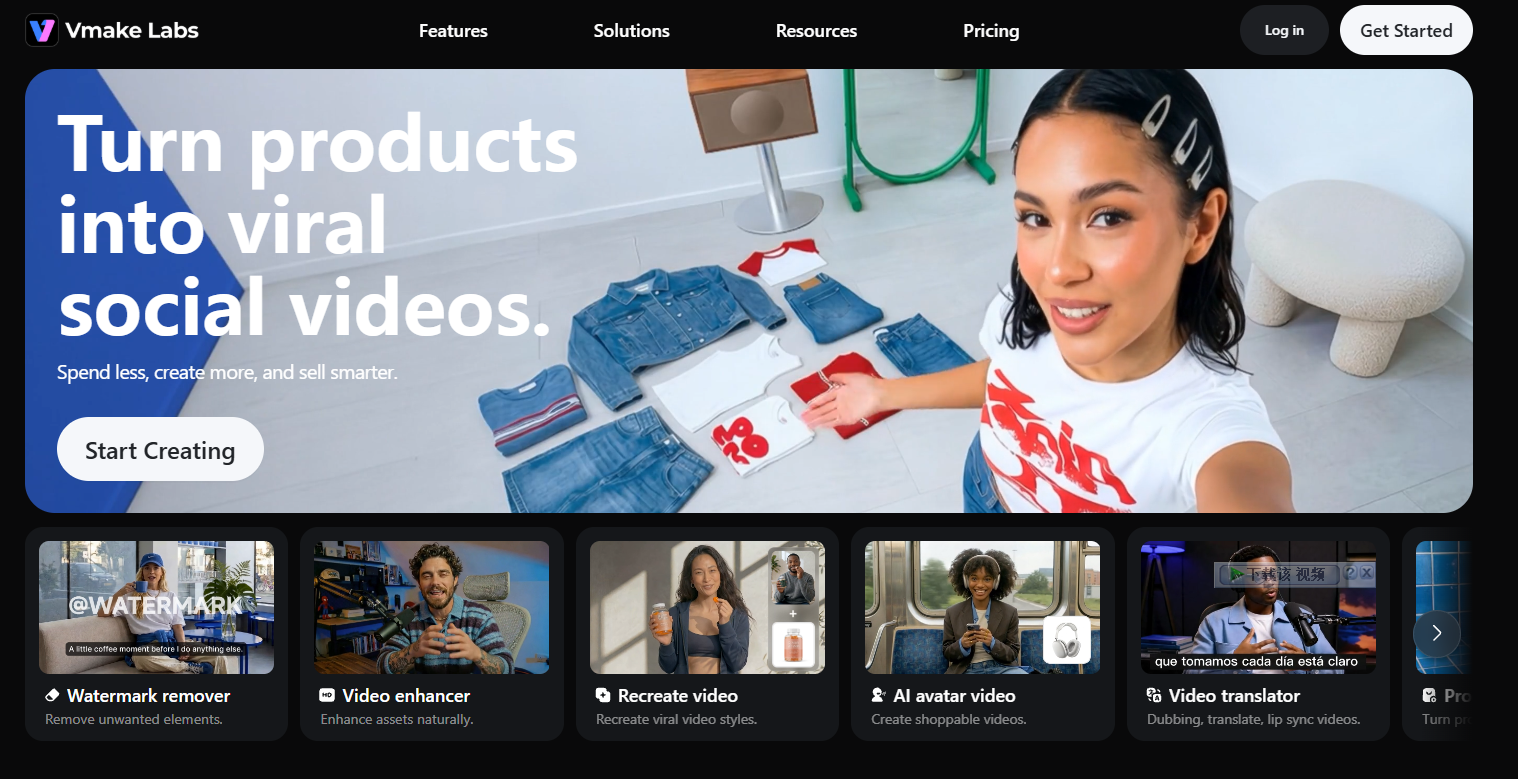
Vmake AI is an AI-powered online image and video editing platform designed for e-commerce, design, and personal projects. Vmake AI simplifies the creation of high-quality content through AI tools such as fashion model customization , product photography , image color replacement, and graphic design generators. Vmake AI also provides mobile solutions and a developer API, enabling brands and creators to efficiently generate and manage creative content across different devices.
Vmake AI’s main functions
- AI Fashion Model Customization : Create AI models for fashion e-commerce or 3D design, with adjustable skin tone, age, expression, and body shape.
- AI Product Photography : Use AI technology to quickly change the background of product images and enhance the visual effect.
- Image Color Changer : An online AI tool that quickly adjusts clothing colors, enhancing the diversity of e-commerce catalogs.
- AI graphic design generator : Quickly create marketing materials such as banners and social media posts, starting from product photos.
- Video and image enhancement tools : Improve video and image quality without requiring professional editing skills.
- Mobile solutions : Enable users to create and manage AI-generated content via mobile devices.
- Developer API : Provides developers with tools that integrate AI model generation and image editing functions to adapt to specific business needs.
How to use Vmake AI
- Access the website : Open your browser and visit the Vmake AI official website (vmake.ai).
- Choose a tool : Select one of the provided AI tools based on your needs, such as AI fashion model customization, AI product photography, etc.
- Upload materials : According to the requirements of the selected tool, upload the image or video materials that you need to edit.
- Adjust settings : Use the various options and sliders provided by the platform to adjust your footage, such as changing the model’s skin tone, age, expression, or changing the background of the product image.
- View the results : After editing, preview the improved image version.
- Download Image : If you are satisfied with the enhanced image, click the download button to save the image to your device.
- Using Images : Downloaded images can be used for a variety of purposes, such as enhancing online presence and web marketing.
Application scenarios of Vmake AI
- E-commerce : Merchants can use Vmake AI to create high-quality product images and videos, including changing product backgrounds, enhancing image quality, and showcasing how products look in different environments.
- Social media marketing : Content creators and marketers can use Vmake AI to enhance the visual appeal of social media posts, such as by changing image backgrounds or colors to match brand identity.
- Fashion and Apparel : Designers and fashion brands can use AI fashion model tools to showcase clothing and create diverse model displays without the need for actual photography.
- Advertising and Brand Promotion : Advertising professionals can use Vmake AI’s video and image editing tools to quickly create advertising creatives, including removing unwanted background elements or adding special effects.
- Personal entertainment and creation : Individual users can use Vmake AI to edit personal photos and videos, such as creating family videos, travel memories, or content to share on social media.
相关导航




ai-navhub:The official website of the AI Toolset includes hundreds of AI tools from both domestic and international sources, as well as commonly used websites, frameworks, and models for AI learning and development, helping you join the wave of artificial intelligence and complete tasks efficiently and automatically!