




AI Image ToolsAI Image ToolsCommon AI Image
DeepSwapper
Free online AI face-swapping tool, supports multiple image and video formats.
标签:AI Image Tools Common AI ImageCommon AI Image Tools Common AI toolsWhat is DeepSwapper?
DeepSwapper is a free online AI face-swapping tool that allows users to easily upload images or videos for fast and realistic face swapping effects. DeepSwapper supports multiple formats including JPEG, PNG, WEBP, GIF, and MP4, and delivers natural, high-quality results with no watermarks for both single-person and multi-person face swapping. DeepSwapper also offers a commercial API service, suitable for a wider range of applications such as social media, film production, and virtual reality.
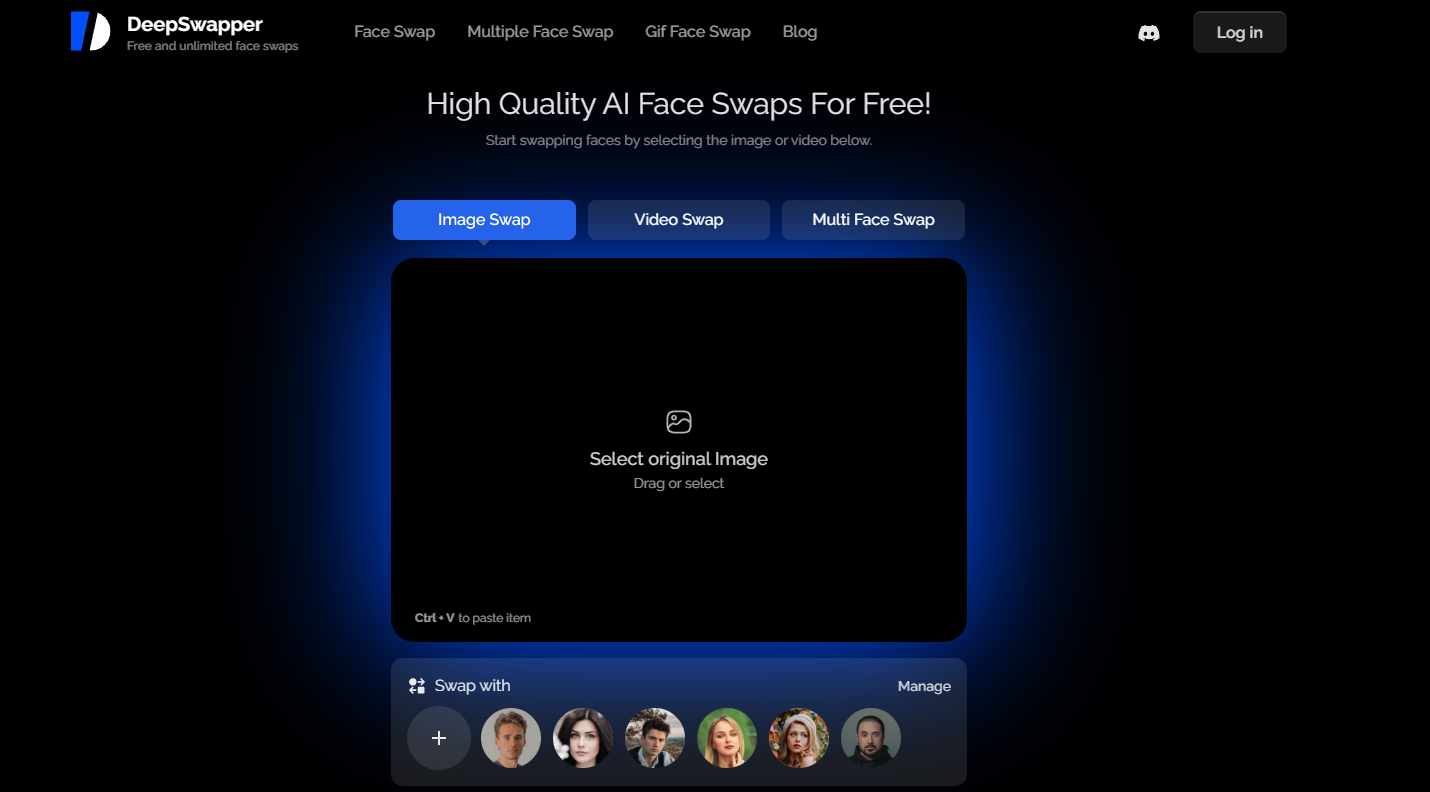
DeepSwapper’s main functions
- AI face-swapping technology : Using advanced AI algorithms, DeepSwapper can achieve high-quality face-swapping effects.
- Multiple format support : Supports various image and video formats such as JPEG, PNG, WEBP, GIF, MP4, WEBM, and MOV.
- Watermark-free output : User-generated face-swapped works are high-definition and watermark-free, ensuring the cleanliness of the final result.
- Unlimited free use : Free users can enjoy unlimited face-swapping experiences without worrying about usage limits.
- Quick generation : Face swapping is fast, usually completed within 15-30 seconds, suitable for rapid creation.
- Multi-person face swapping : It can process multiple faces in the same video or image at the same time, which is suitable for group or multi-person scenarios.
How to use DeepSwapper
- Visit the website : Visit the official DeepSwapper website deepswapper.com .
- Choose an image or video : Select “Select base image” to upload the original image or video for which you want to swap faces. Then select “Select face image” to upload the image of the face you want to replace the original face with.
- Start face swapping : After uploading, click the “Swap Face” button to start the face swapping process.
- Waiting for processing : DeepSwapper’s AI will automatically process your images or videos, performing face swapping. Processing time is usually very fast, approximately 15-30 seconds.
- View the results : After the face swap is complete, you can preview the effect on the website. If you are satisfied, you can proceed to the next step.
- Download your work : Click the download button to save your face-swapped creation. Free users can only download the standard definition version; the high-definition version requires payment.
- Select advanced features : For video face swapping or other advanced features, a DeepSwapper subscription service is required.
Who is DeepSwapper suitable for?
- Social media users : Users who want to share interesting or creative content on social media platforms.
- Video editors : Professionals or enthusiasts who need to replace faces in video production.
- Creative Designer : A professional who works in advertising, graphic design, or other visual creative fields.
- Entertainment industry professionals : Film and television production staff who use face-swapping technology to replace characters or create special effects.
相关导航






ai-navhub:The official website of the AI Toolset includes hundreds of AI tools from both domestic and international sources, as well as commonly used websites, frameworks, and models for AI learning and development, helping you join the wave of artificial intelligence and complete tasks efficiently and automatically!