




AI Video Tools
Pika
What is Pika?
Pika is an AI video generation and editing tool launched by Pika Labs, a recently popular artificial intelligence startup . This tool can transform any creative idea into video; users simply input text or images to quickly generate videos in styles such as 3D animation, anime, cartoons, and movies. The AI video generation tool was first launched in beta in late April 2023 and has already accumulated over 500,000 early users, generating millions of videos every week. However, Pika is still under further development, and in practical use, it is still some distance from large-scale deployment in real-world production environments.
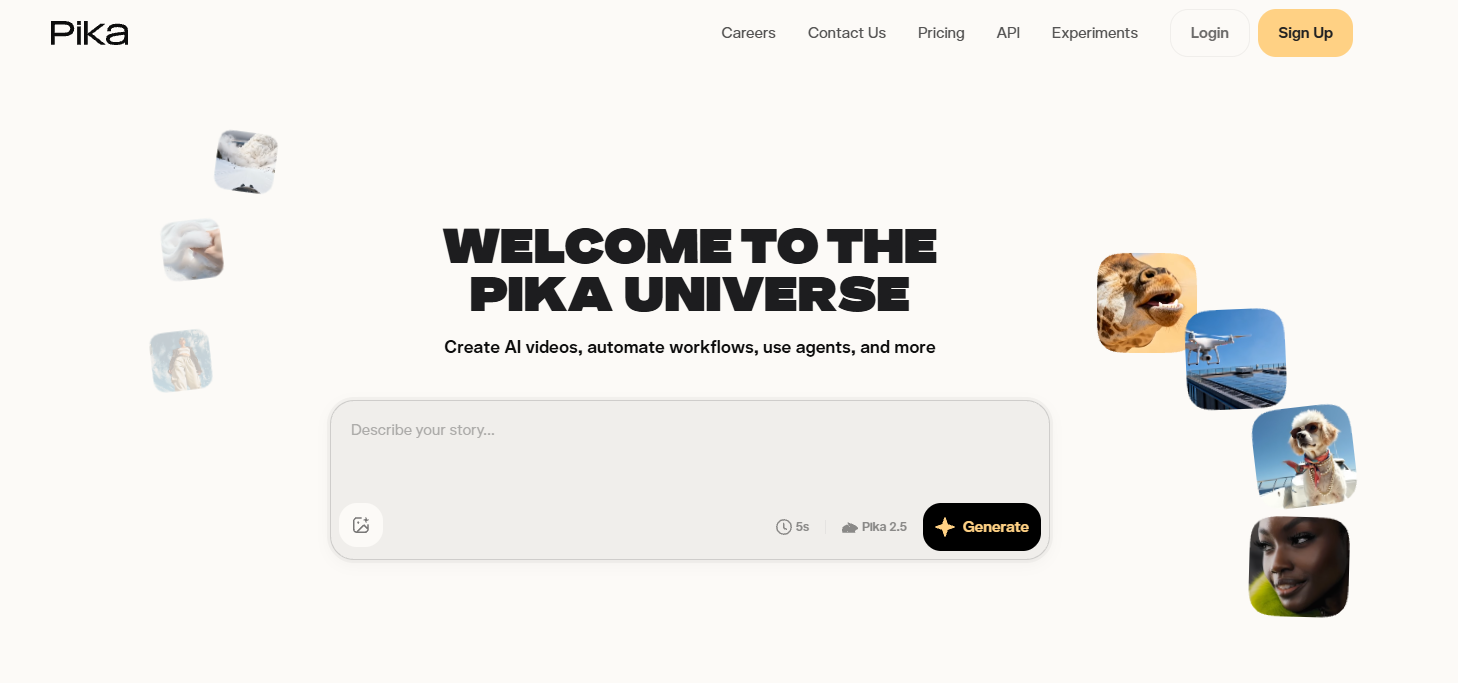
Pika’s main functions
- Text/Image to Video: Simply enter a few lines of text or upload an image to create short, high-quality videos using AI.
- Video to Video: Convert existing videos into different styles, including different characters and objects, while maintaining the video’s structure.
- Video aspect ratio expansion: Expanding the video’s canvas or aspect ratio, such as intelligently converting from a 9:16 portrait mode to a 16:9 landscape mode, the AI model will predict content that extends beyond the original video boundaries.
- Video content alteration: AI edits the content or objects in a video frame, such as changing someone’s clothes, adding another character, changing the environment, or adding props.
Who is Pika suitable for?
- Individual consumers: Even people with absolutely no video production knowledge can easily use AI to create and edit videos.
- Short video creators: Quickly generate viral short videos; videos tagged #pikalabs on TikTok have accumulated over 30 million views.
- Film professionals: AI generates initial storyboard drafts from the script, inspiring cinematography and assisting in post-production film and video editing.
How to use Pika
- Visit Pika’s official website (pika.art), click to log in with your Google or Discord account, and join the waiting list.
- You can also click the Discord invitation link ( https://discord.com/invite/pika ) to join the Discord community and get early access.
- After joining Pika’s Discord community, select any generate channel, such as #generate-1, and then enter /create + prompt command in the input box.
- Finally, just wait for Pika to generate the video.
Frequently Asked Questions
Is Pika free?
Pika is currently in free public beta; users can join Discord channels to experience it. A paid version may be released later.
How long can Pika generate videos?
Pika currently generates videos that are only 3 seconds long by default, but future updates may support generating longer videos.
Can videos generated by Pika be used commercially?
Currently, videos generated by Pika can be used commercially for free. However, this policy may change if Pika ends its testing phase or launches a paid version.
相关导航




ai-navhub:The official website of the AI Toolset includes hundreds of AI tools from both domestic and international sources, as well as commonly used websites, frameworks, and models for AI learning and development, helping you join the wave of artificial intelligence and complete tasks efficiently and automatically!