




AI Office ToolsAI Office ToolsAI table Data
Ajelix
AI tools for processing Excel and Google Sheets spreadsheets
标签:AI Office Tools AI table DataAI spreadsheet data processingWhat is Ajelix?
Ajelix is an AI-powered Excel tool platform that helps users efficiently process data and automate workflows. Ajelix supports creating custom forms, automating spreadsheet tasks, intelligent data analysis, data cleaning, and building custom solutions. Users can easily connect to data sources such as Excel, Google Sheets, or SQL to generate visual dashboards and gain instant insights through AI-driven analytics. Ajelix offers multilingual support and file format compatibility, helping users reduce manual errors, optimize workflows, and improve data quality.
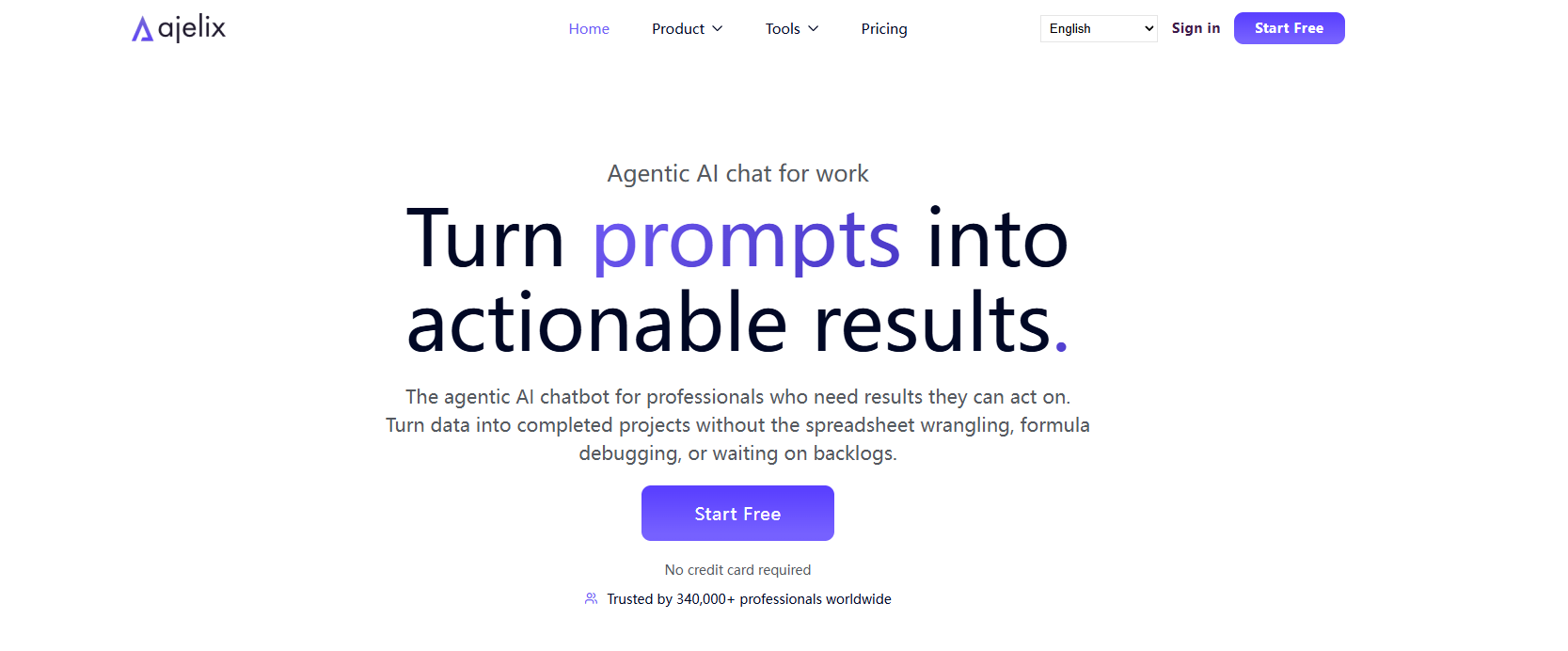
Ajelix’s main functions
- Automated Spreadsheets : Use AI to generate VBA code and forms to automate repetitive tasks, such as creating sales calculators or lead tracking sheets.
- Intelligent data analytics : Gain instant insights by asking questions based on AI, and support data visualization and report generation.
- Data cleaning and transformation : Automatically identify and correct data errors, extract key information, reshape data format, and optimize analysis.
- Customized solutions : Designing and implementing personalized Excel solutions based on user needs.
- Multilingual support : Supports multiple languages such as English, Spanish, and French, making it convenient for different users.
- Compatible with multiple file formats : Supports multiple file formats such as Excel, PDF, Word, and PowerPoint for convenient data management.
- Real-time data updates : Provides a regular data update function to ensure the timeliness of information.
- Sharing and Collaboration : Enables users to share dashboards and reports with colleagues or stakeholders, promoting team collaboration.
How to use Ajelix
- Register an account : Visit the Ajelix website, click “Sign Up”, fill in the information, and complete the registration.
- Connect to data source : After logging in, select and connect to data sources such as Excel, Google Sheets, or SQL, and follow the prompts to complete the data import.
- Create a dashboard : Create a new dashboard, select data fields to generate charts, and adjust the layout by dragging and dropping.
- Data Cleaning and Analysis : Use AI features to clean data, correct errors, ask questions, and gain instant insights and analysis results.
- Generate charts with one click : Interact with AI through simple dialogue to generate visual charts with one click and quickly complete data analysis.
- Sharing and Collaboration : Share dashboards with colleagues or stakeholders and set access permissions.
Ajelix application scenarios
- Financial Analysis : Automatically generates budget reports, analyzes revenue and expenditure trends, and helps the finance team optimize budget planning and cost control.
- Sales Management : Analyze sales data, identify sales trends and potential problems, and improve sales team performance and customer satisfaction.
- Marketing : Leverage Ajelix to analyze market data, identify consumer behavior patterns, optimize marketing strategies, and enhance market competitiveness.
- Project Management : Track project progress in real time, monitor task completion, and ensure projects are delivered on time and achieve their goals.
- Human Resources : Generate employee performance evaluation forms, analyze employee performance, and help the HR team improve team efficiency and employee satisfaction.
相关导航




ai-navhub:The official website of the AI Toolset includes hundreds of AI tools from both domestic and international sources, as well as commonly used websites, frameworks, and models for AI learning and development, helping you join the wave of artificial intelligence and complete tasks efficiently and automatically!