What is DeepL translation?
DeepL Translate is a next-generation AI translation tool that integrates advanced technologies such as deep learning, neural network algorithms, and big data . It supports text, document, and voice translation, covering 35 languages and suitable for various scenarios. The DeepL Write feature supports optimized writing, providing grammar corrections and wording suggestions. The voice translation service can translate meetings and conversations in real time, breaking down language barriers. The tool provides an API interface, making it easy for developers to integrate it into various applications. DeepL Translate emphasizes data security, complying with multiple international security standards to protect user privacy. DeepL Translate provides efficient and reliable translation support for personal learning and business communication.
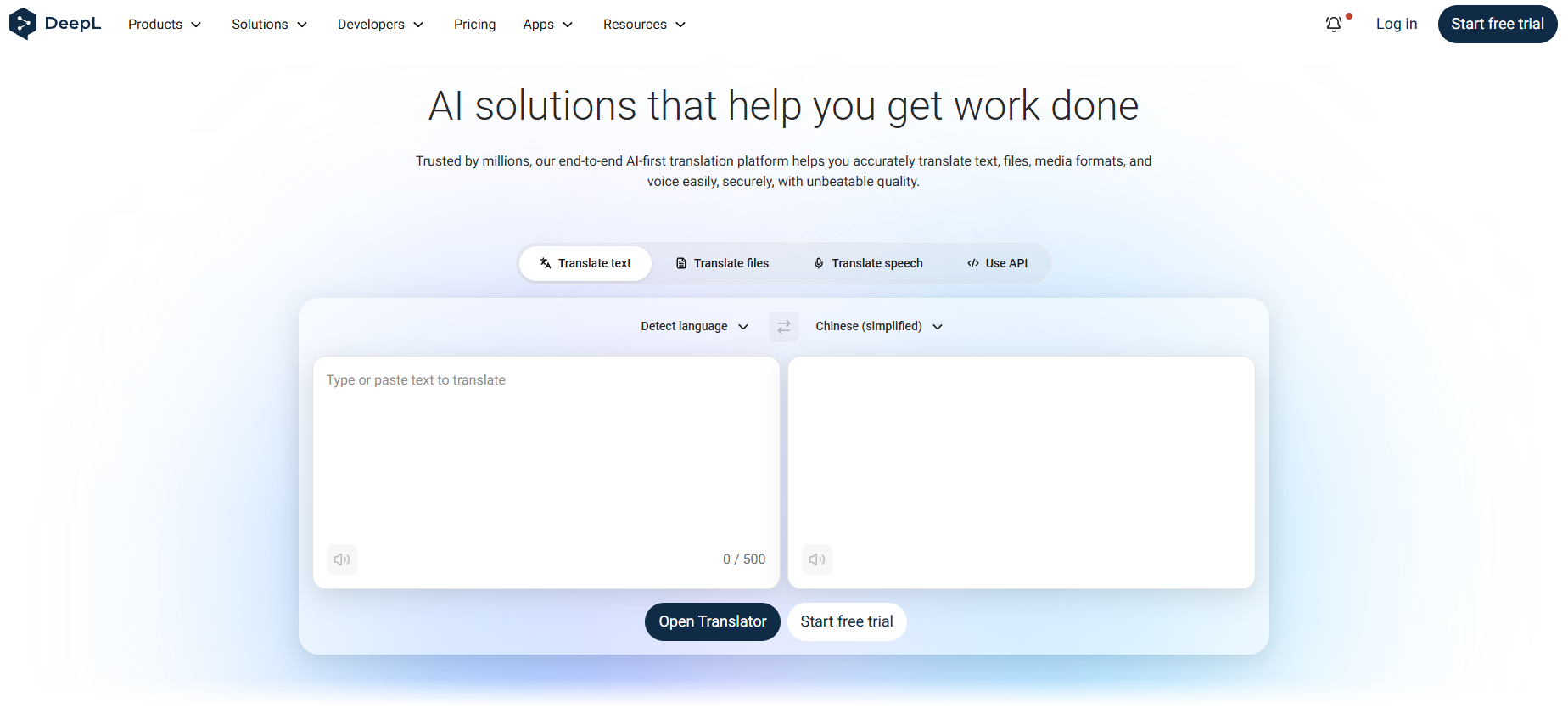
The main functions of DeepL translation
- High-precision translation : Supports handling complex sentences and technical terms, producing natural and fluent translation results.
- Document translation : Supports translation of PDF, Word, PowerPoint and other file formats, allowing users to directly translate document content.
- Text correction and optimization : Automatically detects and corrects grammatical, spelling, and punctuation errors, provides wording suggestions, and improves text quality.
- Real-time voice translation : Supports real-time voice translation for meetings and face-to-face communication, breaking down language barriers.
- Multilingual support : Supports real-time captions in multiple languages, suitable for remote conferencing and live interaction.
- API Interface : Provides a powerful language model API, making it easy for developers to integrate it into various applications to achieve automatic translation and language processing functions.
- Integration with productivity tools : Supports seamless integration with popular tools such as Microsoft 365 and Google Workspace to improve work efficiency.
- Custom glossary : Users can create and manage custom glossaries to ensure consistency and accuracy in translation.
- Multi-platform support : Offers client applications for Windows, Mac, iOS, and Android to meet the needs of different users.
How to use DeepL translation
- Access DeepL Translation : Visit the DeepL Translation website: https://www.deepl.com/ for online access, or download the DeepL Translation app .
- Enter or paste text : Enter or paste the text you want to translate into the input box. If you have a file that needs to be translated, simply drag and drop the file into the translator.
- Select Language : Below the input box, select the source language (i.e., the original language). Below the output box on the right, select the target language (i.e., the translated language).
- View the translation results : The translation results will be automatically displayed in the output box on the right. If needed, click the “Copy” button to copy the translation results to the clipboard.
- Translate the file : Select the file you want to translate, and then select the target language. After the translation is complete, click the “Download” button to save the translated file.
- DeepL Writing Assistant : Open DeepL Write and paste the translation into the input box. AI will provide grammar corrections and word suggestions.
Application scenarios of DeepL translation
- Individual learning : When students encounter unfamiliar words or complex sentences while learning a foreign language, they can quickly translate them to understand their meaning and aid their learning.
- Travel : When travelers encounter unfamiliar menus, road signs, or need to communicate with locals in foreign countries, they can use the voice translation function to translate conversations in real time, facilitating communication.
- Academic research : Researchers translate foreign language literature or optimize the English expression in their papers to improve writing quality when writing academic papers.
- Corporate Communication : When corporate employees communicate with international clients, the translator translates business emails or enables real-time conference translation, ensuring error-free cross-language communication.
- Content creation : When businesses or individuals create websites, marketing materials, or social media content, they translate the content into multiple languages to expand their international influence.
相关导航