Doclingo
A professional AI document translation tool that preserves the original layout.
标签:AI Language Translation AI Office ToolsAI language translationWhat is Doclingo?
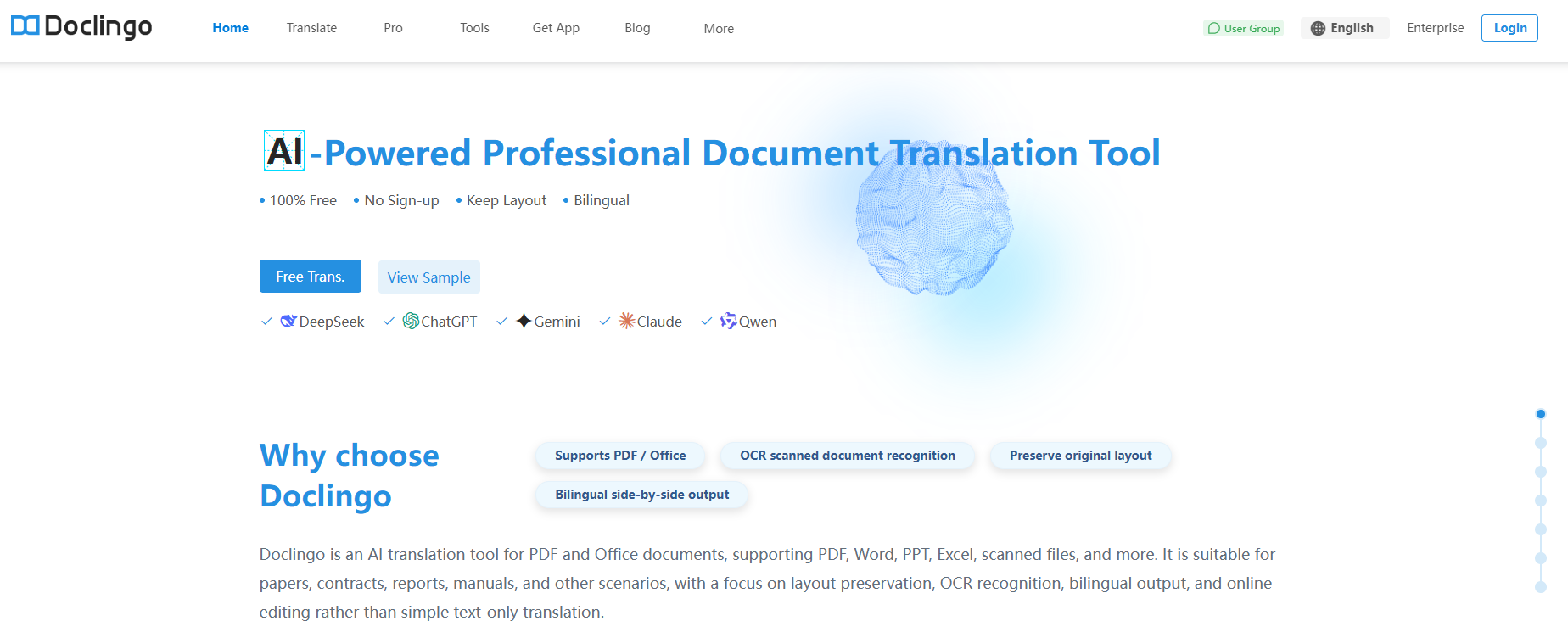
Doclingo is a powerful AI document translation tool that supports direct uploading and translation of various document formats (such as PDF, Word, Excel, PPT, TXT, Epub, etc.). It accurately and efficiently processes text and images while preserving the original layout. Doclingo offers multiple AI engines to choose from, allowing users to select the most suitable translation engine based on their needs; some advanced engines require a paid subscription. Doclingo provides a wealth of auxiliary tools, such as terminology database management, online document editing, AI proofreading, and bilingual merging and downloading, helping users improve translation accuracy and efficiency. It also offers a variety of document utility tools, including document format conversion, PDF merging/splitting, encryption/decryption, watermarking, and image extraction, meeting diverse user needs in document processing.
Doclingo’s main functions
-
AI Translation of Multiple Document Formats : Supports direct uploading and translation of various document formats such as PDF, TXT, Epub, Png, and Office series, preserving the original layout, providing multiple AI engine options, accurately and efficiently processing text and image content, without the need for format conversion, and completing cross-language document processing with one click.
-
arXiv paper translation : Users can upload the URL of a paper on arXiv to perform cross-language processing on a specified article, helping them read professional documents more efficiently and accurately.
-
AI-powered text translation : Based on deep learning technology, it provides highly accurate real-time translation in multiple languages, preserving the original semantics and style, and is suitable for cross-language conversion of various everyday content.
-
Terminology database : Supports importing/exporting custom terminology documents, unifying the management of professional vocabulary, ensuring high consistency of translated content in practical application scenarios, and improving the accuracy of professional literature translation.
-
Online document editing : Translated documents support real-time online editing of text and images, allowing users to perform secondary proofreading and content reformatting.
-
Document AI Dialogue : Provides dialogue functionality for translated documents, allowing users to have the AI engine perform operations such as summarizing and generating content mind maps through message dialogue.
-
AI-powered document proofreading : After the document translation is completed, users can use the AI proofreading function to re-verify the correctness of the current translated document. The proofreading results will mark the errors and locations of specified content such as grammar, punctuation, and data in the translation, helping users to easily and quickly optimize and adjust the content of the document.
-
Bilingual merged download : Supports downloading bilingual (original/translated) documents from PDF and Office documents, and provides both landscape and portrait merged layout formats.
-
Document format conversion : Helps users convert PDF documents to other formats. Currently, it supports conversion from PDF to Word and TXT formats.
-
PDF document merging/splitting : Parses user-uploaded PDF documents, splits the documents in a specific way (such as single or double pages), and generates separate documents in a new format.
-
PDF document encryption/decryption : Set an access password for unencrypted documents and remove the access password for encrypted documents.
-
Add watermark to PDF documents : Add watermark content with specified style, content, and density to the source document page and generate a new document with the watermark effect.
-
PDF document image extraction : Extract and separate the images used in the source document content, and package the separated image content for users to download.
-
Other PDF document tools : Currently, it also supports practical tools such as PDF compression, PDF overlay, PDF page reordering, and PDF page rotation to meet users’ diverse PDF document processing needs.
How to use Dodoclingo
-
Visit the official website : Log in to the Dodoclingo official website https://doclingo.cn/ and register an account.
-
Upload document : Click on the specified area on the official website page, select the document you need to translate and open it; the upload process will be completed automatically.
-
Select Language : After uploading the document, select the source language and target language in the language bar. If you need to translate the entire document, you can keep the default “Auto Detect” option for the source language.
-
Choose a translation engine : Select the translation engine you wish to use in the translation engine section. Some engines require payment.
-
Select Terminology Library : Select More Settings, and in the Terminology section of the pop-up window, select the added terminology document. If no terminology has been added, this section will be empty.
-
Set Image Translation : Determine whether to translate the image content in the document. It is selected by default. You can deselect it if you do not need to translate the image content.
-
Start Translation : After the document has been uploaded and all required fields have been filled in, click the “Start Translation” button to translate the document using the selected items.
-
AI Proofreading : Click the AI Proofreading button in the bottom menu of the document comparison page, and follow the prompts to complete the selection in the pop-up window to perform proofreading on the current document.
-
Download the translated document : After the document is translated, you can download it from the comparison page or the translation history page. If you need to change the layout style of the merged bilingual document, you can go to the account information page to reset it. The changes will only take effect after the settings are changed.
Application scenarios of Doclingo
-
Academic Research : It can translate foreign language papers, academic reports, e-books, etc., to help researchers quickly acquire cutting-edge international knowledge and facilitate academic exchange and cooperation.
-
Business Office : Suitable for translating corporate contracts, quotations, business emails, and other documents, eliminating language barriers in business communication and improving work efficiency.
-
Individual learning : Facilitates students’ translation of learning materials, textbooks, and extracurricular readings, broadening their knowledge and improving their language learning abilities.
-
Technology Development : Engineers can translate technical documents, product manuals, design drawings, etc., making it easier to understand and apply advanced foreign technologies and promoting technical exchange.
-
Cultural exchange : Used for translating literary works, cultural reports, travel guides, etc., to promote mutual understanding and exchange between different cultures.
-
Education and Training : Teachers can translate teaching resources and courseware to enrich teaching content; students can translate assignments and research reports to improve learning outcomes.
相关导航