Imgcook
Alibaba launches free design draft intelligent front-end code generation
标签:AI CodeAI programming toolsImgcook is a design-to-code (D2C) platform launched by Alibaba’s Taobao Technology, Shopping Guide and Marketing Product Team. It focuses on using visual drafts in the form of Sketch, PSD, static images, etc. as input, and generates maintainable front-end code with one click through intelligent technology, including view code, data field binding, component code, and some business logic code.
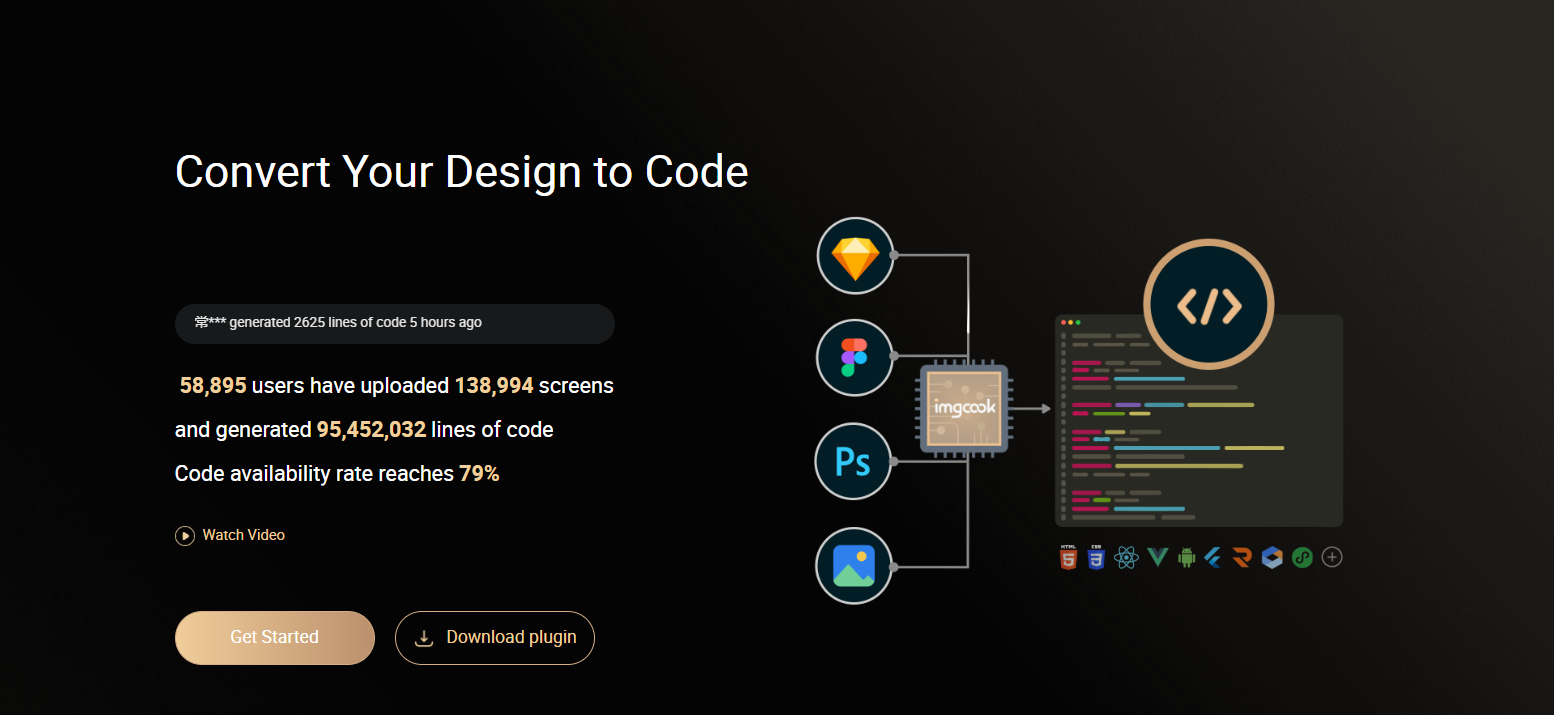
Main functions of Imgcook
One-click restoration of visual draft
To recreate code from a visual design, you need to export the data from the visual design to the imgcook visual editor and then recreate the code. Two methods are supported:
- Method 1: Open the Sketch/PSD file, export the layer information from the design draft using the installed imgcook plugin, and paste it into the visual editor.
- The second method: Directly upload and “import” Sketch/PSD/image files in the visual editor, and imgcook will parse the layer information and directly restore it to the editor.
Visual editing
In the imgcook visual editor, users can edit views, such as supporting dynamic expression styles, setting loops, and modifying layouts. They can also write logic code and bind fields.
Generate code
The official documentation provides commonly used DSLs (React/Vue/Mini Program DSL, etc.). You can switch to other DSLs by clicking the drop-down list. If you have specific requirements, you can also customize your DSL.
Once the code is finalized, you can click “Export.” Alternatively, you can use the VS Code imgcook plugin link to “Export,” which will generate the entire module’s code files to the corresponding directory, allowing you to continue developing the entire project directly using VS Code. The exported code will be stored locally, while images will be stored in the “images” folder using relative paths.
Application scenarios of Imgcook
imgcook currently supports high-fidelity reproduction of pages or modules in various scenarios. You can choose whether to use imgcook based on the following scenario categories.
- Fine-grained module development scenarios for mobile devices – Highly recommended
- Mobile Event Page – Featured
- Mobile full-page development – Recommended
- PC-based consumer applications – Recommendations
- PC-based B2B applications
- PC-based rich interactive applications – Not recommended
- Game scenario – Not recommended
How do I use the imgcook plugin?
-
Make sure you are logged into your imgcook account.
-
In Figma, go to Plugins and select imgcook; you should see a new export window.
-
Select any file layer group, and then click “Export”. imgcook will pop up a message saying “Export successful, copied to clipboard!” Then click “Go to Paste” to restore the original file.
-
imgcook will open the editor in a new browser tab. Paste it back into the “ctr + v” editor, and then save it as a module.
Is Imgcook free?
Imgcook is completely free, and users can use its plugins such as Figma, Sketch, and VSCode to convert design drafts into code for free.
相关导航