




What is Kilo Code?
Kilo Code is an open-source AI programming extension plugin integrated into IDEs such as VS Code, accelerating the development process through natural language interaction. Kilo Code deeply integrates advanced AI models with IDEs, allowing developers to complete complex programming tasks using simple text descriptions, easily handling everything from code generation to project management. Kilo Code’s flexible mode switching and powerful tool integration make development more efficient and intelligent. Kilo Code is a powerful assistant that improves efficiency and inspires innovation, making programming simpler and more efficient.
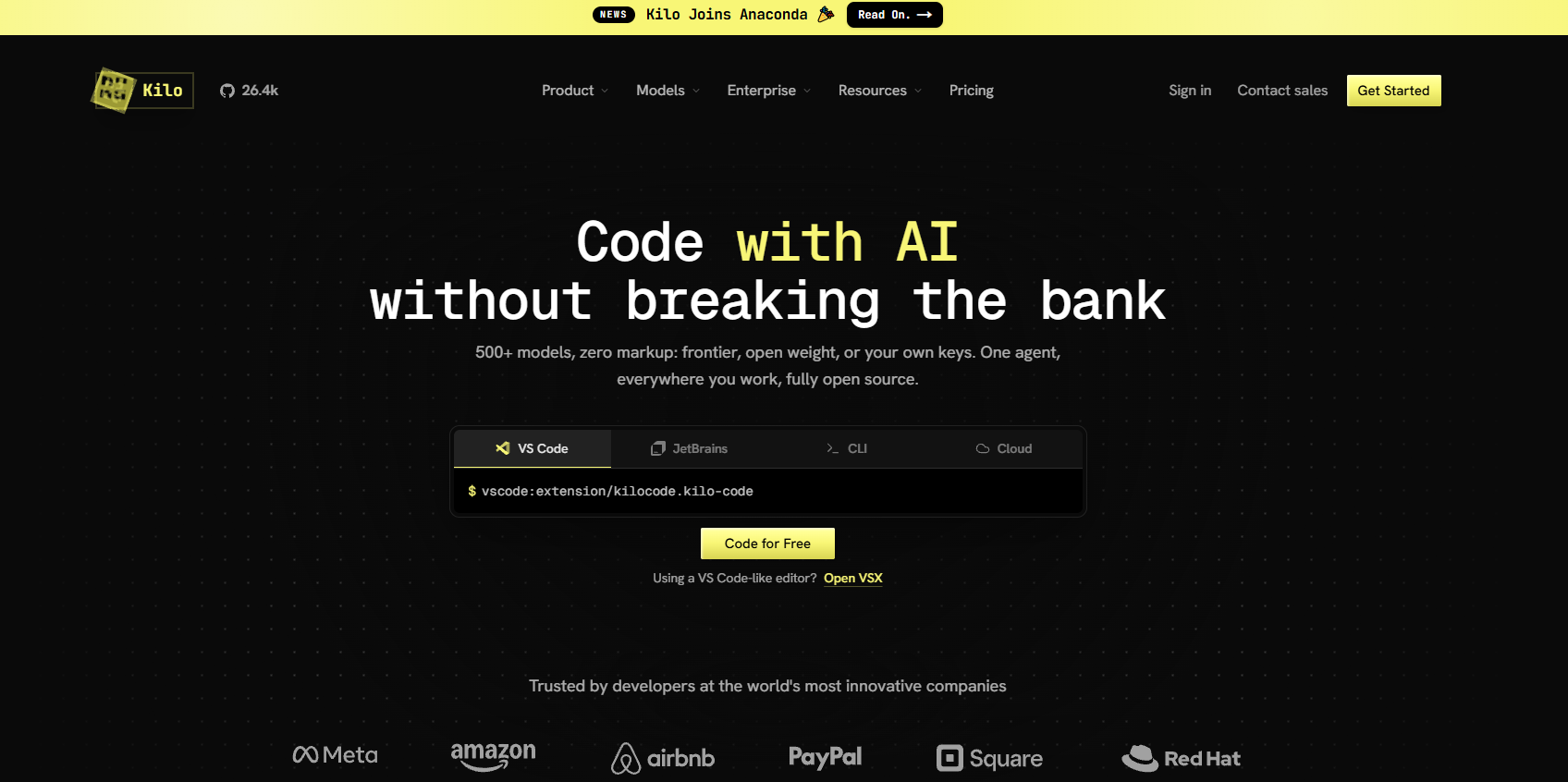
Kilo Code’s main functions
-
Code generation : Quickly generate code based on natural language descriptions, supporting multiple programming languages to help developers implement functions efficiently.
-
Code refactoring and debugging : Supports optimization of existing code structure, quick location and fix of problems, and improvement of code quality and stability.
-
Documentation writing and updating : The tool can automatically generate and update code comments and technical documentation, ensuring that documentation is synchronized with code and reducing maintenance costs.
-
Q&A : Provides technical support for the code repository, answers questions during development, and facilitates knowledge sharing.
-
Task automation : Supports the automation of repetitive tasks, such as file operations and command execution, saving time and effort.
-
Multiple mode switching : Provides multiple working modes such as Code mode, Architect mode, and Debug mode to meet the needs of different development scenarios.
- Extensions and Integration : The tool extends its functionality through the MCP protocol, integrates external tools and APIs, and meets personalized needs.
- Code review : The tool provides automated code review capabilities, analyzes pull requests, and provides suggestions for improvement to ensure code quality.
- Multi-device synchronization : Supports cross-device synchronization, allowing developers to seamlessly continue tasks on different devices.
- Voice interaction : Supports voice commands, allowing developers to interact with AI assistants via voice, improving efficiency.
- Intelligent code completion : The tool provides intelligent code completion, supports multi-line suggestions, and understands the code context.
- Model selection : Supports 500+ AI models, allowing users to choose the most suitable model based on task requirements.
How to use Kilo Code
- Install Kilo Code
.vsix: Install the Kilo Code extension via the VS Code App Store, Cursor App Store, Open VSX Registry, or by manually downloading the file. - Open VS Code : Launch VS Code or a compatible editor and go to the Extensions panel (shortcut key
Ctrl+Shift+XorCmd+Shift+X). - Search and install : Search for “Kilo Code” in the extensions panel, select it, click the install button, and follow the prompts to reload VS Code after completion.
- Open the Kilo Code panel : Locate the Kilo Code icon in the VS Code sidebar and click it to open the Kilo Code panel.
- Register an account : Open the Kilo Code panel and complete the account login and registration.
- Input task : In the chat box of the Kilo Code panel, describe the development requirements in natural language, such as “Create a Python script that prints ‘Hello, world!'”.
- Send task : After entering the task, press Enter or click the send icon to submit the task.
- Review and approval suggestions : Kilo Code can analyze tasks and provide specific action suggestions, such as reading and writing files or executing commands, which users can view and approve.
- Iterative task completion : Kilo Code can execute tasks step by step based on feedback, waiting for further instructions from the user until the task is completed.
- Use different modes : Switch between modes in the panel, such as Code mode for writing code, Debug mode for debugging, and Architect mode for designing.
- Configuration and extensions : Adjust settings such as automatic approval and model selection in the settings, or add custom tools and integrate external APIs via the MCP protocol.
Kilo Code official website and open source project address
- Official website : https://kilo.ai/
- GitHub repository : https://github.com/Kilo-Org/kilocode
Kilo Code product pricing
-
Individual Plan : Pay-as-you-go, suitable for individual developers, provides support for VS Code, JetBrains, and command-line interfaces, is open source on GitHub, offers access to over 500 AI models, autocomplete, index management, deployment, cloud proxy, code review, parallel proxy, and application builder.
-
Team Plan : $15 per user per month, includes all the features of the Individual Plan, plus usage analytics and reporting, AI adoption scoring, shared agent model, centralized billing, shared BYOK, team management, data privacy controls, and priority support.
-
Enterprise Plan : Price customization, includes all features of the team plan, plus a limited model and/or provider, shared private gateway BYOK, audit logs, SSO, OIDC and SCIM support, SLA commitment, and dedicated support channels.
Application scenarios of Kilo Code
-
Rapid prototyping : Developers can use Kilo Code to quickly generate code frameworks, accelerating prototyping and iteration.
-
Programming Learning : For programming beginners, tools can generate sample code to help understand algorithms and logic.
-
Code maintenance : When maintaining old projects, Kilo Code’s automated refactoring feature cleans up the code, improving its readability and maintainability.
-
Team Development : In team collaboration, Kilo Code helps to standardize coding style and improve code readability and maintainability.
-
System Design : Architects use Kilo Code’s Architect pattern to quickly plan system architecture and generate technical documentation.
相关导航




ai-navhub:The official website of the AI Toolset includes hundreds of AI tools from both domestic and international sources, as well as commonly used websites, frameworks, and models for AI learning and development, helping you join the wave of artificial intelligence and complete tasks efficiently and automatically!