




What is Huemint?
Huemint is an AI-powered color matching tool that generates harmonious color schemes based on the design context. Huemint offers a variety of design templates (such as icons, web pages, gradients, etc.) and allows users to lock specific colors and adjust the generated diversity. Through machine learning, Huemint understands the purpose of colors in a design and generates color schemes that meet specific needs. The tool supports three generation methods: random, Transformer, and diffusion models. Users can control contrast and diversity using the “Creativity” slider. Huemint requires no registration, is free to use online, and greatly improves color matching efficiency, making it a powerful assistant for designers.
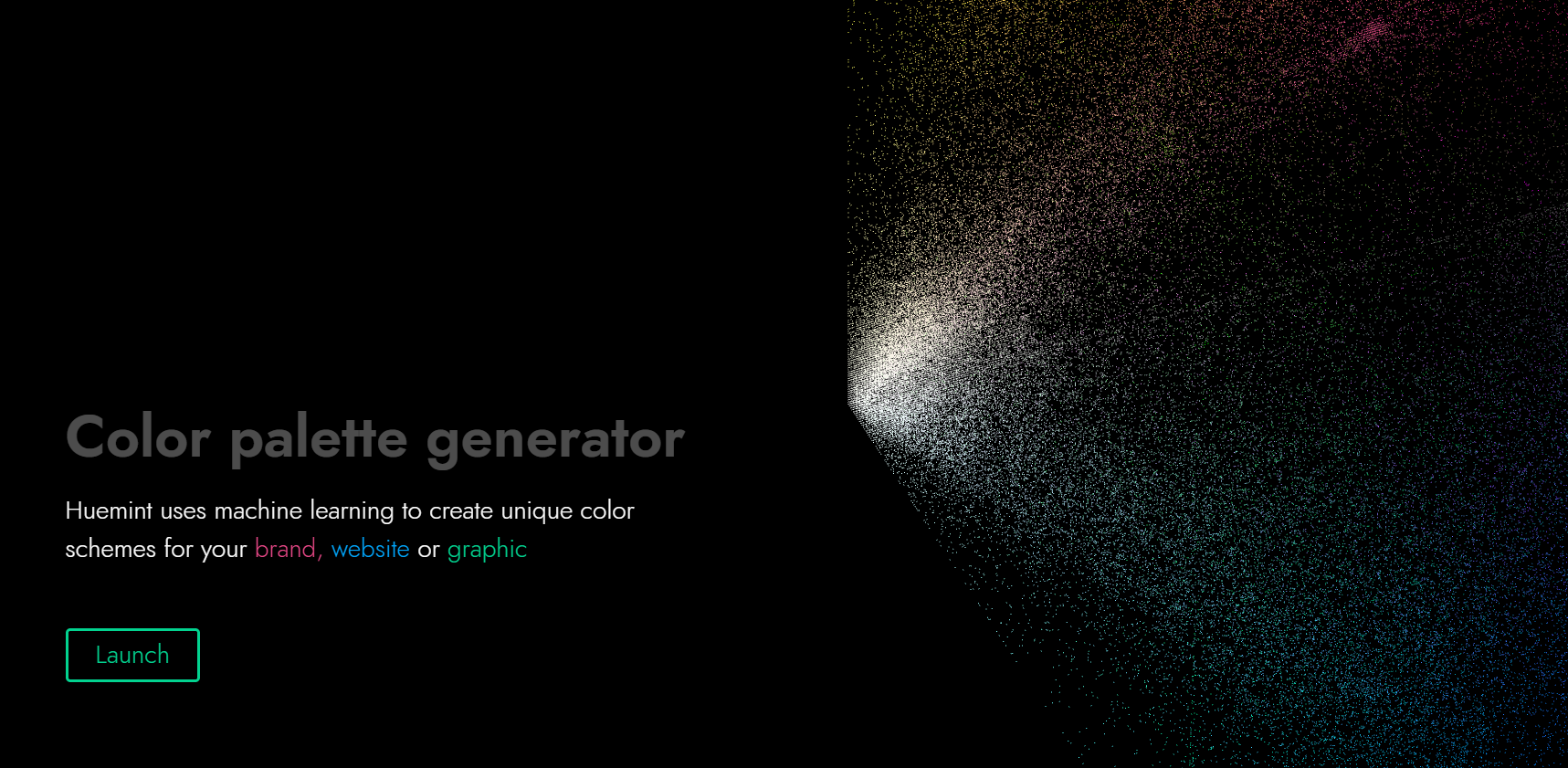
Huemint’s main functions
-
Intelligent color scheme generation : Generates harmonious color schemes based on the design context (such as background color, foreground color, and accent color).
-
Multiple design templates : Supports various design templates such as icons, brands, web pages, gradient colors, and illustrations.
-
Color Lock Feature : Users can lock a specific color and generate other color schemes around that color.
-
Creativity Adjustment : Control the diversity and contrast of generated color schemes using the “Creativity” slider.
-
Upload custom designs : Users can upload their own design images, and Huemint will generate color schemes based on the image content.
-
Multiple generation models : Provides three generation methods: random, Transformer, and diffusion models to meet different needs.
-
Real-time visualization : The color scheme effect can be displayed on the design template in real time, intuitively showing the color scheme effect.
How to use Huemint
-
Visit the official website : https://huemint.com/.
-
Choose a template : Select a design template (such as icon, brand, webpage, etc.) at the top of the page.
-
Generate color scheme : Click the “Generate” button in the upper right corner to generate a color scheme.
-
Lock color : Click on your favorite color block to lock it, and the color will remain unchanged when generating subsequent colors.
-
Adjust Creativity : Use the “Creativity” slider to adjust the diversity and contrast of colors.
-
Select a model : In Settings, select a generative model (random, Transformer, or diffusion model).
-
Upload image : Upload a custom design image (must be a solid color area) on the “Upload image” tab.
-
View the effect : The color scheme is displayed on the template in real time, allowing you to see the effect intuitively.
Application scenarios of Huemint
-
Brand design : Generate a color scheme that matches the brand’s tone, and generate matching color schemes after locking in the brand color to ensure color consistency.
-
Web design : Generate high-contrast or harmonious background and text color schemes based on the webpage layout to enhance the readability and aesthetics of the webpage.
-
Icon design : Choose bright or soft color schemes for icons to enhance their visual appeal and recognizability.
-
Illustration design : Generate complex, multi-color schemes to enrich the color layers of illustrations and improve creative efficiency.
-
Gradient design : Create smoothly transitioning gradient colors to apply to backgrounds, buttons, or decorative elements, adjusting contrast and variety.
相关导航




ai-navhub:The official website of the AI Toolset includes hundreds of AI tools from both domestic and international sources, as well as commonly used websites, frameworks, and models for AI learning and development, helping you join the wave of artificial intelligence and complete tasks efficiently and automatically!