




What is Dzine?
Dzine (formerly Styler) is an online image editing and design platform that integrates artificial intelligence technology. It offers a range of tools including AI photo filters, image merging, fill generation, object removal, background removal , text effects, and logo creation , simplifying and enhancing the creative design process. Users can easily accomplish complex image editing and design tasks. Dzine AI is characterized by its high degree of control and ease of use, suitable for users of all skill levels, helping them improve design efficiency and inspire creativity.
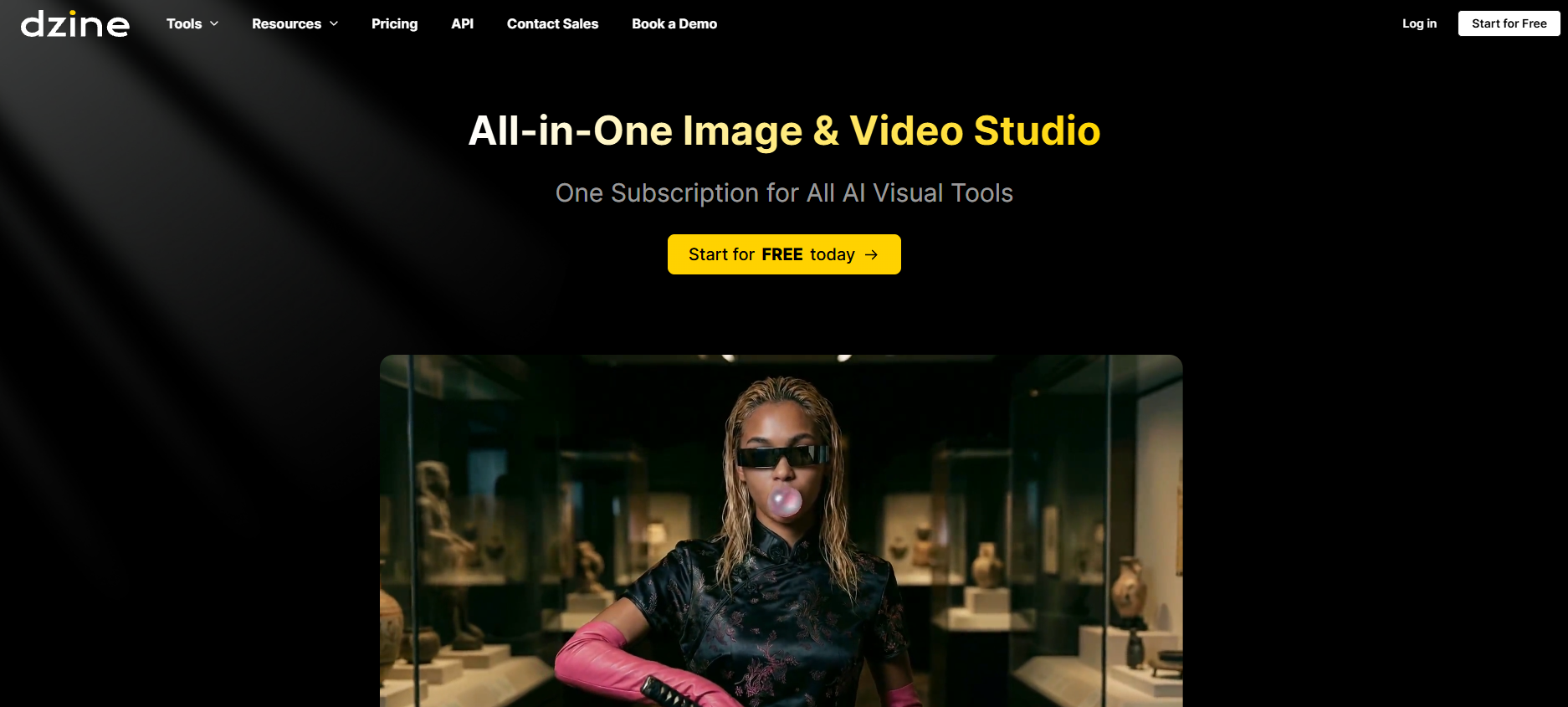
Dzine’s main functions
- AI Photo Filters : Based on style transfer technology, Dzine can transform a user’s portrait or photo into a cartoon/clay style while cleverly preserving the details and features of the original photo.
- Image style transfer : Dzine’s AI technology can combine different image elements to generate new images with a unified style, enhancing visual impact.
- Generate Fill and Modify : With simple text descriptions, Dzine’s Generate Fill feature can quickly add or modify objects in an image, greatly saving the time required for traditional manual editing.
- Remove objects from photos : Dzine can quickly remove unwanted objects, watermarks, or people from photos without complicated operations.
- Background Removal : Dzine’s background removal tool can easily handle complex parts of photos, such as hair and fur, simplifying the process of removing and replacing the background.
- AI Text Effects and Logo Maker : Dzine offers powerful text effects and logo design features, allowing users to add unique textures and styles to their projects and enhance their visual appeal.
- Character generation : Dzine supports rapid conversion from 2D sketches to dynamic 3D characters, greatly facilitating animation and game design.
- Sketch to Art : Dzine can transform users’ sketches into inspiring works of art, unlocking endless creative possibilities.
- AI Art Generator : Through text-to-image AI tools, Dzine can generate artworks based on text descriptions provided by users, transforming abstract concepts into visual reality.
- Automatically generated prompts : Dzine’s AI technology can automatically generate image prompts, reducing the workload for users when describing images.
Dzine product prices
- Free Version : No payment information required, completely free to use, 32 regular queue points per day. Features include: text-to-image, image-to-image, auto-completion generation, advanced style access, asset library (100MB storage), and use of pre-defined consistent roles.
- Beginner : $8.99 per user per month. Includes all features of the free plan, plus: 900 fast queue credits per month, private generation, watermark removal, 2x high-resolution export (JPG), local editing, object insertion and moving, face swapping, repair and expression editing, image enhancement and expansion, product backgrounds, asset library (1GB storage), permanent projects, commercial use, and more.
- Creators : $19.99 per user per month. Includes all features of the Starter Plan, plus: 1000 Fast Queue Credits per month, Credit Rollback (up to 3 months), 5 concurrent jobs, unlimited regular queue, up to 4x high-resolution export (JPG, PNG), Image to 3D Model (Fast Queue only), SVG Export (Fast Queue only), Fast Style, Private Professional Style Training, up to 10 storage slots (Fast Queue only), Consistent Characters, up to 10 storage slots (Fast Queue only), and more.
- Master : $59.99 per user per month. Includes all features of the Creator Plan, plus: unlimited fast queue credits, 12 concurrent jobs, private professional style training, up to 80 storage slots, consistent roles, up to 80 storage slots, asset library (1000GB storage), video generation (60-second videos/month), and insensitive filtering during image generation.
More information can be found on Dzine’s product pricing page.
Application scenarios of Dzine
- Product advertising design : Dzine’s “Generate Fill” tool allows users to quickly add, combine, and modify elements in images while maintaining a consistent style, making professional-grade designs accessible to everyone, regardless of their skill level.
- Photo background replacement : Dzine’s “Auto Select” and “Image to Image” tools can simplify the process of improving product photos, easily adapting products to more attractive backgrounds, enhancing photo quality and meeting marketing goals.
- Character Design : Dzine’s “Text to Image” and “Image to Image” features enable designers to quickly transform concepts or sketches into diverse illustrations, accelerating the design process, allowing for a wider exploration of creative possibilities, and simplifying character design.
- Clothing Design : Especially in the entertainment or gaming industry, Dzine’s “Generate Fill” feature allows designers to specify the style or historical context of clothing, significantly enhancing the creativity and efficiency of clothing design.
- Interior Design : Dzine’s “Text to Image” feature can generate detailed interior design concepts, such as furniture layout and decorating style, based on the input floor plan or room details, providing a strong foundation for customization.
- Logo Design : Dzine’s “Image to Image” tool can transform simple sketches or ideas into different logo concepts, allowing you to experiment with creative ideas without needing advanced design skills.
相关导航




ai-navhub:The official website of the AI Toolset includes hundreds of AI tools from both domestic and international sources, as well as commonly used websites, frameworks, and models for AI learning and development, helping you join the wave of artificial intelligence and complete tasks efficiently and automatically!