




Microsoft Designer
Microsoft launches online poster and promotional graphic design tool
标签:AI Design ToolsAI design toolsAs part of Microsoft 365, Microsoft Designer is a tool for creating graphic designs of any type, from logos and invitations to blog banners and social media posts. You may have designed similar elements before in Canva, Fotor, Figma, or other graphic design software, but Microsoft Designer is much smarter.
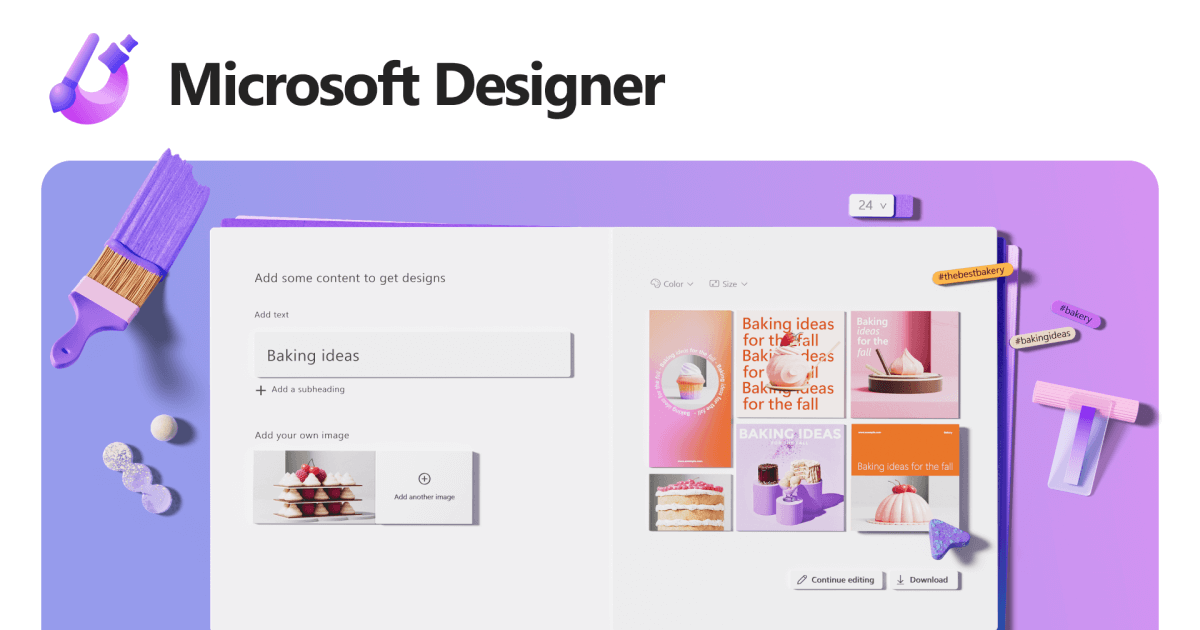
What sets Microsoft Designer apart from other design tools is its use of OpenAI’s DALL·E 2 technology. This is an artificial intelligence that allows you to create images and artwork by inputting your desired text descriptions. This feature helps you find unique graphics for your projects, and thanks to the advanced technology, the created images are remarkably realistic.
You can also fully customize your visuals using your own images and built-in design tools. Explore different looks with templates, shapes, photos, icons, text styles, and color themes to find the perfect design for your project.
How to obtain Microsoft Designer certification
Since its launch in December 2022, Microsoft Designer requires access to a waitlist. You can add your email address to the list, and once you are granted access, you will receive an email with login instructions.
The current preview version doesn’t include all planned features, but Microsoft is seeking feedback from those with preview access to improve the tool before it’s widely available. Microsoft Designer will initially be a free application for Microsoft 365 individuals and families, with premium paid features available as an option. Microsoft also plans to integrate Designer with Microsoft Edge, hoping to assist Edge users in designing social media posts and other items on websites they visit in their browser.
How to use Microsoft Designer
When you log in to Microsoft Designer, you’ll see Designer Copilot. This tool helps you create your first visual using AI-generated images, your own images, or a blank canvas.
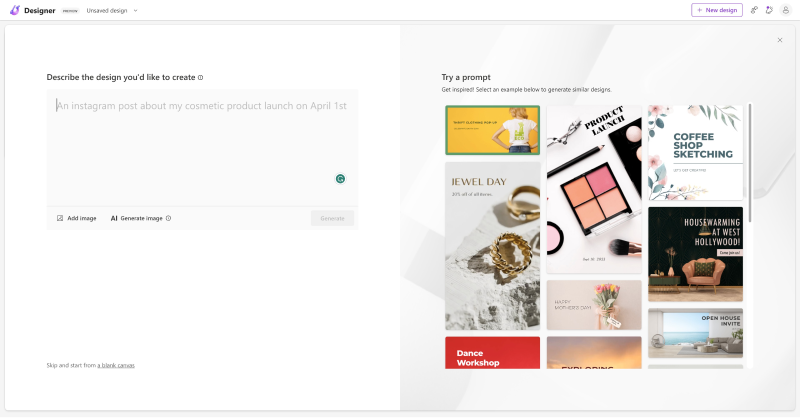
Simply enter the visual element you want to create in the input box, such as “An Instagram post about my cosmetic product launch on April 1st.” Then click “Generate,” and Microsoft Designer will automatically lay out the design. You can also click “AI Generate image” to generate the element you want.
相关导航



