






AI Audio Tools
Speechify
What is Speechify?
Speechify is a powerful text-to-speech (TTS) tool that supports multiple platforms (such as iPhone, iPad, Android, Mac, web version, Chrome extension, etc.) and can easily read aloud any document, article, book, PDF, and email. The tool uses AI technology to convert text content into natural and fluent speech, offering over 200 voice options covering over 60 languages and supporting voice cloning . Speechify can help users improve reading speed by up to 4.5 times, saving time. Suitable for people with dyslexia, the tool can be widely used in learning, work, and daily reading, helping over 50 million users efficiently access information.
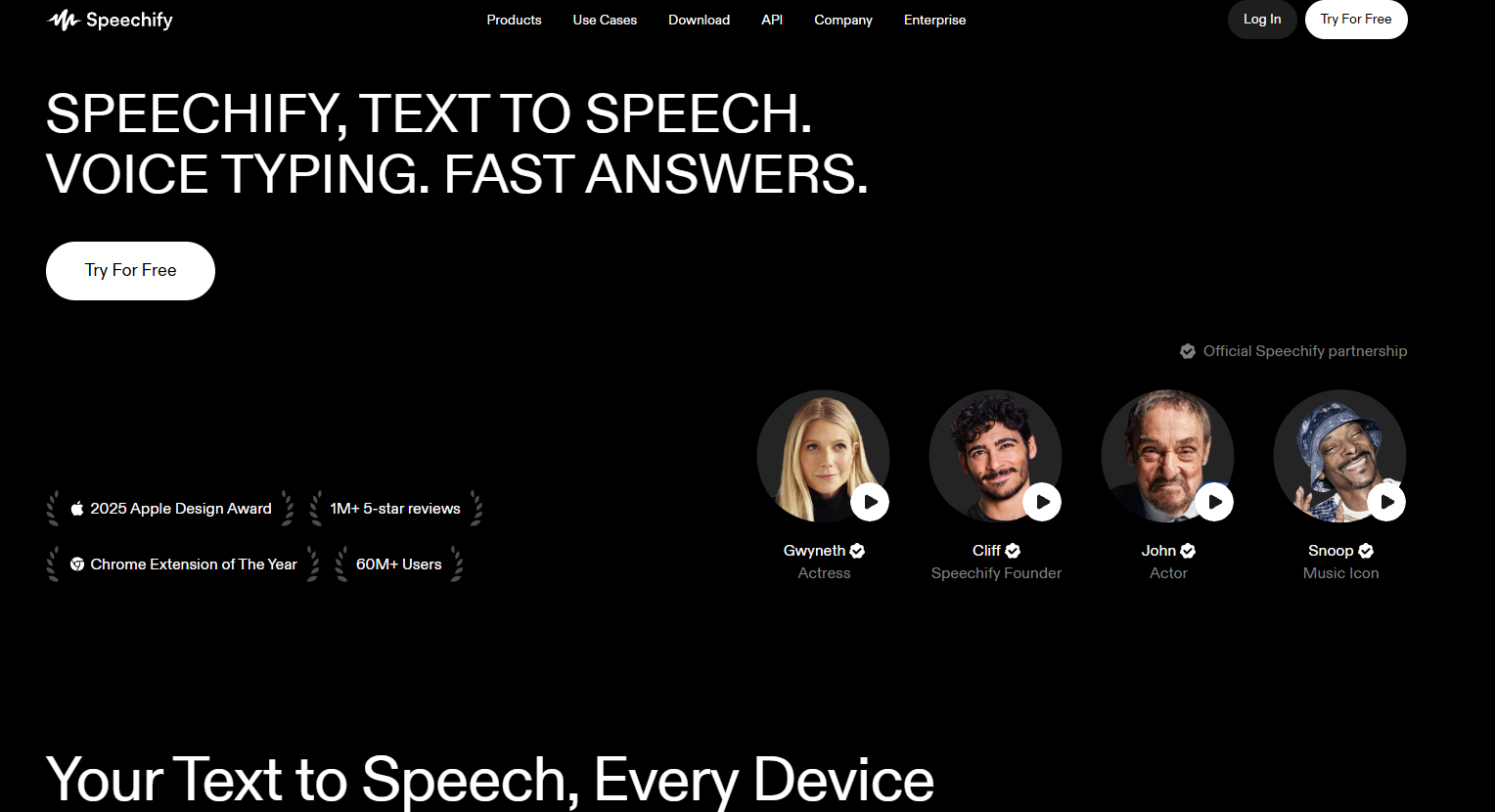
Speechify’s main functions
-
Text-to-speech : Converts text content into natural and fluent speech, supporting multiple languages and speech styles.
-
Multi-platform support : Supports use on multiple devices and platforms including iPhone, iPad, Android, Mac, web version, Chrome extension and Edge plugin.
-
AI Voice Generator : Offers 200+ lifelike AI voices, supports voice cloning, and allows users to create personalized voices.
-
Improved reading speed : Increases reading speed by up to 4.5 times, helping users save time.
-
Instant AI Summary : Generates summaries for each article instantly, helping users quickly grasp the key points.
-
Scan to listen : Scan any page with a photo and have Speechify’s text reader read it aloud for you.
-
Accessibility support : Especially suitable for users with reading difficulties, helping them to better access information.
-
Enterprise-grade solutions : Provide text-to-speech API and Speechify Studio to support enterprise-level applications such as ad dubbing and podcast production.
How to use Speechify
-
Download and install : Visit the Speechify website https://speechify.com/, download the Speechify app , or install the Chrome extension, Edge plugin, or other versions.
-
Registration and Login : Open the application or extension and follow the prompts to complete account registration and login.
-
Choose the text source : Copy and paste the text you want to read aloud into the application, or directly select content from web pages or documents (such as PDFs or Google Docs) via the extension.
-
Choose your voice settings : Select your preferred voice (such as male, female, or AI voice) within the app, adjust parameters such as speech rate and volume, and select language and accent.
-
Start reading aloud : Click the “Play” button, and Speechify will automatically convert the text into speech, allowing users to listen while doing other things.
-
Use advanced features (optional): use the scan function to recognize and read text aloud from photos; enable the instant summary function to quickly get the key points of the text; or use the voice clone function to create a personalized voice.
Speechify application scenarios
-
Learning and Education : Students use Speechify to listen to e-books, textbooks, and academic articles, improving their learning efficiency.
-
Work and Office : Professionals can quickly read and process large amounts of work documents, emails, and reports, saving time and improving work efficiency.
-
Reading and Leisure : Users can listen to novels, news, and blogs while commuting, exercising, or doing housework, making reading easier and more fun.
-
Language learning : By listening to the sounds of different languages, users can learn pronunciation and intonation, helping them improve their language listening and speaking skills.
-
Accessibility support : Provides voice assistance for visually impaired or dyslexic individuals to help users better access information and participate in learning.
相关导航





ai-navhub:The official website of the AI Toolset includes hundreds of AI tools from both domestic and international sources, as well as commonly used websites, frameworks, and models for AI learning and development, helping you join the wave of artificial intelligence and complete tasks efficiently and automatically!