






AI Audio Tools
LOVO AI
A professional AI text-to-speech tool that supports 500+ voices and 100 languages.
标签:AI Audio ToolsAI audio toolsWhat is LOVO AI?
LOVO AI is a professional AI text-to-speech tool , offering text-to-speech services for 500+ audio sources and 100 languages. Designed specifically for video content creation in marketing, training, and social media, it supports seamless audio-video synchronization, automatic caption generation, AI writing assistance, and voice cloning technology. Through its user-friendly interface and powerful editing tools, LOVO AI helps users save time and money, enhancing the global appeal and professionalism of their content.
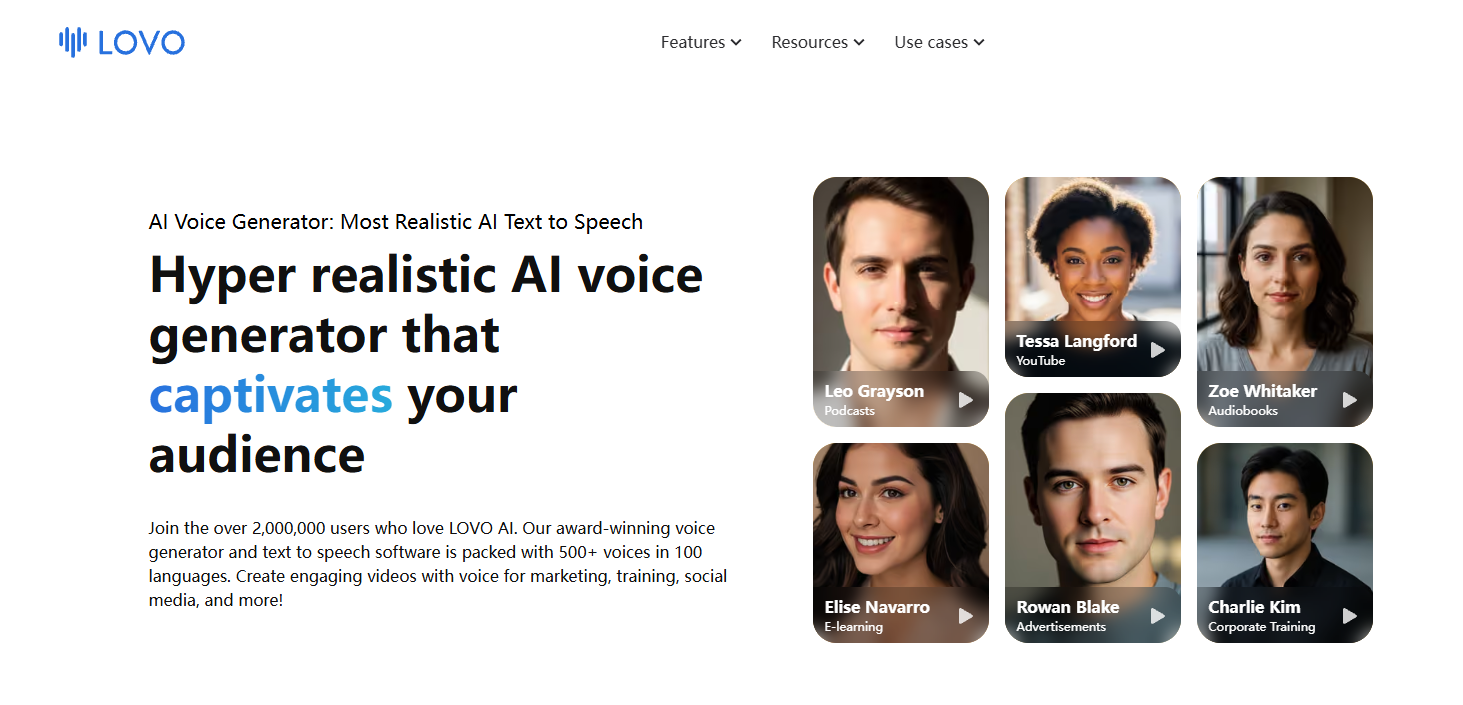
LOVO AI’s main functions
- Text-to-speech : Converts text into natural, fluent, and realistic human voices, supporting over 500 voice options.
- Multilingual support : Offers over 100 language audio options to meet the needs of global content.
- Genny Video Editing Platform : An integrated online video editor that allows users to easily edit and synchronize video and audio.
- Automatic subtitle generation : Automatically generate subtitles in 20+ languages for videos, enhancing global audience engagement.
- AI Writing Assistant : Helps users quickly generate professional-quality scripts and solve writing problems.
How to use LOVO AI
-
To access the website : Open your browser and visit ( lovo.ai ).
-
Register an account : Create a new account or log in with an existing one. LOVO AI offers a free trial; users can register to experience some of its features.
-
Choose a voice : Browse the platform and select a voice suitable for your project. LOVO AI offers voice options in multiple languages and genders.
-
Enter or upload your script : Enter your text script into the text box, or upload a document for the platform to read.
-
Adjust voice settings : Adjust the voice speed, volume, tone, and other parameters as needed to ensure the sound meets your expectations.
-
Generate Voice : After completing the settings, click the Generate button, and LOVO AI will generate a voice file based on the script you provided and the voice you selected.
-
Editing and Synchronization : Use LOVO AI’s online video editor to synchronize generated audio with your video content. You can trim and adjust audio and video for perfect synchronization.
-
Add subtitles : Use an automatic subtitle generator to add multilingual subtitles to your videos to broaden your audience.
-
Editing and Refinement : Use the AI writing assistant to improve your script, or use the AI art generator to add images and elements to enhance the appeal of your video.
-
Export and share : After you finish editing, you can export the video as MP3, WAV, or MP4 format.
Application scenarios of LOVO AI
-
Marketing and Advertising : Create engaging advertising videos for businesses and products to increase the appeal and persuasiveness of marketing content.
-
Social Media : Post videos with voiceovers on social media platforms to increase content interactivity and viewership.
-
Corporate Training and Education : Create educational and corporate training videos, using natural voices to enhance the appeal and comprehensibility of learning materials.
-
Product demonstration and explanatory videos : Add professional voice-over to product demonstration and explanatory videos to help users better understand product features and usage methods.
-
Customer service and support : Use AI voice generators in customer service scenarios to provide automated voice replies or interactive voice response systems.
相关导航



ai-navhub:The official website of the AI Toolset includes hundreds of AI tools from both domestic and international sources, as well as commonly used websites, frameworks, and models for AI learning and development, helping you join the wave of artificial intelligence and complete tasks efficiently and automatically!