






What is Clipchamp AI Narration Generator?
Clipchamp AI Narration Generator is an online AI-powered voice-over tool from Clipchamp that quickly converts text into realistic voice-over narration. The tool supports over 400 voices and 80 languages (including Chinese), allowing users to freely adjust tone, emotion, and speaking speed (0.5x to 2x), and add natural subtitles to enhance video accessibility. Clipchamp easily meets the needs of social media videos, corporate presentations, and educational content, making it a powerful tool for creators to improve video quality.
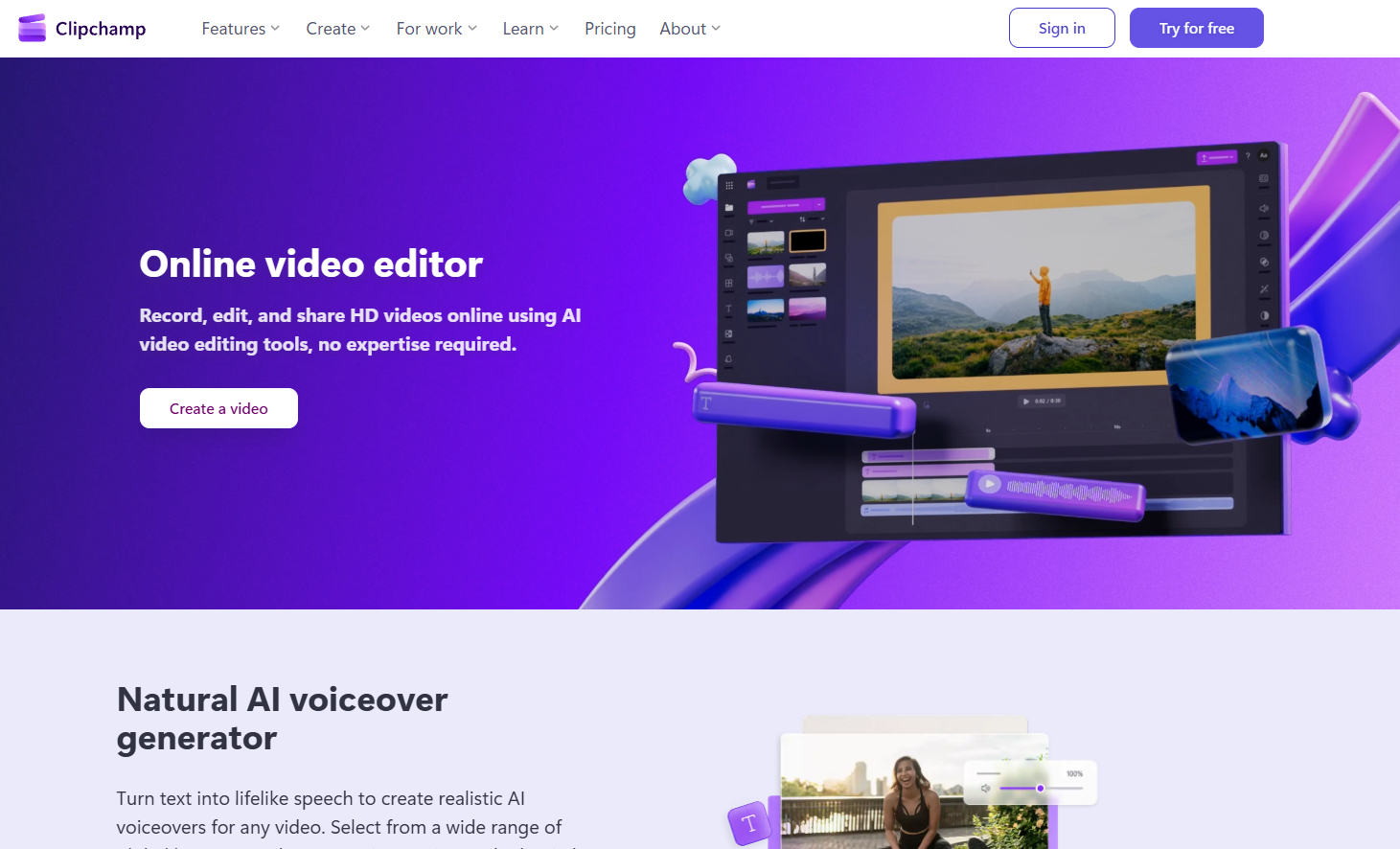
The main functions of Clipchamp AI Narration Generator
-
Text-to-speech : Users can generate high-quality voice-over audio simply by entering or pasting scripts into a text box.
-
Multilingual support : Offers over 80 language options, covering major languages worldwide, including Spanish, Japanese, Hindi, Italian, Arabic, German, French, and more.
-
Diverse voice selection : Supports over 400 voices, allowing users to choose natural male, female, and neutral voices to perfectly match video content.
-
Tone and emotion adjustment : Users can adjust the tone and emotional expression of the voice according to the emotional needs of the video, making the narration more infectious.
-
Speech speed control : Supports speech speed adjustment from 0.5x to 2x to meet the needs of different scenarios and easily control the narration rhythm.
-
Subtitle generation : Automatically generates subtitles to enhance the accessibility of videos and ensure that audiences worldwide can understand the video content.
How to use Clipchamp AI narration generator
- Visit the official website : Visit the Clipchamp AI Voiceover Generator website https://clipchamp.com/zh-hans/features/ai-voice-over-generator/, and follow the prompts to register and log in.
-
Choose a text-to-speech generator : Select the “Text to Speech” function on the Clipchamp platform.
-
Choose your language and voice : Select the language and voice type that best matches your video from over 80 languages and over 400 voices.
-
Adjust tone and speed : Adjust the tone, emotion, and speed of your voice (0.5x to 2x) as needed to suit the video content.
-
Enter or paste text : Type or copy and paste the script content freely in the text box.
-
Preview voice-over : Preview the generated narration after it is generated to ensure it meets expectations.
-
Add to video : Add the generated voice-over to your video to complete the dubbing.
-
Save and Export : Export the generated AI-generated voiceover text as an MP3 audio file.
Application Scenarios of Clipchamp AI Narration Generator
-
Social media videos : Add humorous or engaging narration to short videos on platforms like TikTok, Instagram Reels, and YouTube Shorts to attract viewers.
-
Corporate Videos : Produce multilingual corporate presentation videos to enhance the international appeal and professionalism of the content.
-
Educational Videos : Add clear narration to online courses, virtual lectures, and instructional videos to help students better understand the content.
-
Product demonstration : Add realistic voiceover to product introduction videos to make it easier for viewers to accept and understand product features.
-
Game Videos : Add narration to game commentary videos to enhance the viewing experience.
相关导航





ai-navhub:The official website of the AI Toolset includes hundreds of AI tools from both domestic and international sources, as well as commonly used websites, frameworks, and models for AI learning and development, helping you join the wave of artificial intelligence and complete tasks efficiently and automatically!