




AI Audio Tools
LALAL.AI
What is LALAL.AI?
LALAL.AI is an AI-powered music and audio processing tool that can quickly and accurately separate different audio tracks such as vocals, accompaniment, drums, and bass from audio or video. It supports various audio and video formats (such as MP3, WAV, MP4, etc.). The tool offers a free batch upload function, allowing users to upload up to 20 files for processing. LALAL.AI features echo removal, reverb, and noise reduction functions, effectively improving audio processing quality. The tool also provides a digital sound cloning function to help users create personalized digital sound copies.
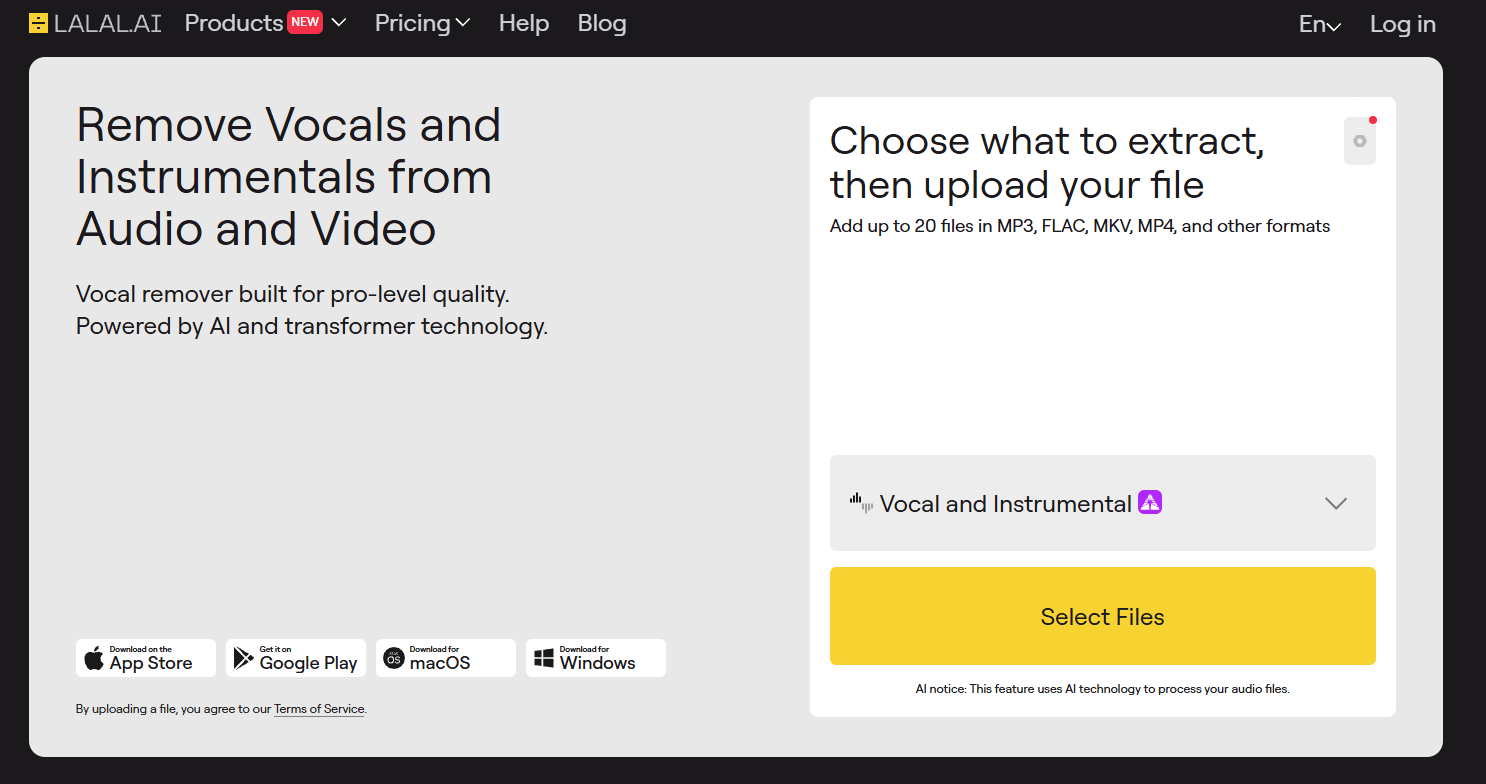
LALAL.AI’s main functions
-
Audio Separation : Supports separating different audio tracks such as vocals, accompaniment, drums, bass, piano, and guitar in audio or video, supporting the separation of up to 10 audio tracks.
-
High-quality processing : Based on advanced AI technology, it ensures clear and lossless sound quality after separation, providing high-fidelity audio output.
-
Batch upload : Supports up to 20 files to be uploaded at once for batch processing, suitable for batch operation needs.
-
Digital Voice Cloning : Offers the “Voice Cloner” feature, which can create digital voice copies for use in speech synthesis or virtual voice production.
-
Multi-format support : Supports a variety of audio and video formats, such as MP3, WAV, FLAC, AIFF, AAC, M4A, AVI, MP4, MKV, MOV, etc.
-
Echo and reverb removal : Provides the ability to remove echo and reverb from audio, optimizing audio quality.
-
Noise reduction function : Supports adjusting the noise reduction level as needed to improve audio clarity.
-
Cross-platform support : Offers desktop, iOS, and Android apps for easy use on different devices.
How to use LALAL.AI
- Registration and Login : Visit the LALAL.AI official website https://www.lalal.ai/ for an online experience, or download the client as needed to complete account registration and login.
- Upload files : On the homepage, click the “Select stems & choose files” button to select the audio or video files you want to process. Multiple formats are supported (such as MP3, WAV, MP4, etc.). Up to 20 files can be uploaded at once for batch processing.
- Select the separation options : Select the type of audio track to be separated (such as vocals, backing tracks, drums, bass, etc.), and adjust advanced options such as noise reduction level, echo and reverb removal as needed.
- Start processing : Click the “Upload” button to submit the file and start processing. You can view the progress bar on the page.
- Download results : After processing, you can choose to download a single audio track or all audio tracks. Multiple formats are supported (such as MP3, WAV, etc.).
- Results : The downloaded audio track can be used in music production, audio editing, or other creative projects.
Application Scenarios of LALAL.AI
-
Music production and creation : Musicians use LALAL.AI to separate audio tracks, making it easy to rearrange and mix music, and quickly realize their creative ideas.
-
Audio editing and post-production : Audio editors separate audio tracks, remove noise, and improve audio clarity, which is used in the post-production of film, television, and advertising.
-
KTV and cover song enthusiasts : Cover singers remove the original vocals and obtain the accompaniment, making it easier to record new versions and learn the techniques of the original song.
-
Music education and learning : Teachers and students analyze music separately from the audio tracks, learn musical instruments and singing techniques, and gain a deeper understanding of musical structure.
-
Digital voice cloning and virtual human voice : Users create digital voice copies using “Voice Cloner” for use in virtual human voices, speech synthesis, etc.
相关导航




ai-navhub:The official website of the AI Toolset includes hundreds of AI tools from both domestic and international sources, as well as commonly used websites, frameworks, and models for AI learning and development, helping you join the wave of artificial intelligence and complete tasks efficiently and automatically!