






AI Prompts
AI Prompt Genius
AI-powered suggestion word library creation and management tool
标签:AI PromptsAI prompts and instructionsWhat is AI Prompt Genius?
AI Prompt Genius is a browser extension that helps users create and manage AI prompt word libraries. It allows users to easily collect, organize, and sync high-quality AI prompt word libraries, supporting cross-device use. With powerful tagging and folder features, users can efficiently organize and retrieve prompt words, improving AI usage efficiency. AI Prompt Genius offers a rich selection of preset prompt words, suitable for various scenarios such as writing, programming, and design. With its simple interface and powerful features, AI Prompt Genius is hailed as the “AI Swiss Army Knife,” a practical tool for enhancing the AI application experience.
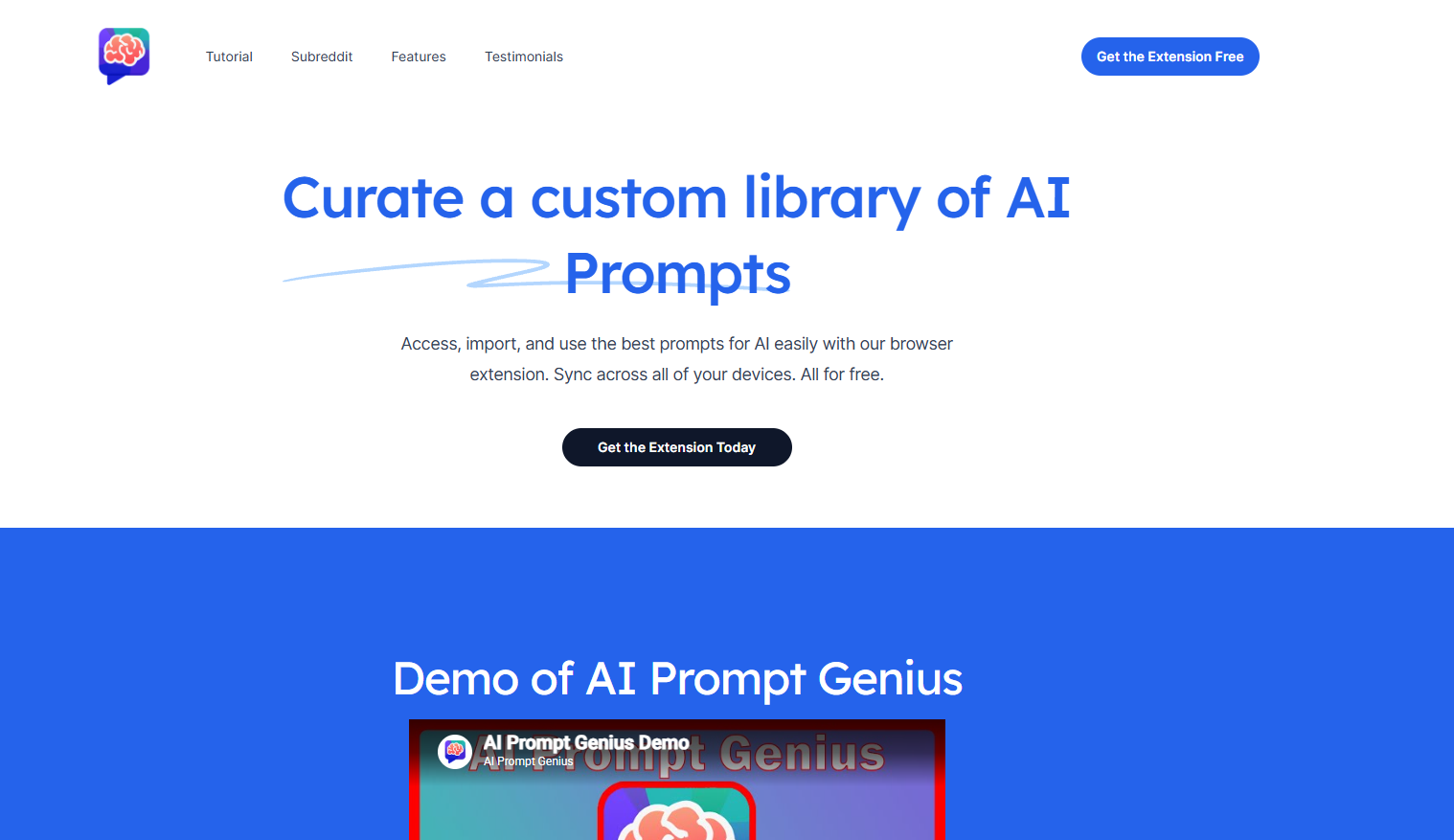
AI Prompt Genius’s main functions
- Create and manage suggestion dictionaries : Users can create custom suggestion dictionaries for easy and quick access and modification.
- Tag and folder function : Use tags and folders to classify and organize prompts for easy searching and management.
- Cross-device synchronization : Supports synchronization of suggestion dictionaries across different devices, ensuring usability anytime, anywhere.
- Preset high-quality prompts : Provides a rich selection of preset prompts covering various application scenarios, such as writing, programming, and design.
- Import and export functions : Supports importing prompts from other sources or exporting them to various formats for easy integration with other tools.
- Intelligent search and filtering : Use keyword search or filtering functions to quickly find the suggestions you need.
- Community sharing : Users can share their own suggestion words or obtain high-quality suggestion words shared by others from the community.
How to use AI Prompt Genius
- To install the extension : Visit the AI Prompt Genius official website: https://www.aipromptgenius.app/ or your browser’s extension store. Click the “Install Extension” button and follow the prompts to complete the installation.
- Create an account : Create an account to log in.
- Import or create a prompt word : In the extension, click “New Prompt Word,” and enter the prompt word content, description, and tags.
- Import prompt words : Click the “Import” button to import prompt words from local files or online resources.
- Organize your suggestions : Add tags to suggestions or categorize them into folders for easy retrieval and management later. Sort and filter suggestions by tags, date, or frequency of use.
- Using prompts : Select the desired prompts, click the “Copy” button, and paste them into an AI tool (such as ChatGPT). Some extensions support sending prompts directly to integrated AI tools.
- Synchronization and Backup : After logging into your account, the suggestion dictionary will automatically sync to other devices. Regularly export the suggestion dictionary to prevent data loss.
- Explore community resources : Share your high-quality suggestion words to the community. Or obtain suggestion words shared by other users from the community to expand your suggestion word library.
Application scenarios of AI Prompt Genius
- Content creation : Provides high-quality prompts for writing, copywriting, and creative brainstorming, helping creators quickly generate inspiration and produce high-quality content.
- Programming Development : Developers can quickly solve programming problems, optimize code structure, or generate test cases to improve development efficiency.
- Education and Learning : Teachers create teaching prompts to help students better understand and master knowledge points; students use prompts to assist in learning, summarize knowledge, or receive homework help.
- Design & Creativity : Designers use prompts to generate design inspiration, creative concepts, or copywriting descriptions to assist the design process and improve creative efficiency.
- Data Analysis and Research : Researchers can use prompts to generate data analysis reports, research plans, or literature reviews, quickly organize their thoughts, and improve research efficiency.
相关导航


ai-navhub:The official website of the AI Toolset includes hundreds of AI tools from both domestic and international sources, as well as commonly used websites, frameworks, and models for AI learning and development, helping you join the wave of artificial intelligence and complete tasks efficiently and automatically!