




AI Image ToolsAI Image ToolsBackground RemovalCommon AI Image
Photoroom
Online AI Image Editing Tools
标签:AI Image Tools Background Removal Common AI ImageAI image illustration generation Common AI Image Tools Common AI toolsWhat is Photoroom?
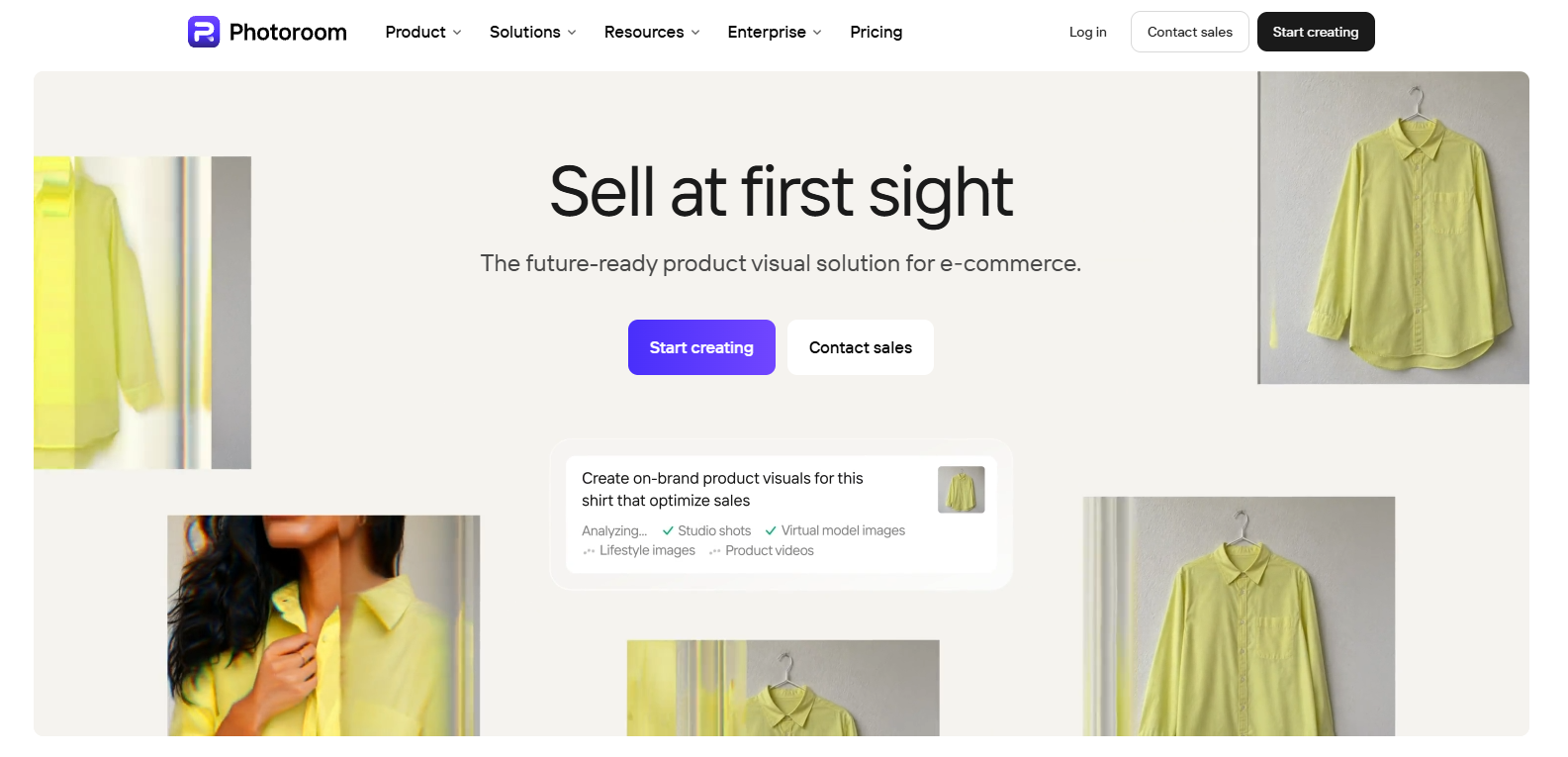
Photoroom is an online AI-powered image editing tool that offers a range of services from free to enterprise-grade. Photoroom uses AI technology to help users quickly and accurately erase image backgrounds , create realistic backgrounds, and resize images. Photoroom also supports team collaboration, improving design and editing efficiency. Whether you’re an independent creator or a corporate team, you can find the right tools and solutions here.
Photoroom’s main functions
- AI Background Eraser : Quickly removes image backgrounds, making foreground objects stand out more and improving editing efficiency.
- AI Background Creation : Automatically generate realistic backgrounds in seconds, without manual design.
- AI Image Expander : Intelligently fills in blank areas of images, adapts to different sizes, and maintains image quality.
- Team collaboration tools : Support team members to collaborate online in real time, share and edit designs, and improve work efficiency.
- Brand asset management : Use shared templates, logos, and other brand assets to ensure design consistency.
- Centralized feedback system : Centralized management of team feedback and editing information simplifies the design review process.
How to use Photoroom
- Register and log in : Visit the Photoroom website ( photoroom.com
 ), create an account or log in with an existing account.
 - Choose a service plan : Select the appropriate service plan (Free, Pro, Enterprise) based on your individual or team needs.
- Upload Image : On the Photoroom interface, upload the image you want to edit.
- Select Editing Tools : Choose the editing tools you need, such as background erasure, background creation, image expansion, etc.
- Use AI editing features : Edit using Photoroom’s AI technology, such as automatically erasing the background or generating a new one.
- Adjustments and optimizations : Manually adjust image details to ensure the edited result meets your requirements.
- Save and download : After editing, preview the image to confirm it is correct, then save or download it.
Applications of Photoroom
- E-commerce : Create high-quality product images for online stores, including background erasing and professional background settings.
- Advertising and Marketing : Creating compelling advertising images for a wide range of marketing materials and promotional items.
- Content creation : Supports bloggers, video producers, and other creators in producing and editing visual content.
- Design and creative industries : Designers use Photoroom to quickly realize creative ideas and improve work efficiency.
- Corporate Branding : Companies use Photoroom to create and manage brand visual assets to maintain brand consistency.
相关导航




ai-navhub:The official website of the AI Toolset includes hundreds of AI tools from both domestic and international sources, as well as commonly used websites, frameworks, and models for AI learning and development, helping you join the wave of artificial intelligence and complete tasks efficiently and automatically!