




AI Office ToolsAI Office ToolsAI PPT
Napkin
AI office tools that quickly convert text content into presentation images
标签:AI Office Tools AI PPTAI slides and presentationsWhat is Napkin?
Napkin is an AI-powered office tool that quickly transforms text content into presentation images. Users simply paste text, and Napkin automatically generates relevant visual materials, which can be edited to meet personalized needs. It’s suitable for various scenarios, including presentations, social media, and documents, helping users communicate complex concepts more effectively and visually.
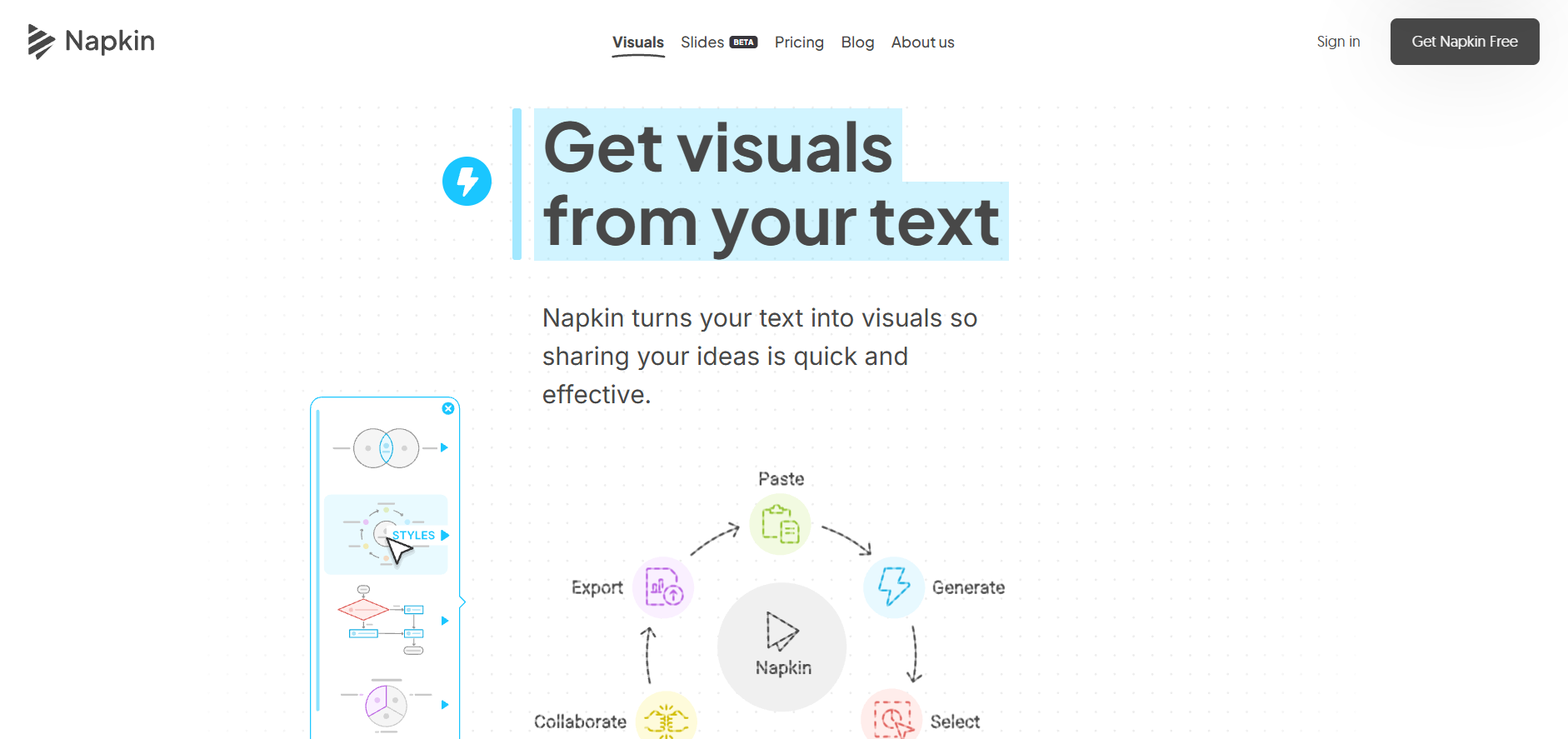
Napkin’s main functions
- Text-to-visual conversion : Napkin can directly generate relevant visual effects from user-input text.
- One-click generation : When a user clicks the generate button, the system will recommend the most suitable visual image based on the text content.
- Fully editable : The generated images allow users to adjust the content and style to maximize their impact.
- Icons and Decorations : Offers a rich library of icons and decorative elements that users can add or replace as needed.
- Dynamic Linking : Supports dynamically linking elements, making it easy to create flowcharts or other visual elements that need to be connected.
- Color and font options : Offers a variety of color schemes and font styles to suit different visual and content needs.
- Multi-format export : Supports exporting images as PNG, PDF, or SVG formats for convenient use on different platforms.
How to use Napkin
- Visit the website : Visit the Napkin official website https://www.napkin.ai/, register a new account or log in directly.
- Paste text : Paste or type the text you want to convert into a visual image in Napkin’s editing area.
- Generate Visual Image : Click the Generate button, and Napkin will analyze the text and suggest visual images.
- Select and edit : Choose the image that best expresses your intent from the visuals provided by Napkin, and edit it as needed. You can adjust the content, style, icons, colors, and fonts, among other things.
- Add elements : Use the tools provided by Napkin to add or replace icons, decorative elements, connecting lines, etc., to enrich the visual effect.
- Export Image : After editing, export the image as PNG, PDF, or SVG format as needed.
Napkin’s product pricing
- Free plan : Limited access to credit and custom features; Napkin is in Beta testing and offers the Pro plan for free.
Who is Napkin suitable for?
- Content creators : Writers, bloggers, or content planners who need to present complex concepts or information in a visual form.
- Business professionals : Managers and analysts who need to use charts and infographics in business presentations, reports, or strategic planning.
- Educators : Teachers or trainers who need to create teaching materials or explain complex concepts to enhance students’ learning interest and understanding.
- Designer : Looking for a visual designer who can quickly generate initial design concepts or sketches.
- Marketers : Marketing professionals who need to use engaging visual elements in social media or other marketing materials to enhance brand influence.
- Product Manager : A product manager who needs to quickly create product demos, user flowcharts, or feature descriptions.
相关导航







ai-navhub:The official website of the AI Toolset includes hundreds of AI tools from both domestic and international sources, as well as commonly used websites, frameworks, and models for AI learning and development, helping you join the wave of artificial intelligence and complete tasks efficiently and automatically!