




What is PowerPresent AI?
PowerPresent AI is a powerful AI-powered presentation generation tool . Users simply enter a topic, select the number of slides, and decide whether to include web research; the AI automatically generates complete presentation content, including slides, text, and visual elements. PowerPresent AI offers a variety of professional templates, supports real-time collaboration and feedback sharing, and allows one-click export to PowerPoint or direct presentation from the platform. PowerPresent AI features flexible, pay-as-you-go pricing to suit different user needs, helping users save time and easily create impressive presentations.
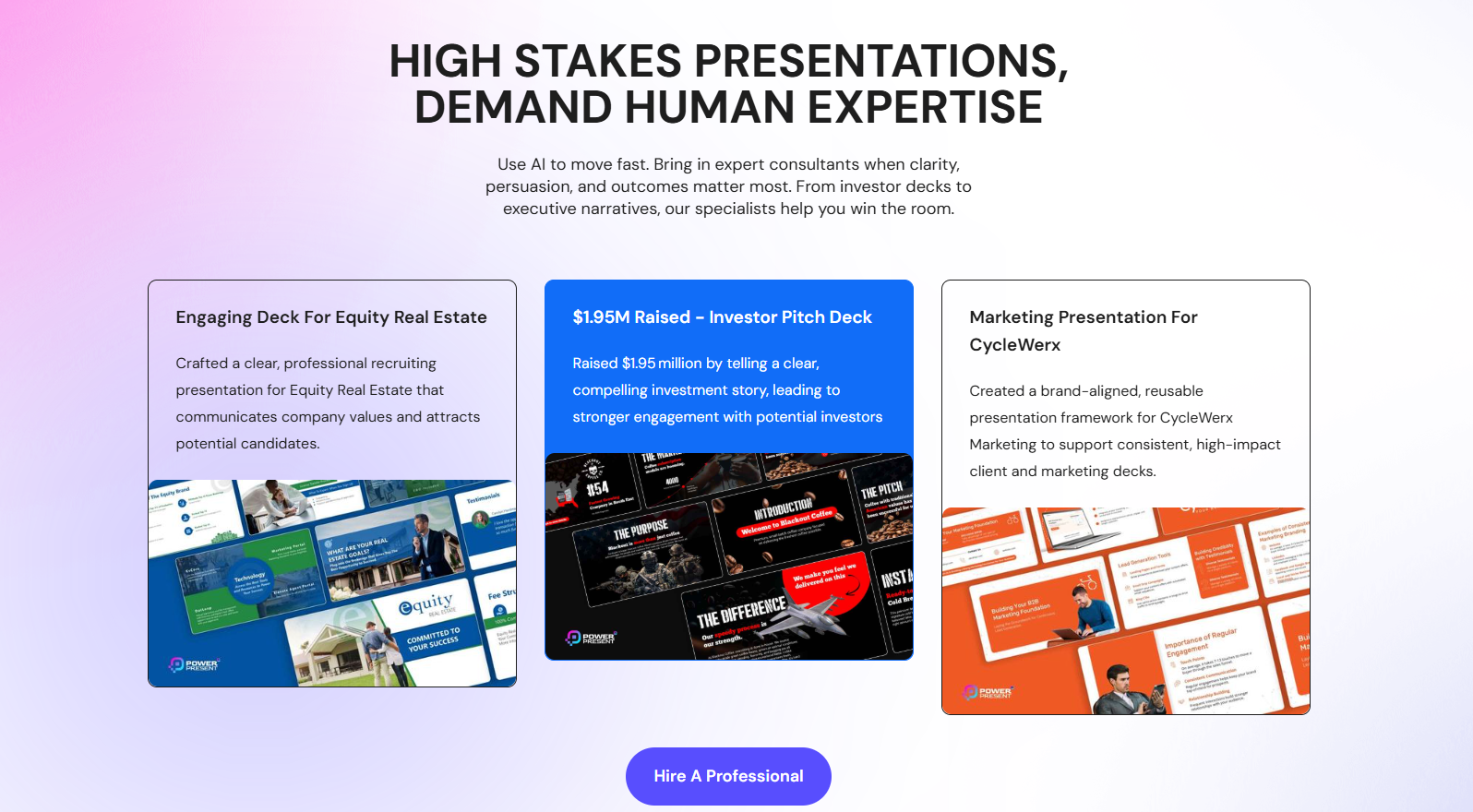
PowerPresent AI’s main functions
- AI Content Generation : Input prompts and AI will automatically generate a complete presentation, including slides, content, and visual elements.
- Professional template selection : We offer a variety of professionally designed templates to make your presentations stand out.
- One-click export : Supports exporting presentations to PowerPoint format, or presenting them directly on the platform.
- Real-time collaboration tools : Support real-time collaboration, making it easy for team members to share feedback and work together to improve presentations.
- Custom design : Users can choose themes, fonts, and image styles to personalize their presentations.
How to use PowerPresent AI
- Registration and Login : Visit the PowerPresent AI website and follow the prompts to complete the registration and login process.
- Input prompt : Enter the presentation topic in the input box on the main interface and select the required number of slides.
- Review and edit the title : After clicking the “Generate” button, AI will automatically generate the slide title. Users can then click on the title to edit it to meet their needs.
- Custom design : Choose a professionally designed theme or template, and customize fonts and image styles to make your presentation more personalized.
- Present or Export : Enter presentation mode directly from the platform by clicking the “Present” button, or export the presentation as a PowerPoint file by clicking the “Export” button for easy use on other devices.
- Collaboration (optional) : If team collaboration is needed, click the “Invite Collaboration” button to invite team members to participate in editing in real time and share feedback.
PowerPresent AI’s product pricing
- Pay As You Go : $2.00 per presentation, suitable for users who use it occasionally.
- Credit Bundle : 7 presentations for $12.00, suitable for small projects.
Application Scenarios of PowerPresent AI
- Business Meetings : Business professionals can quickly generate professional product introductions or project presentations, saving significant preparation time.
- Academic Reports : Scholars and researchers create logically structured academic report presentations that cover the research background, methods, results, and conclusions.
- Education and Training : Teachers can quickly create presentation slides for course explanations or training materials, using a variety of professional templates to better convey knowledge.
- Marketing : Marketers can quickly generate product promotion or market research presentations that capture the audience’s attention and enhance the presentation’s effectiveness.
- Project Management : Project managers create presentations of project progress reports or team collaboration plans to help team members quickly understand the project status.
相关导航








ai-navhub:The official website of the AI Toolset includes hundreds of AI tools from both domestic and international sources, as well as commonly used websites, frameworks, and models for AI learning and development, helping you join the wave of artificial intelligence and complete tasks efficiently and automatically!