




AI Office ToolsAI Office ToolsAI table Data
Excelly-AI
Convert text into Excel or Google Sheets formulas
标签:AI Office Tools AI table DataAI spreadsheet data processingWhat is Excelly-AI?
Excelly-AI is a powerful text-to-Excel formula tool that supports both Excel and Google Sheets. It generates accurate formulas based on user-input natural language and provides detailed explanations. Users can upload custom .xlsxfiles, and the tool generates formulas based on actual data. It can convert between Excel and Google Sheets formulas and supports generating VBA formulas. Excelly-AI supports Slack integration, facilitating team collaboration and improving work efficiency, making it a powerful assistant for efficiently processing spreadsheet data.
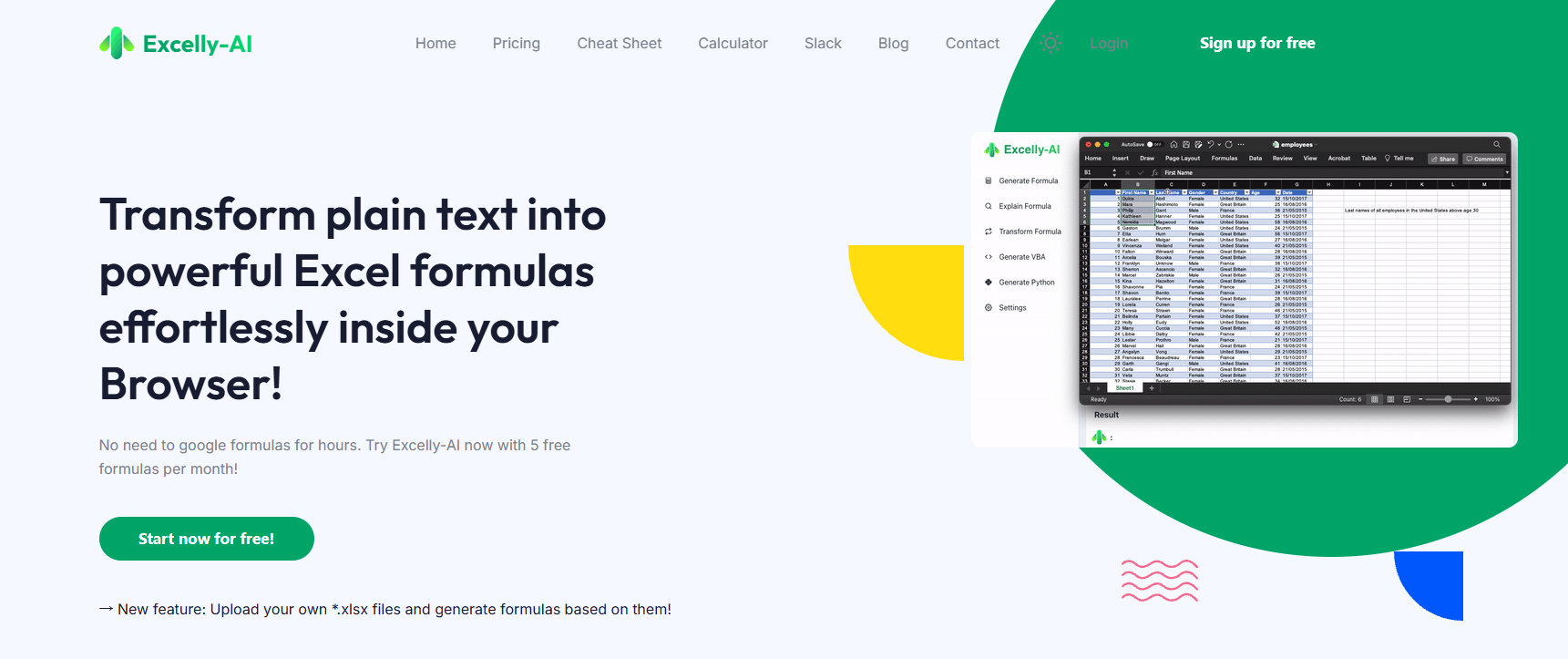
Main functions of Excelly-AI
- Formula generation : Users only need to input a natural language description of their needs, and Excelly-AI can generate the corresponding Excel or Google Sheets formulas.
- Formula Explanation : Excelly-AI provides detailed explanations for the generated formulas to help users understand their function and usage.
- Formula conversion : Supports conversion between Excel formulas and Google Sheets formulas.
- VBA Generation : Quickly generate VBA code based on user needs.
- File Upload and Formula Generation : Users upload their own .xlsx files, and Excelly-AI generates corresponding formulas based on the data in the file.
- Slack Integration : Supports Slack integration, allowing team members to use Excelly-AI directly within Slack, improving collaboration efficiency.
- Real-time suggestions : Excelly-AI provides suggestions in real time as the user enters commands, helping the user express their needs more accurately.
How to use Excelly-AI
- Visit the official website : Visit the Excelly-AI official website.
- Register or Log in : Follow the prompts to complete the registration or login process.
- Select Function : After logging in, select the desired function, such as generate formula, interpret formula, generate VBA, or convert formula.
- Input requirements : Describe your requirements in natural language in the corresponding input box, such as “Calculate the sum of column A”.
- Upload File (Optional) : If you need to generate formulas from a specific Excel file, click the upload button and select the .xlsx file.
- View the results : Excelly-AI generates formulas, explanations, VBA code, or converted formulas, which will be displayed in the results area.
- Slack Integration (Optional) : Add Excelly-AI to your team via Slack integration for easier team collaboration.
Application Scenarios of Excelly-AI
- Data Analysis : Quickly generate formulas for data summarization, filtering, and correlation analysis, helping users efficiently complete complex data processing tasks.
- In the financial field : In financial work, it automatically generates financial statement formulas, performs financial analysis and forecasting, and prepares budgets, thereby improving the efficiency and accuracy of financial work.
- Education and Training : Provide teaching aids for teachers, help students better understand complex formulas, or use them to create rich online course resources.
- Routine office automation : Automatically generate report formulas, organize data, and track task progress, improving the efficiency and automation level of daily office work.
相关导航







ai-navhub:The official website of the AI Toolset includes hundreds of AI tools from both domestic and international sources, as well as commonly used websites, frameworks, and models for AI learning and development, helping you join the wave of artificial intelligence and complete tasks efficiently and automatically!