




Miro AI
The AI features of the online whiteboard collaboration tool are currently in beta testing.
标签:AI Mind Map AI Office ToolsAI Mind MapWhat is Miro AI?
Miro AI is an AI-driven online collaboration tool launched by the Miro platform. It enhances team creativity, collaboration efficiency, and productivity through artificial intelligence technology. Combining a digital whiteboard, sticky notes, and various workflow templates, it supports diverse collaboration needs such as brainstorming, flowchart drawing, and mind map creation. Miro AI boasts a rich feature set, including automatically generating creative ideas, intelligently categorizing and organizing information, creating complex diagrams (such as mind maps and flowcharts), and optimizing workflows. It supports real-time collaboration, unlimited canvas, and integration with various third-party tools, helping teams quickly transform ideas into tangible results.
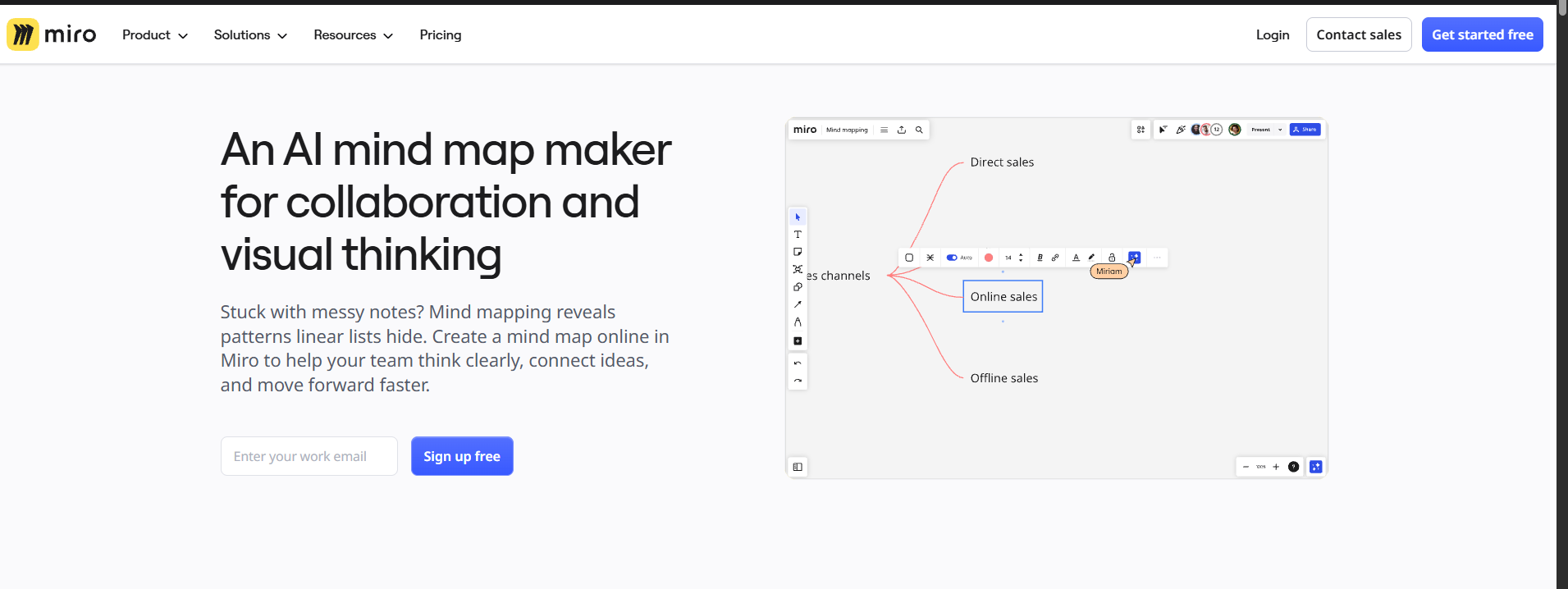
Miro AI’s main functions
- AI automatically generates mind maps : After inputting keywords or concepts, AI can quickly generate a structured mind map framework.
- Intelligent content suggestions : Based on user input, AI provides suggestions on relevant topic nodes, supplementary data or case studies to help users improve their content.
- Content summarization and extraction : Automatically extracts and summarizes meeting minutes, discussion content, etc., and quickly generates summaries.
- AI-assisted editing : Provides functions such as grammar checking, text polishing, and translation to help users optimize document content.
- Real-time collaboration and interaction : Supports team members to edit, comment, and vote simultaneously, and historical versions are traceable.
- AI-driven categorization and organization : Automatically categorizes notes and extracts keywords to help users quickly organize information.
- AI Assistant (AI Sidekicks) : Provides real-time intelligent suggestions, just like having an agile coach or product expert.
- AI Quick Actions : Transform brainstorming content into product briefings or research reports with a single click using preset or custom AI actions.
- Multi-format export : Supports exporting to multiple formats such as PDF, PNG, and text, and is compatible with third-party tools.
- Extensive template library : Offers over 300 industry templates, supporting personalized adjustments to layout and style.
Miro AI’s official website address
- Official website : miro.com/mind-map
Application Scenarios of Miro AI
- Team Brainstorming : In remote or face-to-face meetings, team members can use Miro AI to create mind maps in real time around a central theme, quickly recording and organizing ideas to spark creative collaboration. Miro AI can automatically generate relevant ideas based on input keywords, helping the team expand its thinking.
- Project Management : Miro AI can be used for project planning, generating project schedules, Gantt charts, and task assignment tables to help teams clarify tasks, timelines, and responsible parties at each stage, thereby improving project management efficiency.
- Product Design and User Research : Designers can use Miro AI to create interactive prototypes, user flowcharts, and user journey maps, supporting rapid transformation from ideas to prototypes.
- Education and Training : Teachers and students can use Miro AI for online teaching or discussion, enhancing learning outcomes through interactive whiteboards, mind maps, and real-time collaboration features.
相关导航



