




Mapify, an AI-powered mind mapping tool developed by Xmind, is a restructured and upgraded version of ChatMind , which Xmind previously acquired . It intelligently and quickly converts text, web pages, videos, and other content into structured mind maps. Users can generate mind maps with a single sentence using Mapify’s AI assistant, and then edit and modify them. Mapify also supports internet connectivity, enabling it to access online information in real time, helping users efficiently organize and present complex information, thus improving work and study efficiency.
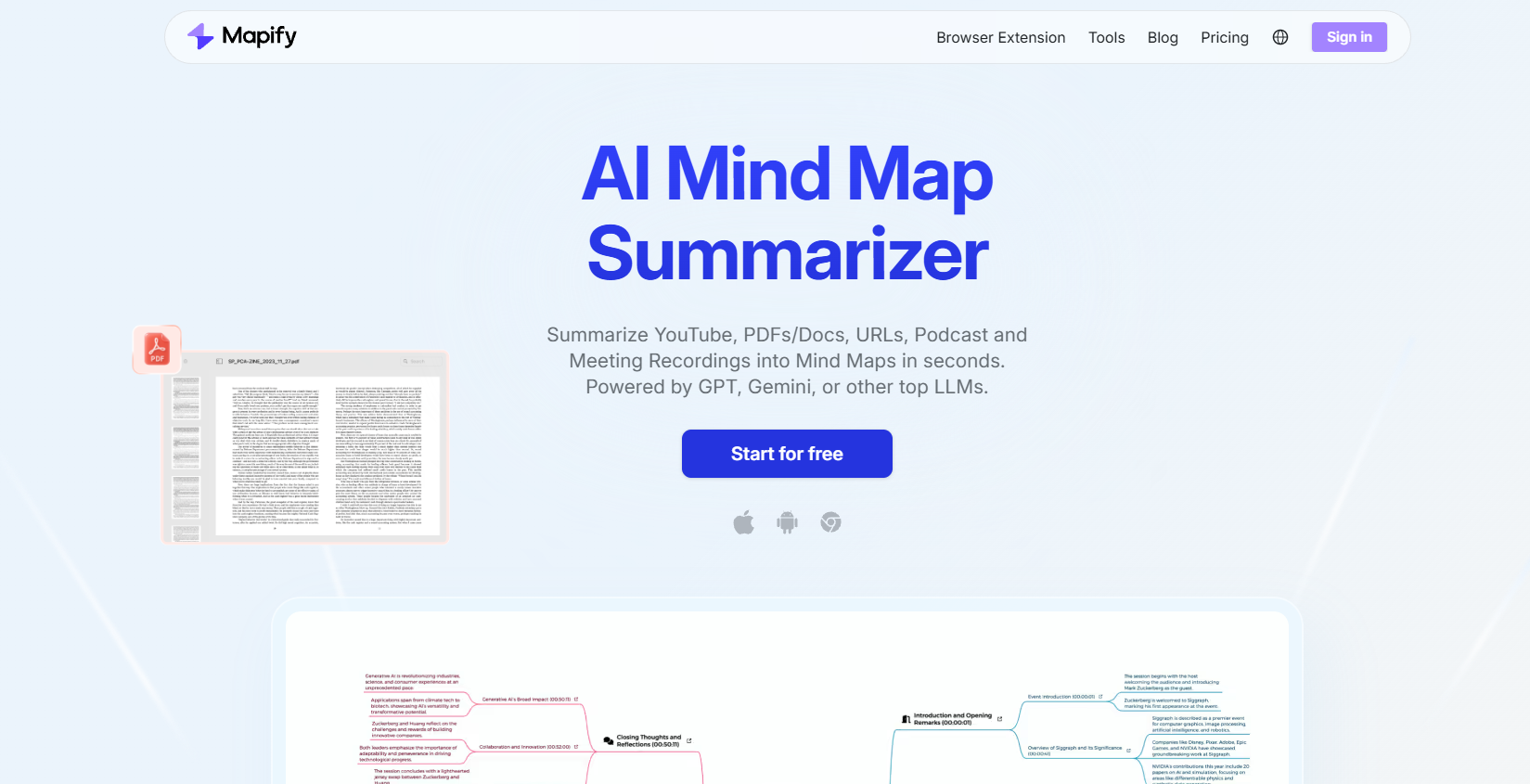
Mapify’s product features
- AI Search Mind Map Generation : AI intelligently integrates real-time online search results to generate mind maps, with source reference links included within each node.
- Video Conversion : Supports the conversion of video content from YouTube and other sources, and includes a timestamp display function, transforming video information into an easy-to-understand mind map format.
- Document Conversion : Supports one-click conversion of PDF, Word and other document formats into mind maps, helping users to structure large amounts of text information.
- Webpage Conversion : This feature converts webpage content into mind maps, making it easier for users to quickly understand and remember webpage information.
- Audio Conversion : Supports conversion of audio files and podcast links, enabling users to quickly understand the core information of audio content.
- AI Dialogue : Through the AI dialogue function, users can interact with the mind map to query, modify, and expand it.
- Multi-format export : Supports exporting mind maps to multiple formats, such as PDF, images, etc., for easy sharing and archiving.
- Slideshow presentation : Supports presenting the generated mind map as a slideshow.
How to use Mapify
- Visit the official website : Open your browser and visit Mapify’s official website (mapify.so).
- Register an account : Register a new account on the website, or log in directly if you already have an account.
- Select content type : After logging in, select the appropriate option based on the type of content you need to convert, such as document, webpage, or video.
- Upload or enter a link : If it is a document, you can upload the file directly; if it is a webpage or video, you need to enter the corresponding URL link.
- AI Analysis : After you submit your content, Mapify’s AI will analyze the materials provided and extract key information.
- Mind Map Generation : The AI will automatically generate a preliminary structure of a mind map based on the extracted information.
- Editing and optimization : Users can edit and optimize the automatically generated mind map, adjusting the layout, adding annotations, and modifying colors and fonts, etc.
- Use AI templates : You can choose built-in AI templates to quickly beautify and standardize the appearance of your mind maps.
Mapify’s product pricing
- Free Trial : Mapify offers a free trial. Users who register will receive 10 AI Credits to try and explore features.
- Basic version : $5.99 per month (annual subscription), earning 1000 AI credits per month. Features include converting PDFs/documents to mind maps, converting web pages/YouTube videos with subtitles to mind maps, mind map editing, slideshow playback, and exporting to images/PDFs/Markdown/SVGs.
- Pro version : $11.99 per month (annual subscription), earns 2000 AI Credits per month, enjoys all Plus version benefits, plus: access to powerful models, custom summary descriptions, timestamped YouTube/audio summaries, AI-generated images from text, icon recommendations for topics within nodes, image-to-mind map conversion, and audio-to-mind map conversion.
- Unlimited Edition : $17.99 per month (annual subscription), grants unlimited AI Credits (limited to Quick Models), all Pro benefits, plus: priority access to new features, participation in product development, exclusive member community, exclusive member events, and priority support services.
相关导航




ai-navhub:The official website of the AI Toolset includes hundreds of AI tools from both domestic and international sources, as well as commonly used websites, frameworks, and models for AI learning and development, helping you join the wave of artificial intelligence and complete tasks efficiently and automatically!