




What is Taskade?
Taskade is a powerful AI-driven productivity tool that enhances team and individual productivity through multi-agent AI technology. Taskade supports task automation, project management, real-time collaboration, and AI chat, helping users quickly turn ideas into action. Taskade generates visually appealing AI mind maps, supporting various visualization methods such as lists, Kanban boards, tables, and calendars. Taskade supports multi-platform synchronization (including web, mobile devices, and desktop applications), providing unlimited sharing and collaboration features, making it suitable for personal task management, team project collaboration, and enterprise-level applications. Taskade’s AI agents can learn, adapt, and automate repetitive tasks, helping users save time and unleash creativity.
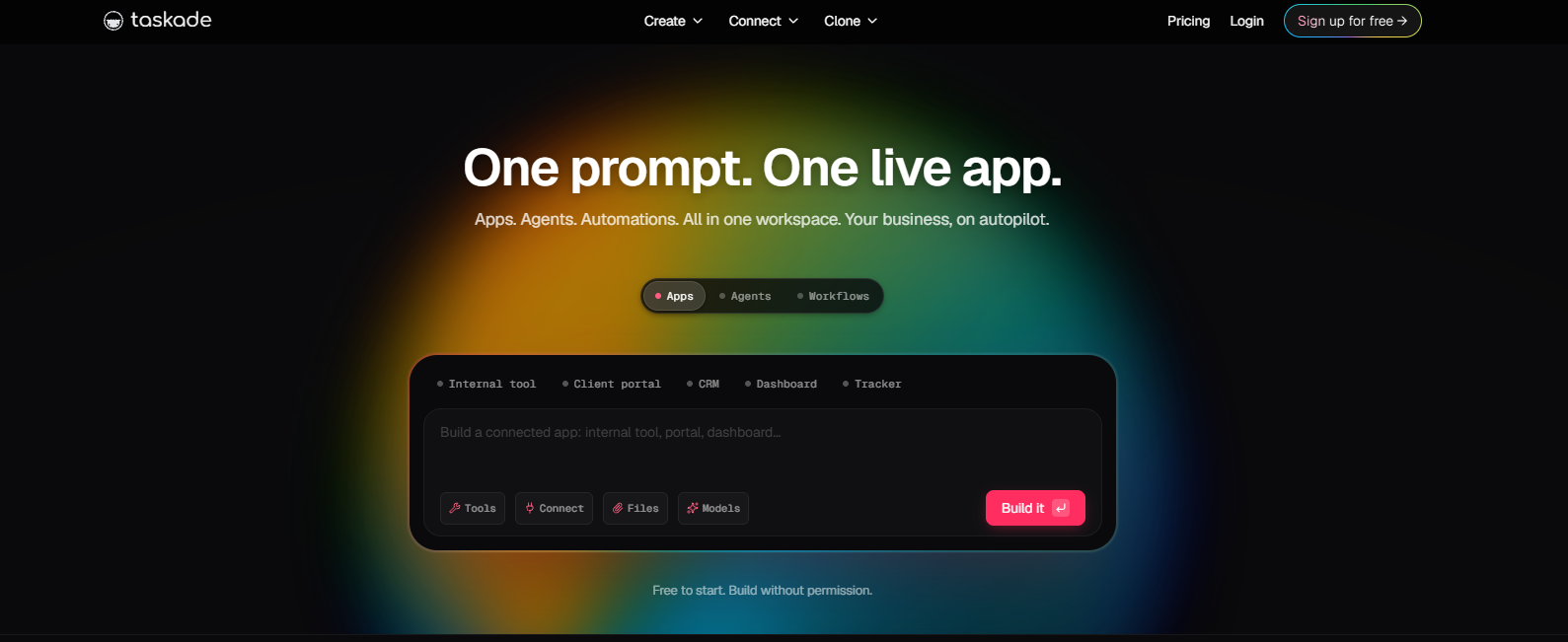
Taskade’s main functions
- AI Agents : Create and train AI agents to automate tasks, conduct research, and collaborate in real time.
- Task Automation : Quickly complete tasks with custom AI agents and boost productivity with AI chatbots and project assistants.
- Project Generation : Spark creativity through tasks or goals to generate dynamic to-do lists, flowcharts, project sprints, and SOPs.
- AI Mind Maps : Quickly generate visually appealing mind maps using AI technology, supporting real-time collaboration.
- AI Chat : Collaborate with AI teams to streamline tasks and boost productivity, enabling intelligent conversations across projects and workspaces.
- Knowledge Management : Storing and retrieving data to help AI agents better understand and perform tasks.
- Multi-Platform Support : Supports multiple devices including Android, iOS, Mac, and Windows, with real-time synchronization and seamless switching.
- Unlimited Sharing & Collaboration : Easily share AI agents, projects, and workspaces, supporting unlimited video chat and screen sharing.
- Web Scraping & Search : Extracting real-time data, content, and links from websites and using AI agents to perform web searches.
- Automation Flows : Build custom automation processes, connect AI agents and external tools, and support powerful triggers and actions.
How to use Taskade
- Registration and Login : Visit the Taskade website and click to complete registration and login.
- Create a workspace : After logging in, click “Create Workspace”, name your workspace, and choose public or private.
- Add a project : In the workspace, click “Create Project”, enter a project name and select the project type (such as list, Kanban, mind map, etc.).
- Using AI Agents : In the project, click “AI Agents” to create or select an agent and assign tasks to it.
- Task Automation : Click “Automate” or “AI Automations”, select the task type, and set triggers and actions.
- Generate project content : Use “AI Workflow Generator” to input tasks or goals, and AI will automatically generate project content.
- Real-time collaboration : Click “Share” to invite team members to join, or use “Unlimited Video Chat” for a real-time meeting.
- Knowledge Management : Use “Agent Knowledge & Memory” to store and retrieve data, helping AI agents perform tasks better.
- Multi-platform synchronization : Download the Taskade mobile or desktop app, log in to your account, and all data will automatically sync.
- Export and Share : After completing the project, click “Export” to export it as a PDF, image, or text file, or use “Share” to generate a link to share the project.
Application scenarios of Taskade
- Project management : Used for planning, tracking and managing team projects, from task assignment to progress monitoring, to improve project execution efficiency.
- Brainstorming and Creative Stimulation : Quickly organize ideas using AI-powered mind mapping, transforming brainstorming results into actionable plans.
- Personal task management : As a personal to-do list, it helps users efficiently arrange daily tasks and goals.
- Team Collaboration : Real-time collaboration features allow team members to collaboratively edit documents and discuss project details, improving team communication efficiency.
- Marketing and Sales : Automatically generate marketing plans and customer follow-up processes to help marketing and sales teams optimize workflows.
相关导航



