ChatDOC
A tool for reading, extracting, summarizing, and abstracting documents based on ChatGPT.
标签:AI Document Tools AI Office ToolsAI document toolsWhat is ChatDOC?
ChatDOC is an AI-driven document interaction tool. After users upload PDFs or other documents, they can quickly retrieve key information through a question-and-answer format. The tool supports AI analysis of text and tables, and unlocks image analysis capabilities with the help of GPT-4o . ChatDOC supports cross-document queries and expanded conversation threads, helping users conduct research and learning efficiently. Simultaneously, ChatDOC provides precise source tracing capabilities, verifying citations, previewing references, and locating document sources to ensure information accuracy and reliability. The tool supports multilingual switching and multiple language model selection to meet the needs of different users.
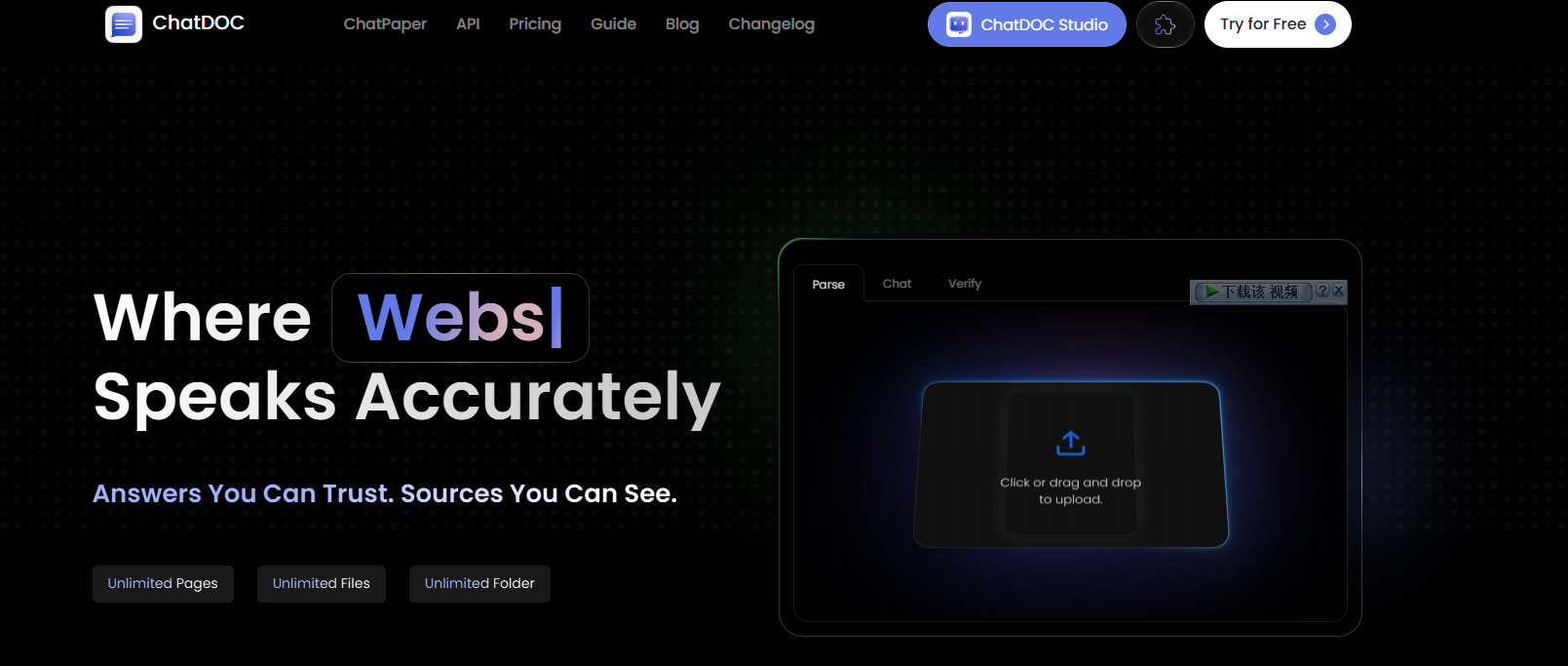
Main functions of ChatDOC
- Question-and-answer knowledge acquisition : Users can directly ask questions to uploaded documents, and AI will quickly provide accurate answers based on the document content, helping users quickly obtain the information they need.
- Text and table analysis : The AI can select specific text or tables in a document, analyze them, and provide summaries, interpretations, or further explanations.
- Mathematical Formula Analysis : Extract mathematical formulas from documents, and AI helps explain the meaning, derivation process, or application scenarios of the formulas.
- Image Analysis (GPT-4o) : With the help of GPT-4o, ChatDOC can analyze images in documents, extract information from the images, or interpret the content of the images.
- Cross-document query : Allows users to upload multiple documents simultaneously and query and compare them across different documents, quickly integrating information and accelerating research and learning efficiency.
- Citation Validation : ChatDOC helps users validate citations in documents, ensuring the accuracy and reliability of information.
- Source tracing : It can track the source of AI answers and locate their specific position in the document, making it convenient for further review and verification.
- Multilingual switching : Supports documents and conversations in multiple languages, allowing users to switch languages as needed for an enhanced user experience.
- Multiple language model options : Choose different language models according to your needs to obtain more suitable performance and functions.
- Save frequently used prompts : Save frequently used questions or commands for quick access and improved efficiency.
- Document Q&A and Open Dialogue : Users can choose to ask questions directly about the document or engage in open dialogue with AI, flexibly meeting different needs.
How to use ChatDOC
- Visit the ChatDOC website : Visit the ChatDOC official website and follow the prompts to register and log in completely.
- Question and Answer Mode : Enter your question in the dialog box, and ChatDOC will answer based on the document content and provide a reference.
- Text/Table Analysis : Select text or tables in the document, click “Analyze” to get summaries or explanations.
- Image Analysis : Select an image in the document, click “Analyze,” and use the GPT-4o function to obtain the image analysis results.
- Cross-document query : Upload multiple documents, and ChatDOC will integrate information from multiple documents to answer your question.
- Formula Explanation : Select the mathematical formula in the document and click “Explanation” to have ChatDOC explain the meaning of the formula.
- Citation Verification : Click the “Verify Citations” button to check if the citations in the document are accurate.
- Original source : Click the “Trace Responses” button to locate the specific location in the document.
- Browser extension (optional) :
- Install the extension : Search for and install the ChatDOC extension in the Chrome or Edge browser extension store.
- Use the extension : Open the PDF file, click the extension icon, and quickly upload and answer questions.
- Save : Save important conversations or analysis results locally or in the cloud.
ChatDOC’s product pricing
- Free plan : Upload 5 files per day, for a total of 10 files, each file can have up to 300 pages, the maximum file size is 60 MB, and PDF format is supported.
- Pro Plan : $89.9/360 days, allows up to 300 files per day, with a maximum of 500 pages per file and a maximum file size of 60 MB. Supports formats such as PDF, DOC, DOCX, SCAN, WEBSITE, EPUB, MD, and TXT. Offers GPT-4o functionality (additional fee required).
Application scenarios of ChatDOC
- Academic research : Researchers can quickly extract key information from literature, analyze complex concepts, and integrate the content of multiple papers to efficiently complete literature reviews and research preparation.
- Legal industry : Lawyers and legal professionals can quickly analyze legal documents, extract key clauses, and understand complex legal provisions to assist in case preparation and document review.
- Enterprise Office : Enterprise employees can quickly extract key data and information from reports and project documents to assist in decision-making and project management, significantly improving work efficiency.
- In the education sector : It helps students and teachers quickly understand textbooks, academic papers, and other materials, aiding in learning and teaching preparation and improving learning and teaching efficiency.
- Healthcare : Doctors and researchers can quickly analyze medical literature, medical records, drug instructions, etc., to assist in diagnosis and research and improve the efficiency of medical decision-making.
相关导航