






AI Office ToolsAI Document ToolsAI Office Tools
PDF.ai
AI PDF document reader, intelligent document summarization and abstraction.
标签:AI Document Tools AI Office ToolsAI document toolsWhat is PDF.ai?
PDF.ai is an AI-powered PDF reading tool that allows users to upload PDF files and interact with the document content via chat. Users can ask questions, obtain summaries, and search for information. PDF.ai utilizes GPT technology to extract and interpret data from PDF documents, making the processing of long documents easier and more efficient. Whether it’s ebooks, research papers, legal agreements, or financial reports, PDF.ai can easily and intelligently read them, highlighting the source text of your questions and responses.
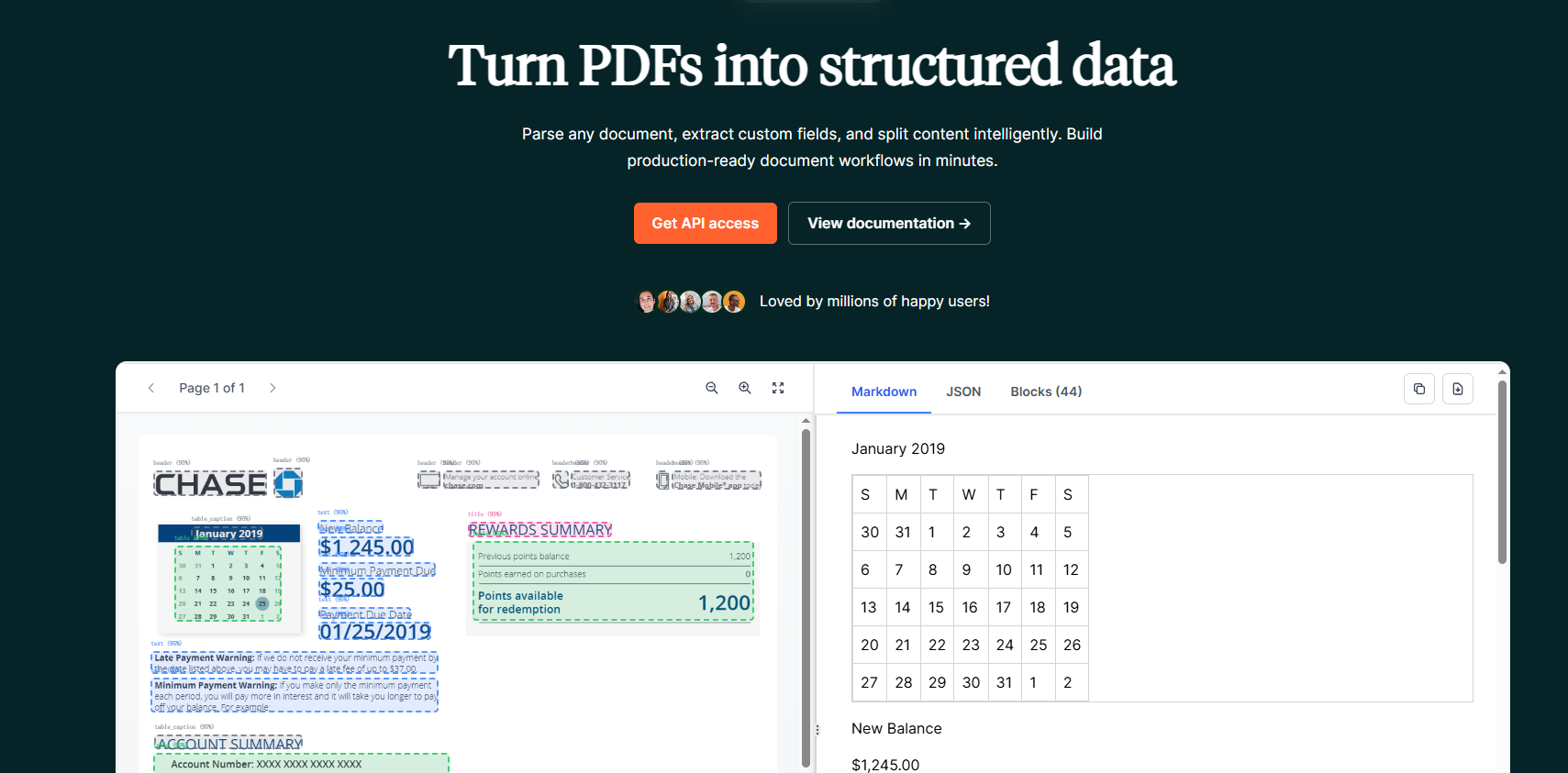
Main functions of PDF.ai
- Summary of PDF file Q&A: Users can upload PDF files to ask questions about the file content and obtain file information.
- AI Resume Scanning: Obtain a resume overview and questions to evaluate interview candidates.
- AI Invoice Scanning: Recognizes invoice files and data, converting them into JSON format.
- AI-generated quiz: Generates teaching quiz questions from uploaded PDF documents.
Application scenarios of PDF.ai
- Book Reading: An immersive reading experience; chat with your favorite books.
- Quick Paper Reading: Quickly grasp the key points and main content of research papers
- Financial Reports: Quickly Understand Financial Statements and Research Reports Like a Pro
- Product Manual: Communicate directly with the product manual to resolve any usage questions.
- Legal Documents: Deciphering Headache-inducing Legal Terminology
- Training Documents: Interactive and Easy-to-Use Employee Training Documents
PDF.ai product prices
- The free version supports uploading one file, allows 500 questions per month, and supports a maximum file size of 10MB per file.
- The professional version costs $10 per month, supports uploading 100 files, allows 5000 questions per month, and supports a maximum file size of 50MB per file.
- The flagship version costs $20 per month and supports unlimited file uploads and unlimited questions, with a maximum file size of 50MB per file.
- The Enterprise Edition costs $30 per month and supports unlimited file uploads and unlimited questions, with a maximum file size of 100MB per file.
How to use PDF.ai
- Visit the PDF.ai website, click “Get started for free” to log in or register, or you can click “Try the demo” to view sample files.
- After logging in, click the Upload button to upload your PDF file (supports importing from URL and OCR).
- After uploading the file, the left side is the document preview area, and the right side allows you to ask questions to PDF.ai.
- Enter your question in the input box. If you don’t know what to ask, you can also click on PDF.ai to find some questions compiled from the document content.
- After PDF.ai answers a question, it will also highlight and locate the source of the paragraph in its response on the left.
Frequently Asked Questions
Is PDF.ai free?
PDF.ai offers a free trial version, allowing users to upload one PDF file to submit a question for free.
What major model is PDF.ai based on?
PDF.ai’s intelligent reading capabilities are based on OpenAI’s GPT large model. The free version is based on GPT-3.5, while the paid version supports GPT-4.
Which languages does PDF.ai support?
In theory, PDF.ai supports all languages. As long as GPT can recognize it, PDF.ai can read it. It also supports asking questions about files in one language and asking questions about the content of English files in Chinese.
What file formats does PDF.ai support?
Currently, PDF.ai only supports uploading .pdf format files, but more file formats will be supported in the future.
相关导航


ai-navhub:The official website of the AI Toolset includes hundreds of AI tools from both domestic and international sources, as well as commonly used websites, frameworks, and models for AI learning and development, helping you join the wave of artificial intelligence and complete tasks efficiently and automatically!