




Raycast AI
Raycast's Mac AI assistant offers intelligent writing, programming, and question answering.
标签:AI Office Tools Efficiency ImprovementAI efficiency improvementWhat is Raycast AI?
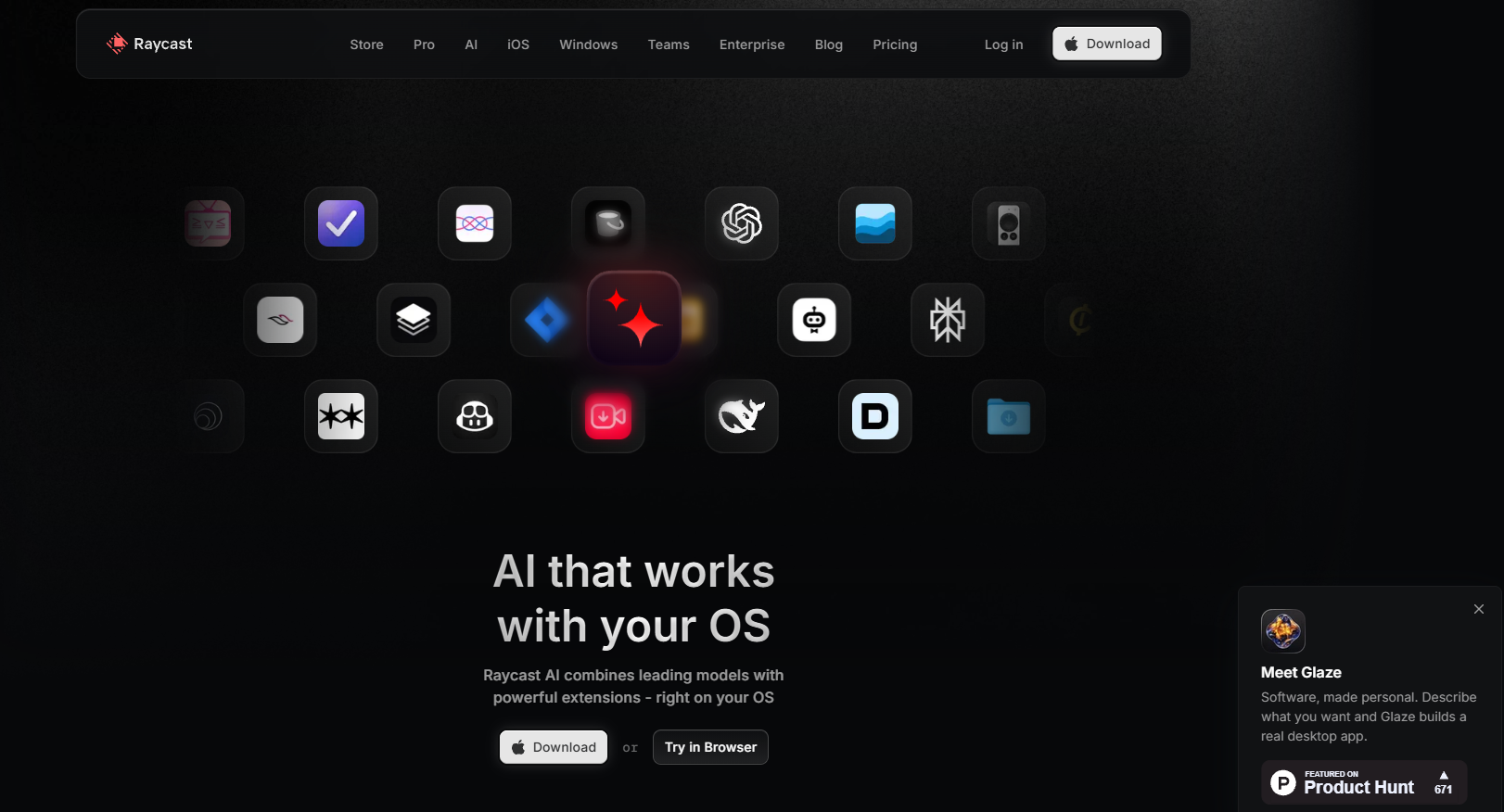
Raycast AI is a high-performance productivity tool designed specifically for Mac users, combining powerful AI capabilities with a system-level quick launcher. Invoked via keyboard shortcuts, it supports quick application launches, file searches, and various tasks. With built-in AI chat functionality, users can receive intelligent suggestions or perform complex operations at any time. Raycast AI supports multiple AI models, such as OpenAI and Claude, to meet the needs of different users. It features clipboard management, file preview, and browser enhancements. Users can install the Raycast Companion browser extension to directly invoke AI functions within web pages for summarizing, translating, or extracting information.
Raycast AI’s main functions
-
AI Chat : Users can converse with more than 32 different AI models to solve programming problems, plan schedules, and more.
-
AI Commands : Automate repetitive tasks such as correcting spelling and grammar errors and generating code documentation through preset or custom commands.
-
Natural Language Processing : Supports natural language commands. Users can enter commands such as “Schedule a meeting with John” or “Send this file to the team,” and Raycast AI will execute them automatically.
-
Multi-model support : Supports a variety of AI models, including OpenAI’s GPT-4 and Claude, allowing users to choose the appropriate model according to their needs.
-
Quick file access : Users can search for files by name, type, or content and open or share them directly from Raycast.
-
System control : Users can adjust system tasks such as volume, brightness, and Wi-Fi connection through Raycast AI.
-
Clipboard history management : Records and retrieves clipboard history content for easy copying and pasting reuse.
-
Cloud sync : Ensures content remains consistent across all devices, facilitating seamless switching between different devices.
-
Customizable themes : Users can customize Raycast’s appearance to their personal preferences.
-
Expanding the ecosystem : Supports integration with various tools and services, such as GitHub, Notion, Jira, etc.
How to use Raycast AI
-
Download and Installation : Visit the Raycast official website, download the Raycast installer for macOS, and install it.
-
Launch and Configuration : Open the Raycast application and set a global shortcut key (default
⌥ 空格) for quick access. -
Activate AI Functionality : Upon first use, you need to log in or activate the AI functionality, such as by selecting to use models like GPT.
-
AI Chat :
-
Press the shortcut key (e.g.
⌥ J) or search for “AI Chat” to open the chat window. -
Enter your question or command, and the AI will respond instantly.
-
You can set a shortcut key to quickly open the chat window.
-
-
Quick AI :
-
Open Raycast, enter your question, and press
Tabthe button to switch to Quick AI. -
Suitable for one-time questions, providing quick answers.
-
-
AI commands :
-
You can choose between preset commands or custom commands.
-
Use natural language to input commands, such as “Translate this text into English”.
-
You can combine placeholders (such as
{selection},{clipboard}) to create personalized commands. -
Bind keyboard shortcuts to frequently used commands to improve efficiency.
-
-
AI Extension :
-
Type the “@” symbol in Raycast to invoke the AI Extension.
-
It can perform complex tasks such as searching, file operations, and task management.
-
It supports multiple models, such as OpenAI’s GPT-4 and Google’s Gemini.
-
- Advanced features
-
Browser Enhancement : Install the Raycast Companion browser plugin. While browsing the web, you can use Raycast to summarize, translate, and perform other operations on web page content.
-
Custom commands and workflows : Create custom commands in Raycast settings. Automate complex tasks by combining AI capabilities with system tools.
-
Cloud Sync : Cloud sync will be automatically enabled after subscribing to the Pro version. This allows you to sync extensions, custom snippets, keyboard shortcuts, and other settings.
-
Application scenarios of Raycast AI
- Rapid information retrieval and processing : Users can quickly obtain answers to questions using Raycast AI’s quick answer feature without frequently switching to a search engine.
-
Cross-language communication : Supports translation functions for multiple languages, helping international team members communicate smoothly in multilingual environments.
-
Text and Image Generation : Raycast AI can generate text content such as reports and articles, while also supporting content editing and customization. For designers, it can quickly generate visual assets such as posters and icons.
-
Writing assistance : Content creators can use Raycast AI to provide writing suggestions and materials to improve creative inspiration and efficiency.
-
Learning Assistance : Raycast AI can help users learn new knowledge by providing explanations and examples to help them better understand and master the content.
相关导航



