




AI Chat Assistant
Le Chat
What is Le Chat?
Le Chat, a multi-functional AI conversational chat assistant from Mistral, enhances users’ productivity and quality of life. Le Chat boasts powerful multilingual conversational capabilities, supporting voice input and natural language understanding. It offers in-depth research features, quickly generating structured reports on complex topics. Le Chat supports image generation, code generation, document collaboration, and web search, helping users be more efficient in creative design, programming, and data analysis. Le Chat prioritizes data privacy, encrypting data transmission and ensuring it is not shared with third parties, making it suitable for professionals, students, and creative workers—a smart partner in modern life.
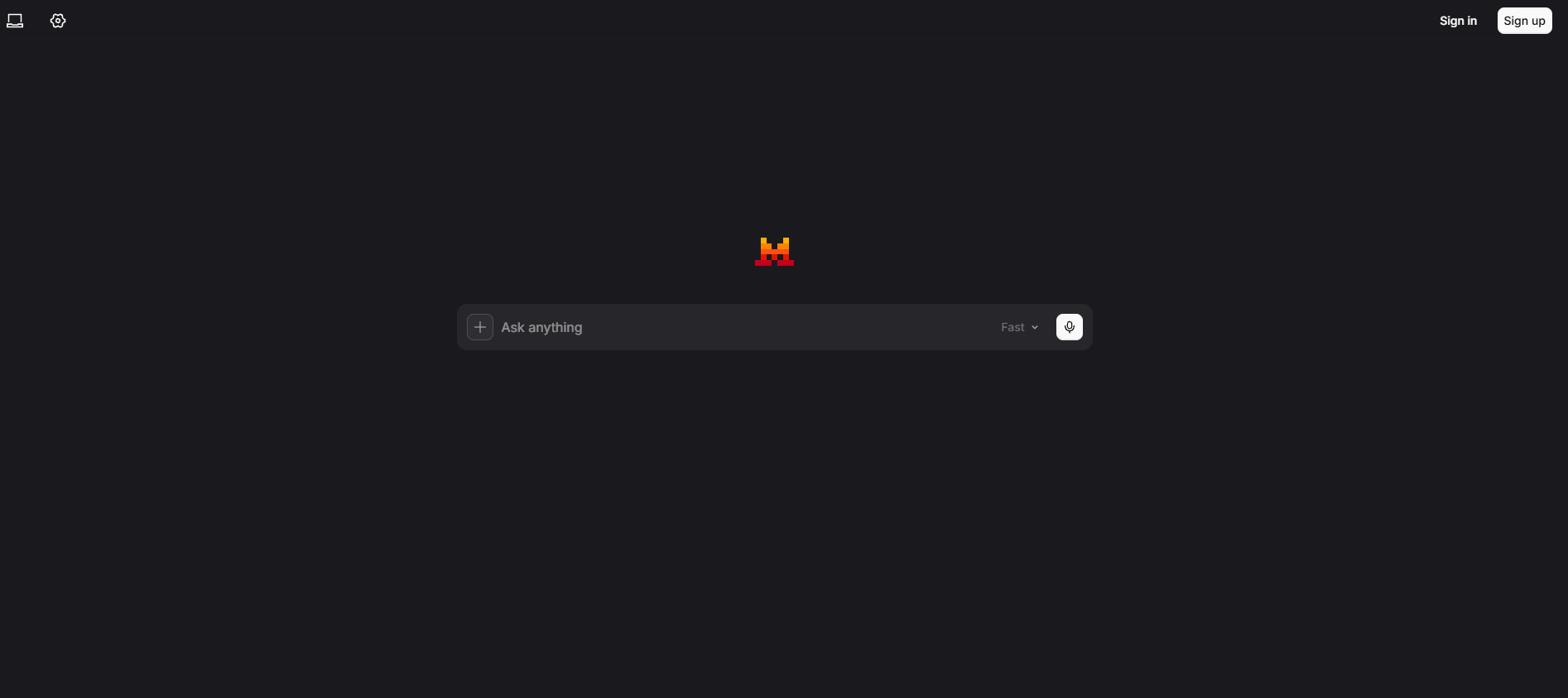
Le Chat’s main functions
- Research : Quickly generate structured research reports on complex topics, plan, search, and synthesize information to help users conduct academic research, market analysis, or personal planning.
- Multilingual dialogue (Chat) : Supports natural language understanding and multilingual reasoning capabilities based on the Magistral model. Users can interact with Le Chat using text or voice.
- Image Generation : Generates high-quality images based on AI technology, supporting creative design and visual content creation.
- Projects : Organize conversations, data, and documents into personalized projects to make it easier for users to manage information and tasks.
- Code Interpreter : Provides code generation and charting capabilities to help users with programming and data analysis.
- Document Collaboration (Canvas) : Supports collaborative document editing by multiple users, facilitating teamwork and knowledge sharing.
- Web Search : Quickly search the web and verified news sources to get the latest information.
-
Native multilingual reasoning : The Magistral model provides multilingual support and generates thoughtful answers.
-
Advanced image editing : In collaboration with Black Forest Labs, it supports image generation and editing, such as removing objects or scene transformations.
-
Real-time news and document OCR : Supports multilingual document recognition and real-time news updates.

How to use Le Chat
- Access the official website : Use online by visiting the Le Chat official website and clicking login. For the client, visit the Le Chat APP download page and download and install the app according to your operating system.
- Registration and Login : Follow the prompts to complete the registration and login process.
- Explore key features :
- Chat function : Enter text on the main interface or use voice input to converse with Le Chat. You can ask questions, get suggestions, or chat casually.
- In-depth research : Click the “Research” button, enter a complex question or research topic, and Le Chat will automatically generate a structured research report.
- Image generation : Click the “Image generation” button, enter descriptive text prompts, and Le Chat will generate the corresponding image.
- Code generation : Click the “Code Interpreter” button, enter your code requirements, and Le Chat will generate the corresponding code snippets or charts.
- Document Collaboration : Click the “Canvas” button to create or join a document collaboration project and edit documents together with others.
- Web search : Use the “Web search” function, enter keywords, and Le Chat will search the web and provide the latest information.
Le Chat Application Scenarios
-
Work and Productivity Enhancement : Improve work efficiency and teamwork through project management, code generation, and documentation collaboration.
-
Learning and Research : Quickly generate research reports with in-depth research and multilingual support to support academic and cross-language learning.
-
Creativity & Design : Spark creative inspiration and support design and content creation with image generation and creative iteration capabilities.
-
Daily life and personal management : Simplify daily tasks and improve life efficiency with voice assistants, schedule management, and email management.
-
Travel and Language Learning : Supports multilingual dialogue and cultural studies, helping travelers better communicate with locals and understand different cultures.
相关导航






ai-navhub:The official website of the AI Toolset includes hundreds of AI tools from both domestic and international sources, as well as commonly used websites, frameworks, and models for AI learning and development, helping you join the wave of artificial intelligence and complete tasks efficiently and automatically!