




What is BrowserOS?
BrowserOS is a free and open-source AI agent browser . It integrates powerful AI agents directly into the browser, running locally and supporting automated tasks (such as filling out forms and scheduling meetings) and deep learning capabilities. BrowserOS prioritizes privacy, supporting locally running models (such as Ollama) without uploading data to the cloud. It offers semantic search, local AI chat, and productivity tools, is compatible with all Chrome extensions, and has an interface similar to Google Chrome, making it easy for users to get started without any learning curve.
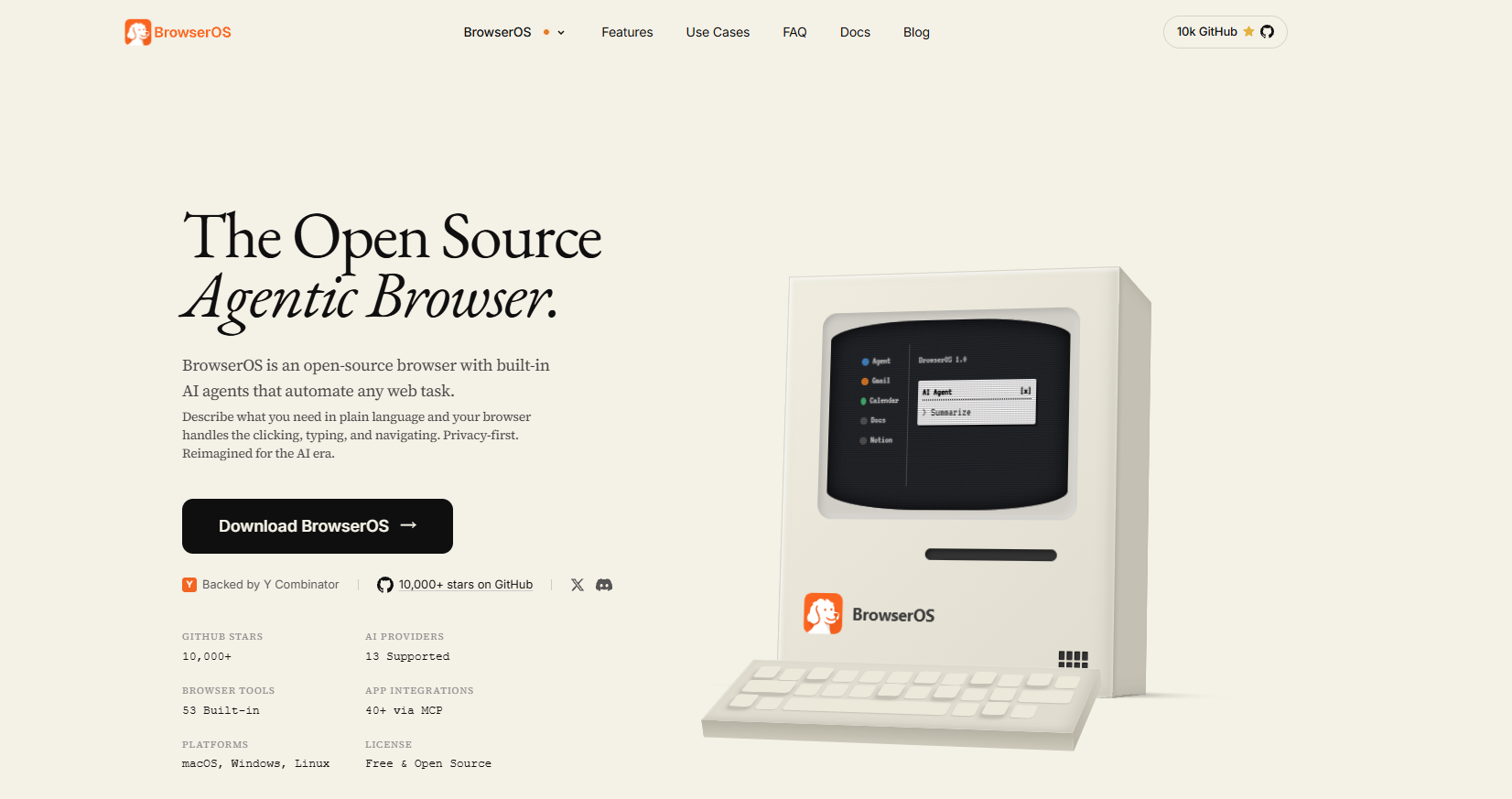
Main functions of BrowserOS
- Automated tasks : Through natural language commands, AI agents can automatically complete tedious tasks, such as filling out forms, arranging meetings, and reordering from historical orders.
- Webpage operation : The intelligent body can simulate human operation, such as browsing webpages, clicking buttons, and completing tasks.
- Local operation : All AI operations are completed locally, and data is not uploaded to the cloud, ensuring user privacy.
- Ollama Integration : Supports running Ollama models locally, allowing users to use their own API keys or local models.
- Semantic Search : Supports semantic search of browser history, bookmarks, etc., to quickly find relevant content.
- Tag Management : AI helps users manage tabs, grouping and organizing them with one click to improve browsing efficiency.
- Built-in highlighting and bookmarking features : Supports highlighting web page content and provides smart bookmarking functionality via ChatGPT.
- Local AI chat :
- Webpage reference : Directly reference the content of the currently opened webpage in the chat dialog box, and the AI can answer questions related to the webpage.
- Multi-model comparison : Supports running multiple language models side-by-side in a single window, allowing users to view the answers from different models simultaneously.
How to use BrowserOS
- Download and installation :
- Visit the official website : Go to the BrowserOS official website, fill in your email address to download or go to the GitHub project page.
- Select version : Download the corresponding installation package based on your operating system (macOS, Windows, or Linux).
- Installation program : Run the downloaded installation file and follow the prompts to complete the installation.
- Import Data (Optional) : If you previously used Chrome, select to import bookmarks, history, and other data. Find the “Import Data” option in BrowserOS settings and select the Chrome data file.
- Configure AI Providers : Connect to AI providers. Supported providers include OpenAI, Anthropic, or locally running Ollam.
- Getting Started : After installation, launch your browser.
- Getting Started : In BrowserOS, users can create AI agents to automatically perform tasks by inputting natural language commands, and experience features such as local AI chat, one-click grouping and organizing of tabs, and semantic search.
BrowserOS official website address
- Project website : https://www.browseros.com/
- GitHub repository : https://github.com/browseros-ai/BrowserOS
Application scenarios of BrowserOS
- Automating repetitive tasks : Through AI agents, users can quickly schedule meetings, fill out forms, or handle other tedious daily tasks.
- In-depth research : AI agents can automatically browse web pages, organize information, and generate reports, helping users complete research work efficiently.
- Content filtering : Scan social media platforms such as LinkedIn and Twitter to filter out valuable content, saving users time.
- Local AI Chat : Directly quote content from the current webpage in the chat box, and the AI can answer related questions and provide instant help.
- Tag Management and Semantic Search : AI supports one-click grouping and organization of tabs, and also supports semantic search to quickly find relevant content in history or bookmarks.
相关导航




ai-navhub:The official website of the AI Toolset includes hundreds of AI tools from both domestic and international sources, as well as commonly used websites, frameworks, and models for AI learning and development, helping you join the wave of artificial intelligence and complete tasks efficiently and automatically!