




Web Access
Eze, the developer of Agent Skill, is an open-source project that explores how to access the internet.
标签:AI Agent Plugins And SkillsPlugins and SkillsWhat is Web Access?
Web Access is an open-source Agent Skill developed by Eze, SKILL.mddesigned specifically for Agent frameworks supported by Claude Code, Cursor, Gemini CLI, Codex CLI, and others. Through a three-layer architecture—network strategy + CDP browser operation + site experience accumulation—it completely solves the pain points of traditional agents, such as weak network capabilities, poor browser automation, and inability to handle login states. It allows agents to think like real people about how to access the internet, supporting concurrent execution of 100+ web pages, all completed in the background via tabs without interfering with the user’s current work.
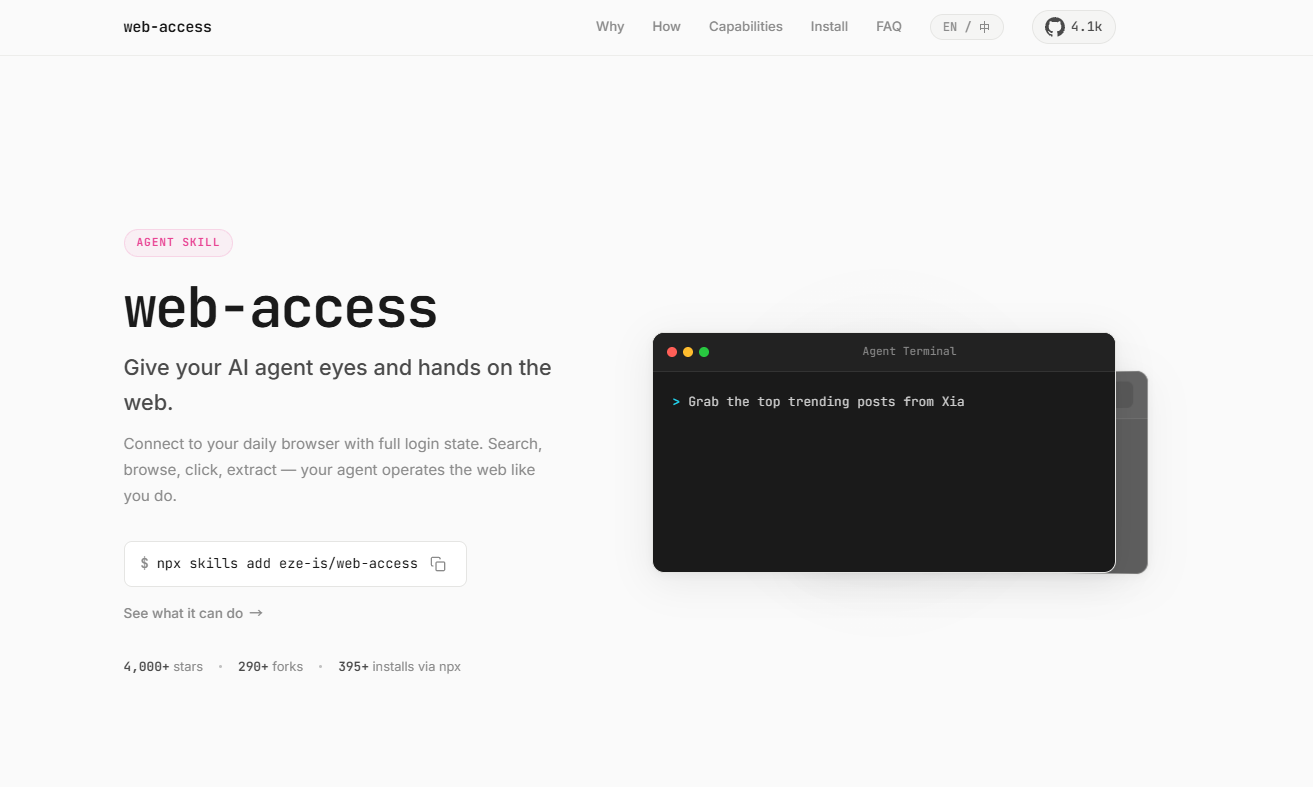
Main functions of Web Access
-
The network tool is automatically selected : WebSearch / WebFetch / curl / Jina / CDP, and can be combined arbitrarily according to the scenario.
-
CDP Proxy browser operations : Directly connects to the user’s daily Chrome browser, naturally carries the login status, and supports dynamic pages, interactive operations, and video frame capture.
-
Three click methods :
/click(JS click),/clickAt(CDP real mouse event),/setFiles(file upload). -
Local Chrome bookmarks/history search :
find-url.mjsLocate URLs by keywords/time window/access frequency to find internal systems that cannot be found on the public network. -
Parallel divide and conquer : Multi-target time-divided agents are executed in parallel, sharing a single proxy, with tab-level isolation.
-
Site experience accumulation : experience in storing operations by domain name (URL patterns, platform characteristics, known pitfalls), and cross-session reuse.
-
Media extraction : Directly retrieve image/video URLs from the DOM, or analyze frames taken from any point in time within a video.
-
DOM boundary penetration : The eval recursive traversal can penetrate boundaries that selectors such as Shadow DOM and iframe cannot cross.
How to use Web Access
-
Environment preparation : Ensure that Node.js version 22+ is installed on your system (if it is lower than 22, you need to install
wsthe module separately) and Chrome browser. -
Enable remote debugging in Chrome : Enter the address in the Chrome address bar
chrome://inspect/#remote-debugging, check “Allow remote debugging for this browser instance” , and restart the browser if necessary. -
One-click installation (recommended) : Execute the command in the terminal
npx skills add eze-is/web-access, and Skills CLI will automatically detect the Agent environment and install it to the correct location. -
Automatic Agent Installation : Sends commands directly to the Agent
帮我安装这个 skill:https://github.com/eze-is/web-access. -
Plugin installation (Claude Code) : Execute the command
claude plugin marketplace add https://github.com/eze-is/web-accessfirst, then execute the command againclaude plugin install web-access@web-access --scope user. -
Manual installation : Execute
git clone https://github.com/eze-is/web-access ~/.claude/skills/web-access. -
Environment self-check : The Agent will automatically call and complete the pre-check at runtime
scripts/check-deps.mjs, without the need for manual execution; if manual verification is required, it can be runnode "${CLAUDE_SKILL_DIR}/scripts/check-deps.mjs". -
Activation and usage : After installation, enter the command
遵循 web-access skillor directly issue an online task, such as “Help me search for the latest progress of xxx” or “Go to Xiaohongshu to search for the account of xxx”. -
CDP Proxy Auto-Management : The Agent automatically manages the proxy lifecycle, connects directly to Chrome via WebSocket, and provides an HTTP API for page operations (creating tabs, executing JS, clicking, taking screenshots, scrolling, etc.).
-
Parallel divide-and-conquer usage : When conducting multi-target surveys, the Agent automatically distributes sub-Agents to execute in parallel, sharing a single Proxy, with tab-level isolation, and the main Agent only receiving the aggregated results.
-
Disable other browser MCPs : It is recommended to disable other browser MCP services such as Chrome Devtools and Playwright MCP to avoid the models “fighting each other”.
-
Social Media Operation Risk Warning : Automating operations on social media platforms (such as Xiaohongshu and Weibo) through a browser carries the risk of account throttling or banning. It is strongly recommended to use a secondary account for these operations.
Web Access official website address
- Official website : https://web-access.eze.is/
- Github repository : https://github.com/eze-is/web-access
Key information and usage requirements for Web Access
-
Node.js version 22+ is a hard requirement; the environment check script is located at [location missing].
scripts/check-deps.mjs -
Chrome requires remote debugging to be enabled :
chrome://inspect/#remote-debuggingCheck the “Allow remote debugging” box. -
It is recommended to disable other browser MCP services (such as Playwright MCP and Chrome Devtools MCP) to avoid the models “fighting each other”.
-
The proxy automatically manages its lifecycle :
/newIt automatically shuts down after 15 minutes of inactivity via a created tab; this canCDP_TAB_IDLE_TIMEOUTbe adjusted via environment variables. -
Social Media Operation Risk Warning : Automating social media operations through a browser carries the risk of account throttling or banning. Using a secondary account is strongly recommended.
-
Installation path : Claude Code is located at the default location
~/.claude/skills/web-access, and the environment variableCLAUDE_SKILL_DIRis automatically set when the skill is loaded.
Web Access’s core advantages
-
Built-in login state : Reuses the user’s daily Chrome cookies, allowing access to platforms that require login, such as Xiaohongshu and Weibo, without additional configuration.
-
Uninterrupted background operation : All operations are performed in the background tabs, without taking up screen focus, allowing users to use the browser normally.
-
Extremely high concurrency capability : Supports simultaneous operation of 100+ web pages and parallel research on different platforms by 10 sub-agents.
-
The more you use it, the smarter it gets : Site experience is automatically accumulated, and the verified URL patterns and interaction logic can be reused directly on the next visit.
-
Social media automation : Supports automatic platform opening, text filling, image uploading, and posting.
-
Cross-platform compatibility : Works on Windows, Linux, and macOS (v2.4.1+ scripts have been migrated to Node.js).
Web Access application scenarios
-
Multi-platform public opinion survey : 10 sub-agents simultaneously surveyed platforms such as Xiaohongshu, Weibo, Bilibili, Boss Zhipin, and GitHub, with 10 tabs opened on each platform to capture today’s hot topics in parallel and summarize the reports.
-
Login-state content retrieval : Reuse logged-in Xiaohongshu/Weibo accounts to directly search within the site, scroll through content, and extract post text and comment section content.
-
Information authenticity verification : bypass secondary reports and directly access the original text on the official website/platform to avoid repeatedly confirming falsehoods.
-
Automated social media posting : Automatically open the platform webpage, fill in the text, upload the image, and click post (be aware of the platform’s risk control measures).
-
Internal system search : Find internal platforms or previously visited pages that are not searchable on the public internet using local Chrome history/bookmarks.
-
Web automation testing : Supports manipulation of video elements, form filling, human-machine verification processing, and arbitrary frame capture of videos.
Common Web Access Issues
A: It is compatible with all supported
SKILL.mdagents, including Claude Code, Cursor, Gemini CLI, Codex CLI, etc.
A: By connecting to the user’s everyday browser through the Chrome DevTools Protocol , it naturally carries cookies and login status, which can handle dynamic pages that require login (such as Xiaohongshu and Weibo). All operations are performed in the background tabs, without taking up screen focus.
A: All operations are performed in background tabs, without interfering with foreground usage. The proxy automatically tracks
/newtabs created through the proxy and automatically closes them after 15 minutes of inactivity to prevent orphaned tabs from being left unused.
A: Validated URL patterns, platform features, known pitfalls, and interaction logic are automatically saved by domain name and reused across sessions to achieve a learning cycle that becomes smoother with use.
A: Cross-platform support has been fully implemented since v2.4.1. The script has been migrated from bash to Node.js, and it can be used on Windows, Linux, and macOS. v2.4.3 also fixed a path conversion error in Windows Git Bash.
A: Added in v2.5.0
scripts/find-url.mjs, it supports sorting by keywords, time window, and access frequency. Typical scenarios include finding internal systems (targets not searchable on the public network) or retrieving pages that were previously visited but whose addresses are not remembered.
A: The main endpoints include:
/new(Create tab), /eval(Execute JS), /click(JS click), /clickAt(Real mouse click), /setFiles(File upload), /screenshot(Screenshot), /scroll(Scroll), /close(Close tab), /health(Status check).相关导航



