




What is HeyCLI?
HeyCLI is an AI-powered command-line tool that helps users perform complex Linux commands with simple instructions. Supporting both Linux and macOS, users don’t need to memorize complex command syntax; they simply describe their needs in natural language, and HeyCLI automatically translates them into corresponding Linux commands and executes them. The tool features command history management and error debugging capabilities, making it suitable for both beginners and developers, effectively improving the efficiency and convenience of command-line operations.
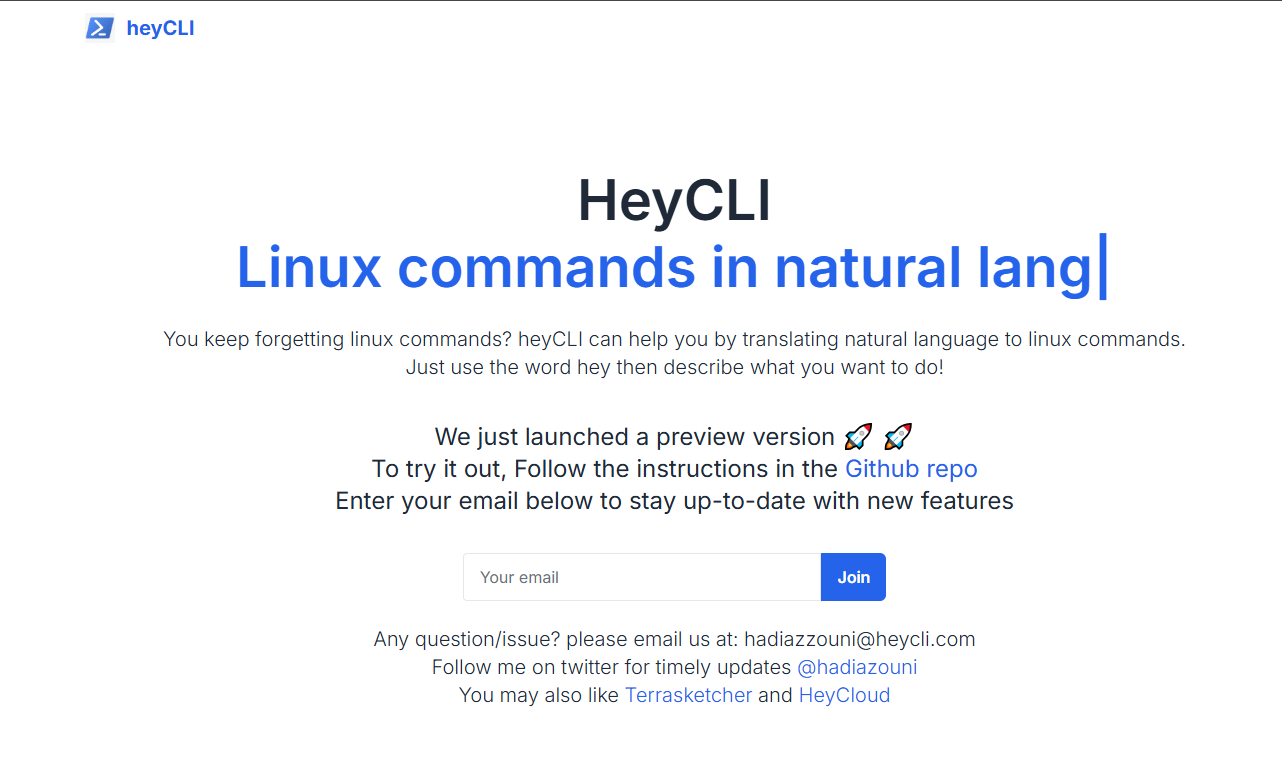
Main functions of HeyCLI
-
Natural Language Command Conversion : HeyCLI can accurately convert user-described operation requirements in natural language into corresponding Linux commands, eliminating the need for users to memorize complex command syntax.
-
Command-line debugging functionality : HeyCLI supports debugging errors in various commands such as Python, Node.js, kubectl, gcloud, and AWS, helping users quickly locate and resolve problems.
-
Command history management : Upload users’ command history to better provide personalized suggestions and contextual support, thereby improving the user experience.
-
Multi-platform compatibility : Supports Linux and macOS systems, with plans to expand to more platforms in the future to meet the needs of a wider range of users.
-
Command explanation function : Provides detailed explanations of commands to help users better understand their function and usage.
How to use HeyCLI
-
Download script
wget -q https://raw.githubusercontent.com/HeyCLI/heyCLI/main/heycli_client.sh -O ~/.heycli_client.sh: Run the command “Download HeyCLI installation script” in the terminal . -
Source file :
source ~/.heycli_client.shLoad the script into the current session by running it. -
Get an API key : Visit https://signup.heycli.com/ to obtain an API key.
-
Set environment variables : Run the command “Set API key” in the terminal
export HEYCLI_API_KEY=<your_api_key>. -
(Optional) Set context : Run
hey setupupload command history, optimization suggestions and answers. -
Getting started : Enter a natural language command that begins with “hey”, such as “hey list all files in the current directory”. HeyCLI will automatically translate and execute the corresponding Linux command.
Application scenarios of HeyCLI
-
Beginner’s Guide : Helps beginners quickly get started with Linux command-line operations, eliminating the need to memorize complex commands and allowing them to complete tasks using natural language.
-
Developers : Developers can quickly execute commands, saving time searching for commands and improving development efficiency.
-
Command debugging : When encountering command errors, it helps debug commands such as Python, Node.js, and kubectl, quickly locating and resolving problems.
-
Multi-platform operation : Supports Linux and macOS, making it convenient for users to use on different operating systems.
-
Command history management : By uploading command history, more personalized suggestions and contextual support are provided to help users better manage their command history.
相关导航







ai-navhub:The official website of the AI Toolset includes hundreds of AI tools from both domestic and international sources, as well as commonly used websites, frameworks, and models for AI learning and development, helping you join the wave of artificial intelligence and complete tasks efficiently and automatically!