




AI Code
Solo
Solo (Solo AI Website Composer) is a new innovation project launched by Mozilla, the parent company of Firefox—an AI-powered website creation tool for individual entrepreneurs and freelancers. Leveraging AI capabilities, users can create visually stunning web pages and websites without any programming experience or coding knowledge, simply by inputting text suggestions and visually adding content blocks, images, layouts, and themes.
Solo’s main functions
- No-code website creation: Quickly generate web pages with just a few simple inputs.
- Search Engine Optimization: Intelligent suggestions for website SEO meta keywords, descriptions, etc.
- Responsive design: Automatically design responsive web pages for desktop and mobile devices.
- Comment import: Extract post text and comments from social media and showcase the best content.
- Company Name Generator: Simply describe your company’s main business to generate a company name.
- Startup Idea Generator: Randomly generates startup ideas for you across different industries to inspire your creativity.
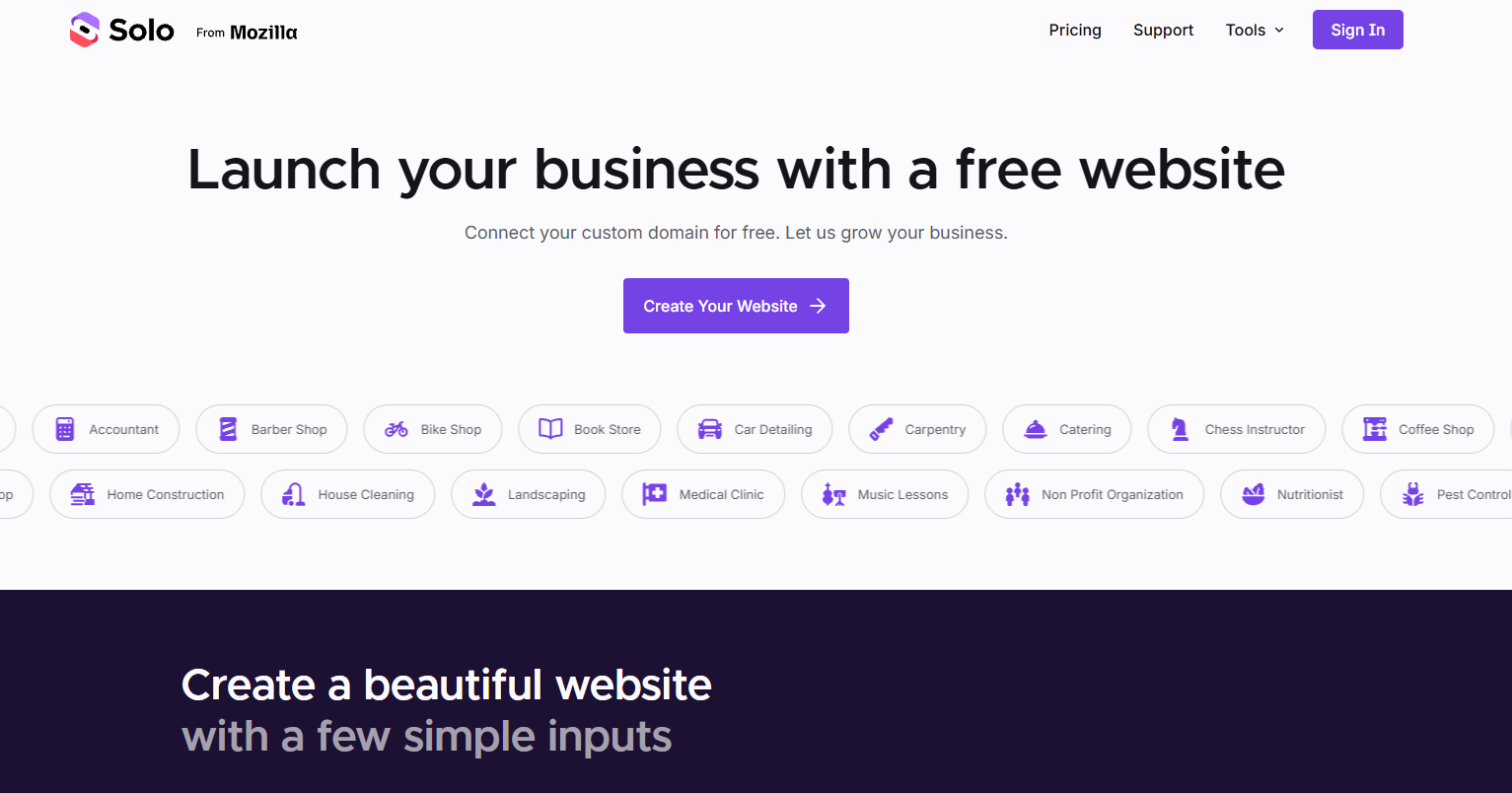
How to create a website using Solo
- Visit Solo’s official website (soloist.ai) and click “Build Your Website” to start creating your website.
- Fill in preliminary information, such as business introduction, company name, and business location.
- Proceed to the next step to select website font style –> select website color theme
- Select the website content sections you want to add, such as header, service introduction, banner, contact box, footer, etc.
- Then click “Compose your site” and wait for Mozilla to automatically generate the webpage. It will be completed in a short while.
- The generated website can be freely modified, or you can click “Publish” in the upper right corner to publish it.
I tested the AI toolset with this tool, and the generated webpage was fairly clean and professional. It’s a decent choice if you need to quickly launch a website landing page. However, compared to the Framer AI website builder I introduced earlier, the results are slightly inferior.
Frequently Asked Questions
Is Solo free?
Solo is currently in free public beta, and all users can use it for free. A paid version may be released in the future.
Does Solo support custom domains?
The initial version of Solo does not currently support adding custom domains, but this feature will be added in the future.
Can the webpage code generated by Solo be exported?
Solo-created web pages do not support exporting code.
相关导航




ai-navhub:The official website of the AI Toolset includes hundreds of AI tools from both domestic and international sources, as well as commonly used websites, frameworks, and models for AI learning and development, helping you join the wave of artificial intelligence and complete tasks efficiently and automatically!