OpenCode
What is OpenCode?
OpenCode is an open-source AI programming tool , often considered the best alternative to Claude Code , enabling developers to write code efficiently in terminals, IDEs, or desktop environments. OpenCode supports a variety of large AI models, including free built-in models (GLM-4.7, MiniMax-M2.1) and paid models from major providers (such as OpenAI, Anthropic, and GitHub Copilot). Users can also connect to local models, facilitating parallel processing of multiple tasks. OpenCode’s privacy protection features ensure that code and data are not stored, making it suitable for privacy-sensitive scenarios. It supports various development environments and workflows, making it an intelligent partner for developers.
Main functions of OpenCode
- Multi-platform support
-
Terminal Interface (TUI) : Used directly through the command line interface, suitable for developers accustomed to terminal operation.
-
Desktop Applications : Provides standalone desktop applications that support macOS, Windows, and Linux, suitable for users who require a graphical interface.
-
IDE Extensions : Supports extensions and plugins for mainstream development tools such as VS Code and Cursor , which can be directly integrated into the development environment.
-
- Multi-model support
-
Built-in free models : Provides multiple free AI models (such as GPT-5 Nano , Big Pickle, etc.).
-
Mainstream model integration : Supports connection to mainstream AI model providers such as OpenAI, Anthropic, and GitHub Copilot.
-
Local model support : Supports users to connect to locally deployed models to meet privacy and customization needs.
-
- Development mode switching
-
Build mode : Supports AI to perform actual code modifications, file editing, and shell commands, suitable for performing specific tasks.
-
Plan mode : Analyzes and plans tasks in read-only mode, generating detailed execution plans and avoiding the risks of directly modifying code.
-
- Code Management and Optimization
-
Code analysis and suggestions : Help developers understand complex codebases and provide code optimization suggestions.
-
Feature development assistance : Generates code implementations based on developers’ needs, supporting the entire process from requirements analysis to code generation.
-
Version control integration : Supports Git commands, making it easy for developers to manage code changes.
-
- Interaction and Collaboration
-
Contextual references : By inputting
@references to files or code snippets within the project, help AI understand the context more accurately. -
Command execution : Supports a variety of built-in commands (such as ,
/initetc. ) to improve development efficiency./review/undo -
Shared Sessions : Generate session links for easy sharing and collaboration among team members.
-
- Privacy and Security : User code or context data is not stored by default, supporting fully localized model deployment to avoid data leakage.
-
Theme and shortcut customization : Allows users to adjust the interface theme and shortcuts according to their personal preferences.
-
Advanced feature support : Provides advanced features such as LSP server, MCP server, and custom tools to meet complex development needs.
- Multi-language support : Supports multiple programming languages, adapts to different project technology stacks, and helps developers work efficiently in different language environments.
- Multi-session management : Supports starting multiple sessions in parallel within the same project, making it convenient to handle multiple tasks simultaneously.
OpenCode installation command

How to use OpenCode
- Terminal use
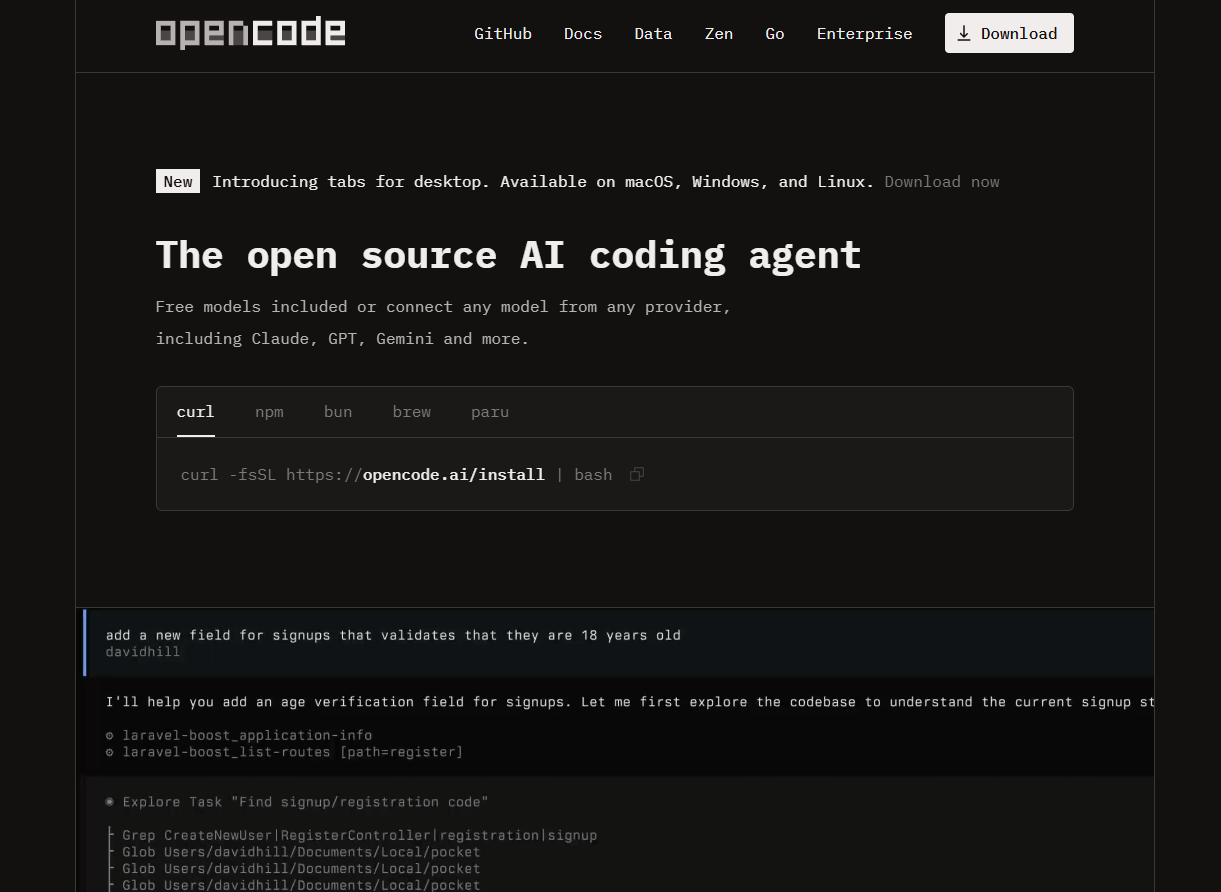
- Installation : Run `curl -fsSL https://opencode.ai/install | bash` to install OpenCode, or install it via tools such as npm or Homebrew.
- To start : Type “opencode” in the terminal to start the program.
- Configure the model : On the first launch, select the built-in free model or connect to an external model (such as OpenAI) via the /connect command.
- Initialize the project : After entering the project directory, run opencode init to generate the project configuration file.
- Usage : Simply enter your requirements in the terminal (e.g., “Add user authentication function”), and press the Tab key to switch between Build mode and Plan mode.
- Advanced features : Enter/execute commands (such as /review, /undo), or enter @ to reference files in the project.
- IDE usage
- Install the plugin : Search for and install the OpenCode plugin in IDEs such as VS Code.
- To start : After opening the project, type opencode in the IDE’s terminal to start.
- Configure the model : Enter /connect, paste the API Key to connect to an external model, or use the built-in model directly.
- Usage : Enter your requirements in the IDE terminal, such as “optimize code performance,” and view the AI’s suggestions.
- Advanced features : Enter/execute commands, or reference files via @, to manage code changes directly within the IDE.
- Desktop use
- Installation : Download and install the desktop application from the OpenCode website.
- Launch : Open the desktop application and select the project to load.
- Configure the model : Select the built-in free model or connect an external model in the application interface.
- Usage : Enter your requirements in the dialog box, such as “Generate code for new features”, and view the AI’s output.
- Advanced features : Input/execute commands, reference files via @, or upload images to assist in development.
OpenCode’s official website address
- Official website : https://opencode.ai/
- GitHub repository : https://github.com/anomalyco/opencode/
OpenCode’s product pricing
OpenCode uses a pay-as-you-go model, with costs calculated based on the number of tokens used for model inputs, outputs, and cache read/write operations.
- Free models : Big Pickle, Grok Code Fast 1 , MiniMax M2.1 , GLM-4.7 , GPT 5 Nano
- Paid Model
- GLM-4.6V : Input $0.60/million tokens, output $2.20/million tokens, cache read $0.10/million tokens.
- Kimi K2 : Input $0.40/million tokens, output $2.50/million tokens.
- Qwen3 Coder 480B : Input $0.45/million tokens, output $1.50/million tokens.
- Claude Sonnet 4.5 (≤ 200K tokens): Input $3.00/million tokens, Output $15.00/million tokens, Cache read $0.30/million tokens, Cache write $3.75/million tokens.
- Gemini 3 Pro (≤ 200K tokens): Input $2.00/million tokens, Output $12.00/million tokens, Cache read $0.20/million tokens.
- GPT 5.2 : Input $1.75/million tokens, output $14.00/million tokens.
- GPT 5.1 Codex : Input $1.07/million tokens, Output $8.50/million tokens.
- GPT 5.1 Codex Mini : Input $0.25/million tokens, Output $2.00/million tokens.
The difference between OpenCode and Claude Code
-
Open source : OpenCode is 100% open source, and users are free to view, modify and distribute the code. This openness provides ample space for community participation and customization.
-
Provider independence : OpenCode does not depend on any specific model provider and can be flexibly used with Claude, OpenAI, Google or local models, providing users with more choices and flexibility for future development.
-
Out-of-the-box LSP support : OpenCode has built-in Language Server Protocol (LSP) support, allowing users to obtain intelligent code completion, syntax checking and other functions without additional configuration, greatly improving development efficiency.
-
Terminal User Interface (TUI) Focus : OpenCode was created by terminal development enthusiasts and focuses on providing the ultimate terminal user interface experience, offering an efficient and personalized development environment for developers who like to use terminals.
-
Client/Server Architecture : OpenCode adopts a client/server architecture, which supports running locally and being controlled remotely via mobile applications and other clients, providing greater flexibility and convenience for use on multiple devices.
Application scenarios of OpenCode
-
Individual project development : Independent developers can quickly generate code, optimize existing logic, or solve technical problems.
-
Team collaborative development : Team members share sessions, collaborate on feature implementation, and ensure code quality and consistency.
-
Complex project analysis : OpenCode can quickly understand the structure of large codebases, generate feature implementation plans, and avoid the risk of directly modifying the code.
-
Rapid prototyping : Quickly generate working code prototypes based on functional requirements, accelerating the product verification process.
-
Teaching and learning programming : Generating code examples and explanations for students or novice developers to help them learn programming knowledge.
相关导航