




What is Codex?
Codex is an AI programming agent launched by OpenAI , equipped with the GPT-5.5 programming specialization model, comparable to Claude Code . Codex interacts with developers through a visual graphical interface and uses a two-tier architecture of “folder workspace + thread dialogue thread” to manage projects, avoiding context pollution. Codex supports code writing, complex refactoring, automated operation and maintenance, and scheduled task execution, allowing non-professional users to quickly enter the “Vibe Coding” flow state and achieve end-to-end delivery from requirements to code.
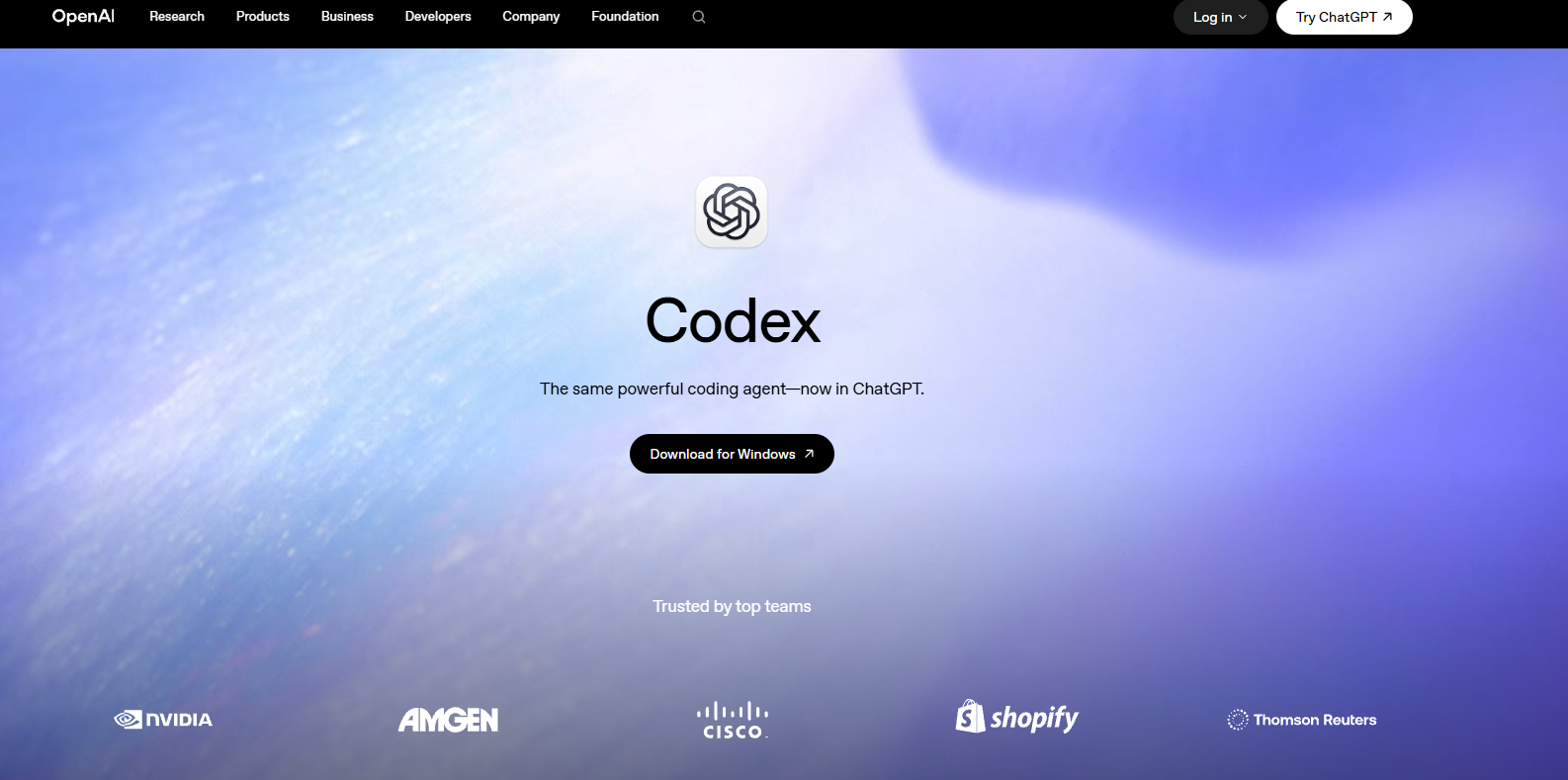
Codex’s main functions
-
Two-tier project management : Folders are used as workspaces to manage project directories, while threads are independent dialogue threads responsible for single tasks, effectively avoiding context pollution.
-
GPT-5.3-codex model : Built-in large programming specialization model, available only for Codex applications, not provided on the ChatGPT main site, optimized for code generation and engineering tasks.
-
Scheduled Tasks (Automations) : Supports configuring periodic automated tasks, such as server inspection, data capture, report generation, etc., to achieve unattended operation and maintenance.
-
Skills : You can install skill packs to enhance your engineering capabilities in specific scenarios, such as front-end design and database migration.
-
Local environment integration : Supports direct connection to local project folders, allowing you to execute code, run commands, and debug programs in an isolated environment.
-
Multi-level access control : Provides local and full access permission options to flexibly manage the AI’s access scope to system resources and code repositories.
- Electronic Pet : Input
/petcan wake up a pixel-style virtual companion that displays AI coding progress in real time and supports customizable appearance. - Codex Chrome extension : Supports AI to directly read and manipulate the user’s logged-in browser, completing tasks such as navigation, clicking, input, and screenshots, with full user control over permissions.
-
Agent Plugins : These pre-configure skill packages for six dedicated roles in enterprises, including sales, data analysis, and creative production. AI employees can directly access 62 applications and 110 skills to complete professional tasks without the need for programming.
-
Annotations : Allow users to select any content generated by Codex for precise editing and interpretation, enabling targeted modifications.
-
Sites : Any content created with Codex can be transformed into a secure and shareable interactive website or application prototype with a single click, facilitating team reviews and business dashboard presentations.
How to use Codex
- Download the Codex application : Visit the Codex website https://openai.com/codex/, download the installation package, and log in using your ChatGPT account after installation.
- Connecting to a code repository : On your first visit, you can choose “Connect to GitHub” to directly link to a remote repository, or “Add a local project” to import the project folder on your computer as your workspace. Codex will automatically index the code structure.
- Creating a task thread : Click “New thread” in the Threads panel on the left to create a new dialogue thread. Each thread corresponds to an independent development task. It is recommended to follow the principle of “one thread does only one thing” to avoid cross-contamination of contexts.
- Initiate an engineering task : Describe your requirements in natural language in the input box, such as “Fix the routing bug on the login page” or “Add unit tests to the order module.” Codex will automatically analyze the code, plan the steps, execute the modifications, and display the differences.
- Review and merge : After the task is completed, Codex will summarize all file changes (e.g., +180 -21 lines). Click “Review changes” to review the code line by line. After confirming that there are no errors, you can directly submit to the current branch or issue a Pull Request.
- Configure skill extensions : Go to the “Skills” panel on the left and install team-defined skills or official preset skills (such as front-end design guidelines and document generation templates) to make Codex output directly align with team standards and engineering specifications.
- Set up automated tasks : Configure timed rules in the “Automations” panel, such as “check server logs and generate inspection reports every morning” or “automatically classify newly submitted issues” to achieve unattended background operation.
- Multi-environment collaboration : In addition to desktop applications, you can install the Codex plugin in editors such as VS Code, or use the Codex CLI in the terminal to achieve cross-environment task synchronization and unified permission management through the same ChatGPT account.
Key information and usage requirements for Codex
- Project architecture : It must adopt a two-layer management of “folder workspace + Thread conversation thread”, with each thread only advancing a single specific task.
- Access control : Provides multiple levels of permissions such as Local and Full access. The scope of AI access to system resources should be configured reasonably according to the task risk.
- Environment isolation : Built-in cloud sandbox execution environment ensures code execution security and isolation from the local system.
- Scheduled tasks : The Automations feature supports configuring periodic background tasks to achieve unattended automated operation and maintenance.
- Skills Extension : The Skills feature supports the installation of custom skill packs, enabling output to be directly aligned with team engineering specifications and code standards.
Codex’s core advantages
- End-to-end engineering support : covering the entire process of tasks, from regular pull requests to core architectural challenges, including feature development, complex refactoring, and code migration.
- Multi-agent parallelism : Relying on the built-in working tree and cloud environment, it supports multiple agents to collaborate in parallel across projects, compressing the traditional development cycle of several weeks to several days.
- Team standard adaptation : Through the Skills feature, you can directly participate in code understanding, prototype building and documentation writing to ensure that the output is consistent with the team’s engineering standards.
- Background automation : It can run automatically without manual prompts, handling critical daily operation and maintenance tasks such as issue routing, monitoring and alarms, and CI/CD.
- Quality Assurance : We enhance engineering standards through rigorous design, comprehensive testing, and high-quality code review, mitigating risks at the source and ensuring robust delivery.
- Unified across multiple environments : Supports multiple entry points including desktop applications, editor plugins, and terminal CLI, enabling unified cross-environment connectivity through the same ChatGPT account.
- Visual Experience : It provides a graphical interface as the command center for intelligent body coding, which greatly reduces the threshold for non-professional developers compared to pure command line tools.
Codex’s Competitive Comparison
| Comparison Dimensions | OpenAI Codex | Claude Code (Anthropic) | Cursor (Anysphere) |
|---|---|---|---|
| Product Positioning | AI-programmed intelligent agents, end-to-end engineering delivery | Command-line AI Programming Agent | AI-native integrated development environment |
| Interactive interface | Visual desktop application + CLI + IDE plugin | Pure terminal TUI interface | Fully graphical IDE interface |
| Core Model | GPT-5.3-codex (Programming Specialization) | Claude Opus 4.6 / Sonnet | GPT-4o / Claude / Self-developed model |
| Execution mode | Multiple agents running in parallel, supporting automated background operation. | Single-session step-by-step command execution | Real-time code completion + Agent mode |
| project management | Folder workspace + Thread double isolation | Directory-based session management | Workspace-based file tree management |
| Automation capabilities | Built-in Automations scheduled task panel | It has no built-in timer function and requires an external script to trigger it. | It has no built-in timer function and requires external tools. |
| Platform support | The Mac app is now available, and the Windows app is coming soon. | Cross-platform CLI (Mac/Win/Linux) | Mac / Windows / Linux All Platforms |
| Usage cost | Plus/Pro credit limit doubled, basic features available in the free version. | Opus 4.6 Fast mode costs $150/MTok, which is extremely expensive. | Subscription fee of $20/month, tiered pricing based on features. |
| Context Management | Thread-level isolation effectively prevents cross-task pollution. | Sharing context within a session makes long texts prone to compression. | File-level context control allows for manual addition of dependencies. |
| Target audience | From non-professional developers to corporate engineering teams | Professional backend developers who are accustomed to command lines | Full-stack developers and heavy IDE users |
Codex application scenarios
- Automated code writing and debugging : Codex can generate complete functional code, fix bugs, automatically run tests, and submit code based on natural language descriptions, significantly improving development efficiency. For example, developers can automatically generate CRUD operations, API interfaces, or user authentication systems using commands.
- Intelligent codebase analysis and refactoring : Helps developers quickly understand the structure of complex codebases, identify potential problems, and provide refactoring suggestions (such as performance optimization, code migration, or design pattern improvement). Supports
AGENTS.mdcustom analysis rules via configuration files (e.g.). - Improved test coverage and quality assurance : Codex automatically generates test cases, executes tests, and fixes failed cases, ensuring code quality. Internal OpenAI usage data shows that Codex significantly improves test coverage and debugging efficiency.
- Exploratory Design and Technology Selection : During the solution design phase, Codex can provide multiple implementation approaches (such as event-driven vs. request/response patterns), analyze the advantages and disadvantages of different solutions, and assist in technology decisions.
- Educational and Learning Assistance : As a programming teaching tool, it provides learners with real-time code examples and feedback, lowering the barrier to entry for programming. Non-technical users can also complete simple automated tasks through natural language commands.
相关导航






ai-navhub:The official website of the AI Toolset includes hundreds of AI tools from both domestic and international sources, as well as commonly used websites, frameworks, and models for AI learning and development, helping you join the wave of artificial intelligence and complete tasks efficiently and automatically!