




AI Design Tools
Color Wheel
What is a Color Wheel?
Color Wheel is an AI-powered color matching tool that automatically generates color schemes for graphic artworks such as logos, illustrations, and wireframes. Users simply upload their design files, and the tool provides thousands of unique color variations based on classic and modern art styles. The tool supports grayscale and flat design, and users can adjust the color wheel to achieve various color schemes, including analogous and complementary colors. Uploaded designs can be saved in a browser without registration.
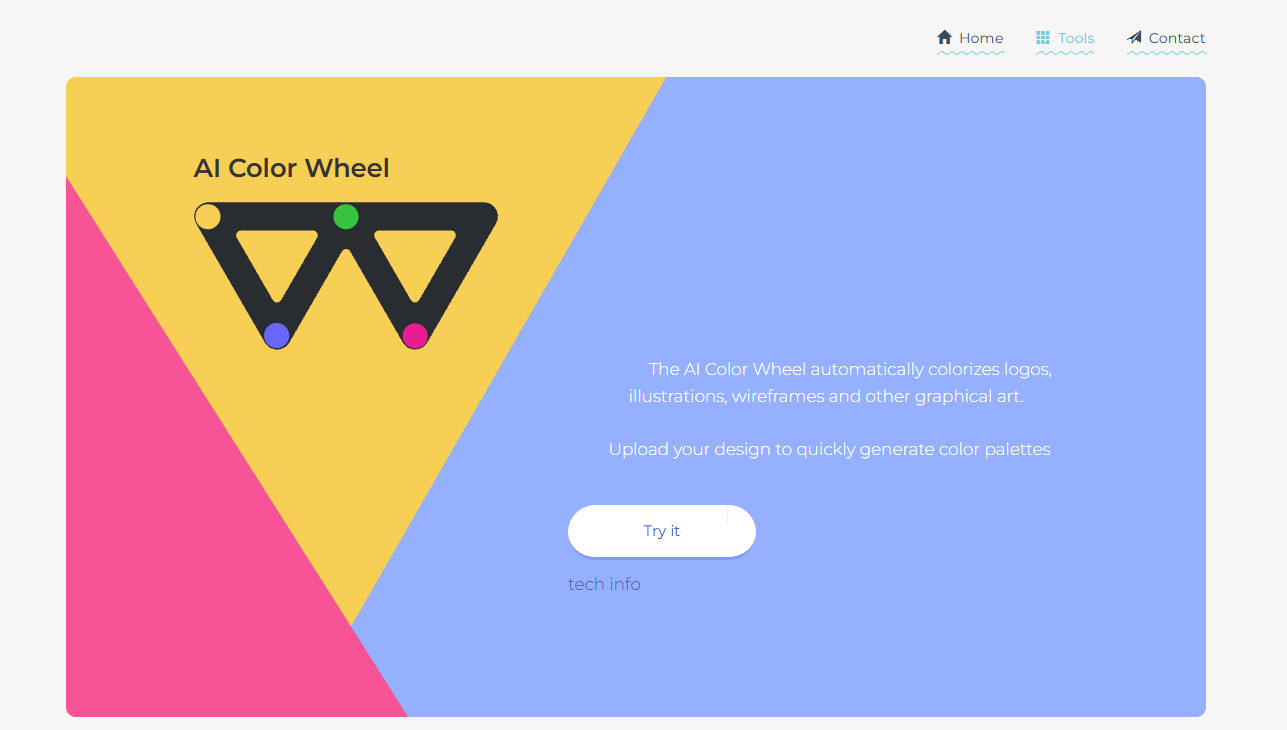
The main function of the Color Wheel
-
Automatic color matching : Quickly generate color schemes for uploaded design files (such as logos, illustrations, wireframes, etc.).
-
Multiple color schemes : Supports multiple color schemes such as analogous colors and complementary colors, and users can select a suitable color scheme by adjusting the color wheel.
-
Instant Inspiration : Offers thousands of unique color scheme variations to help users quickly find their ideal color scheme style.
-
Grayscale design support : Users can first design in grayscale and then quickly apply color schemes using the tool, making it easy to make flexible adjustments.
-
Flat design optimization : Suitable for flat designs (less than 10 colors), allowing for better application of color schemes.
How to use Color Wheel
-
Access the tools page : Visit the Color Wheel official website https://brandmark.io/color-wheel/.
-
Prepare design files : Ensure the design is grayscale or flat, and prepare supported image format files.
-
Upload design files : Click the “Upload” button on the page, select and upload the design files.
-
Choose a color scheme : Select a color scheme by adjusting the color wheel or by choosing a preset style (such as analogous colors, complementary colors, etc.).
-
View and adjust color scheme effects : View the coloring effect in real time and further optimize it by adjusting the color wheel or color parameters.
-
Save and Export : Save the generated color scheme to your browser, or export it as an image or color code.
Application scenarios of Color Wheel
-
Logo Design : Quickly generate multiple color schemes for brand logos, helping designers find the color combinations that best suit the brand style.
-
Illustration creation : Quickly color illustrations, providing rich color inspiration and saving time on manual color matching.
-
Interface design : Generate harmonious color schemes for web page or application interfaces to enhance visual appeal.
-
Graphic Design : Provides instant color scheme suggestions for graphic design projects such as posters and brochures, optimizing the overall visual effect.
-
Product design : Provide color scheme references for product packaging or industrial design to ensure that the design is consistent with the brand image.
相关导航




ai-navhub:The official website of the AI Toolset includes hundreds of AI tools from both domestic and international sources, as well as commonly used websites, frameworks, and models for AI learning and development, helping you join the wave of artificial intelligence and complete tasks efficiently and automatically!